Attach the Debugger to a Running Go Processes

Attach a debugger to a running process in your IDE, whether local, remote, or in Docker.

You can debug an application that you launched from the command line. In this case, the application runs outside the IDE but on the same local machine. To debug the application, you need to open the project in the IDE and attach the debugger to the running process.
Related Resources

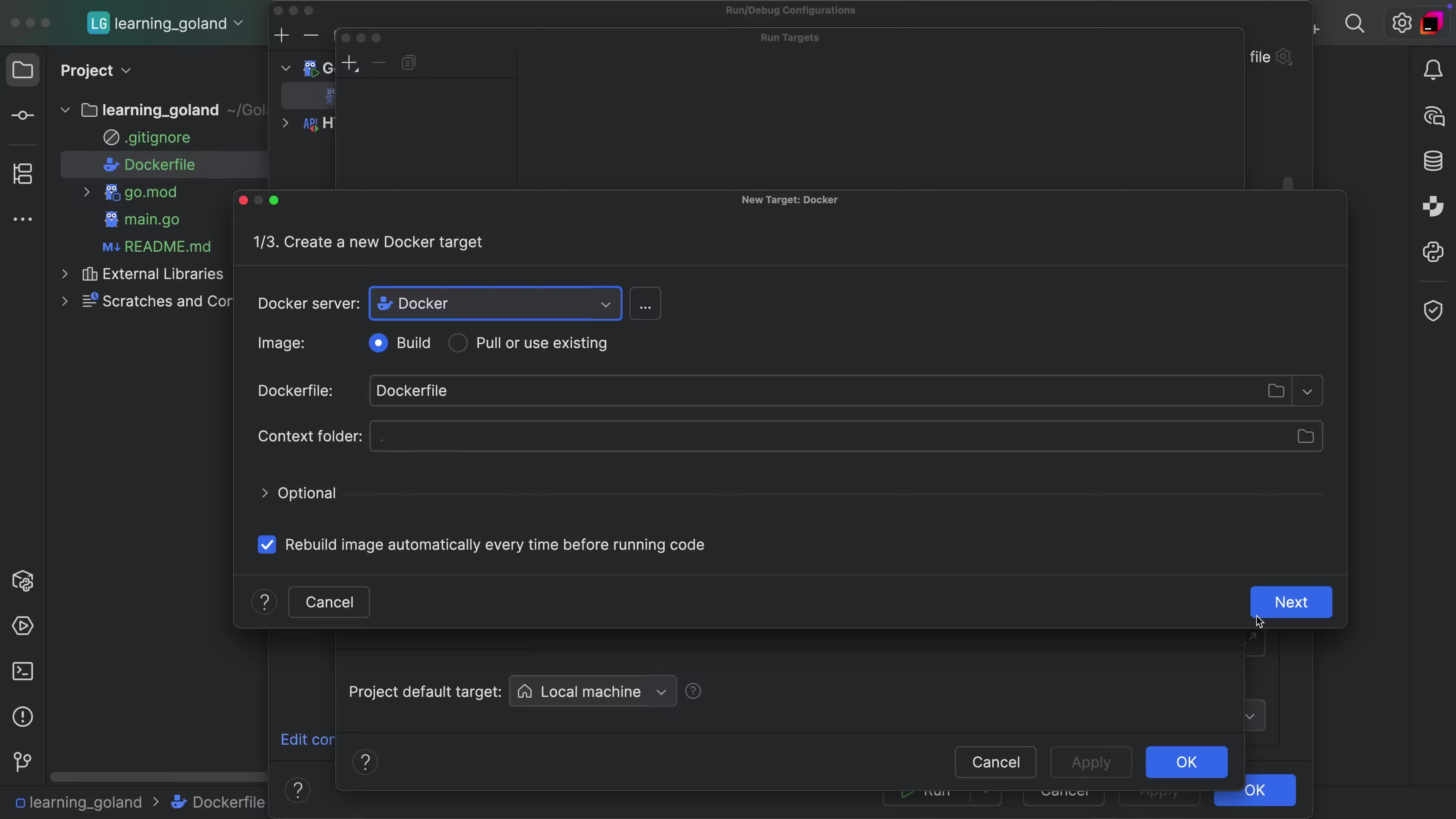
Run Target support via Docker
Run your application or tests in Docker Container with ease.
Stop a Remote Process After Debugging It
Clean-up processes after interacting with them in remote debugging scenarios.
Basic Code Completion
Code completion out-of-the-box that helps you get the job done.