Improve Code Readability and Navigation
Discover how to manage code visibility with code folding in Go
Try a code folding feature to enhance the readability and navigability of your Go code. This feature is especially useful for managing large codebases and focusing on the overall structure of your code.
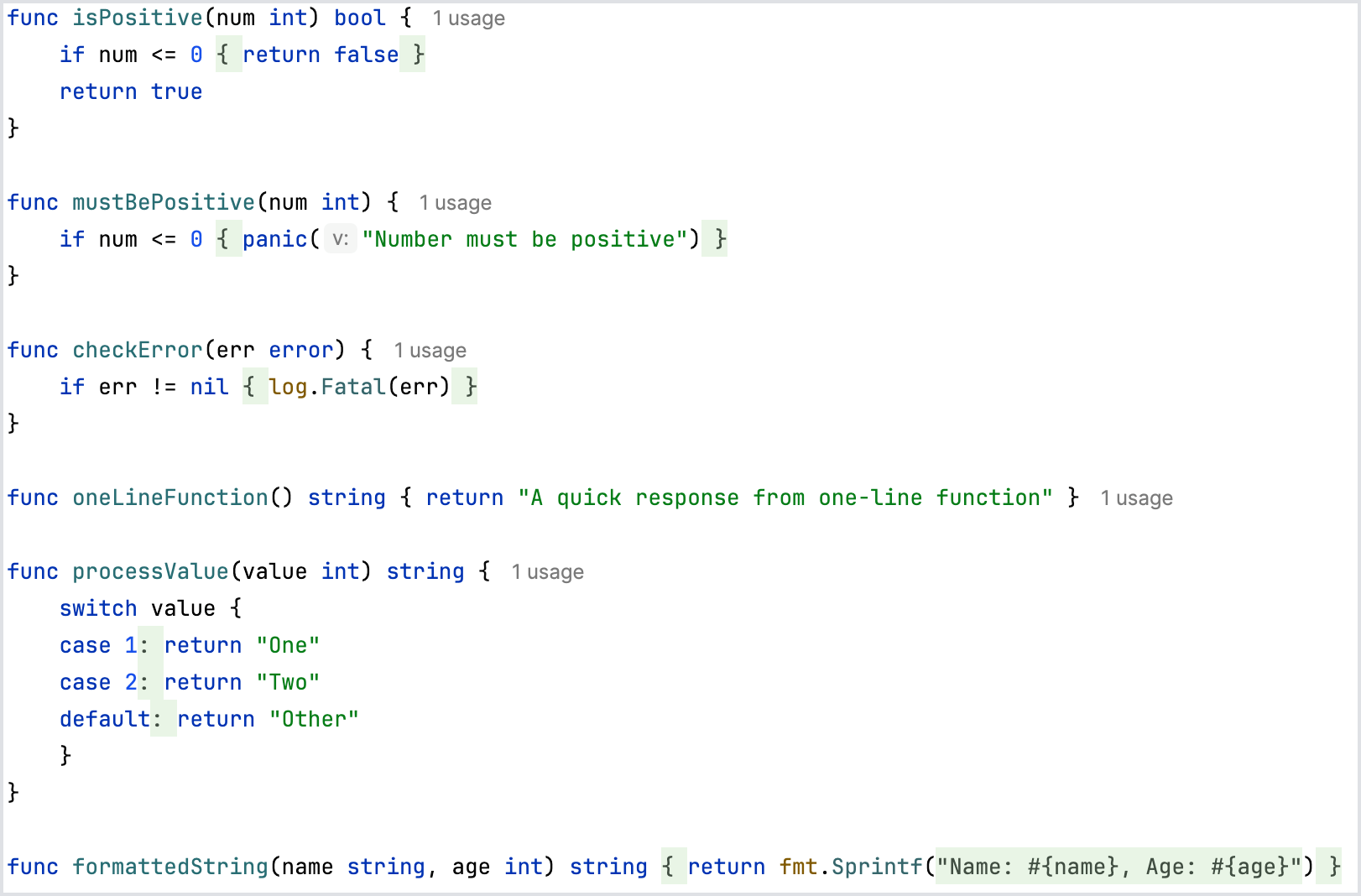
Target Code Blocks for Folding:
- One-line
ifblocks with a singlereturn - One-line
ifblocks with a singlepanic - One-line
ifblocks for error handling - One-line functions with a single
return - One-line
caseclauses - Formatted strings
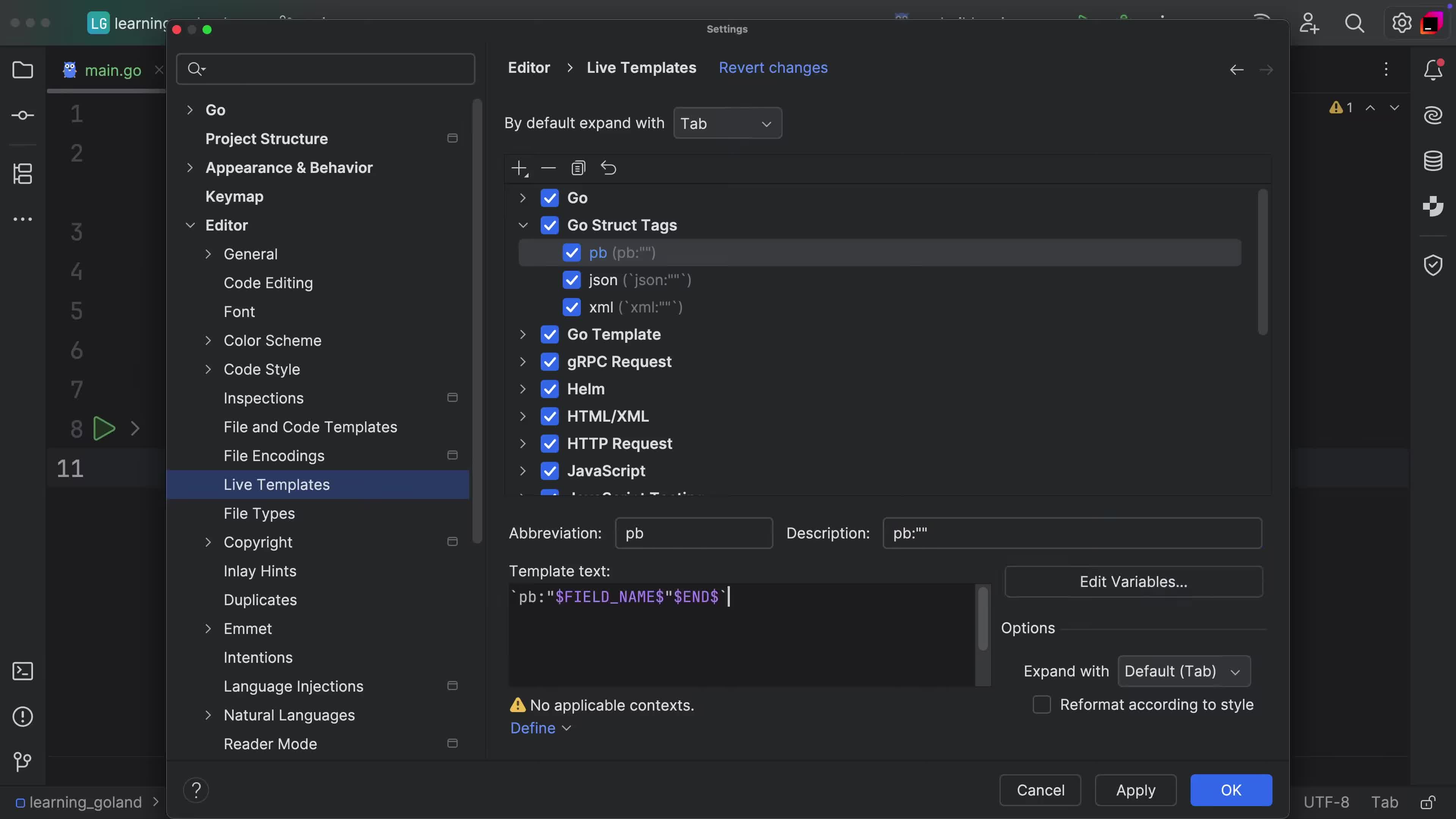
To fold or unfold a code block, simply click on the fold marker next to the line number or use a keyboard shortcut. You can also use ⌘- (macOS) / Ctrl+Minus (Windows/Linux) to fold and ⌘+ (macOS) / Ctrl+Plus (Windows/Linux) to unfold. Hovering over a folded code block will display a tooltip with a preview of the hidden content. This feature can be customized in settings to choose which types of blocks are foldable according to user preference.