The JetBrains Guide is shutting down on March 30, 2026. more...

Create Inspections with Regular Expressions

Use regular expressions to create your own search and replace inspections.
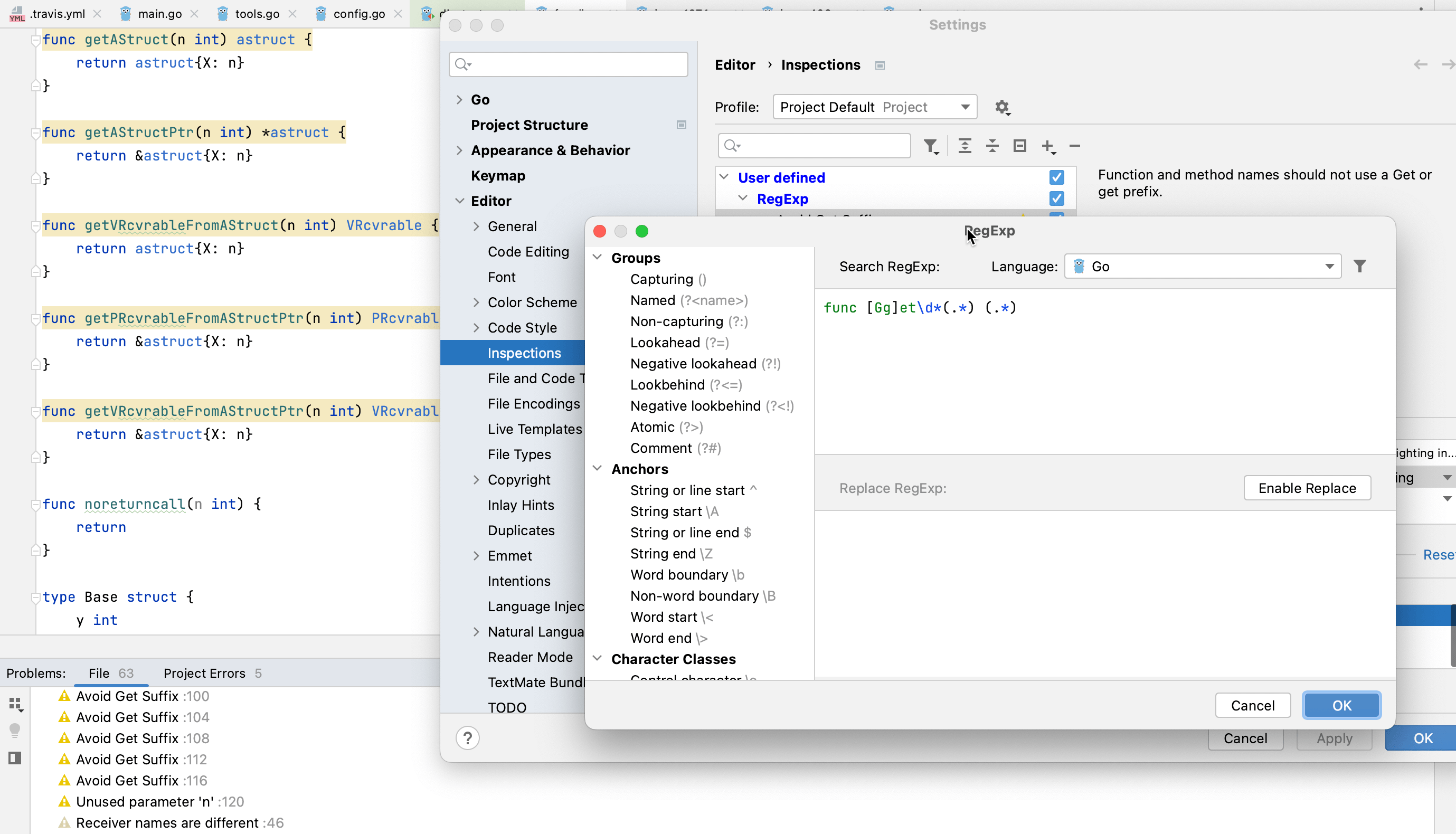
Tip Screenshot

Open settings, go to Editor | Inspections, and press Add. Select Add RegExp Search Inspection… from the list and you will be directed to a dialog where you can set up your new inspection. Select the desired language, use hints from the panel on the left to build a RegExp, and designate the required replacement. You can also specify the severity of how the IDE should highlight found cases in the project.
Related Resources

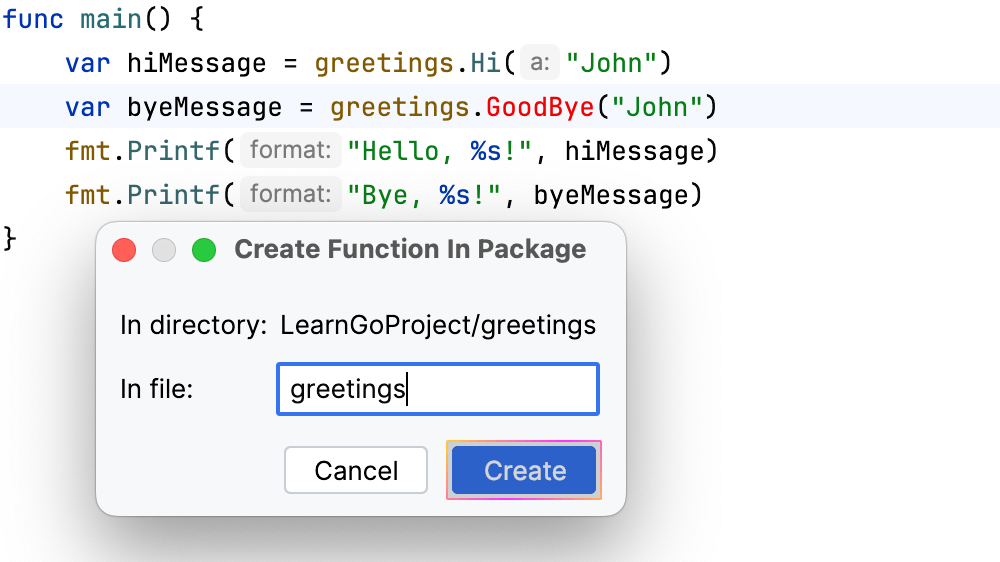
Create a Function in Another Package
Type a non-existing function name and generate its implementation in a package of your choice.
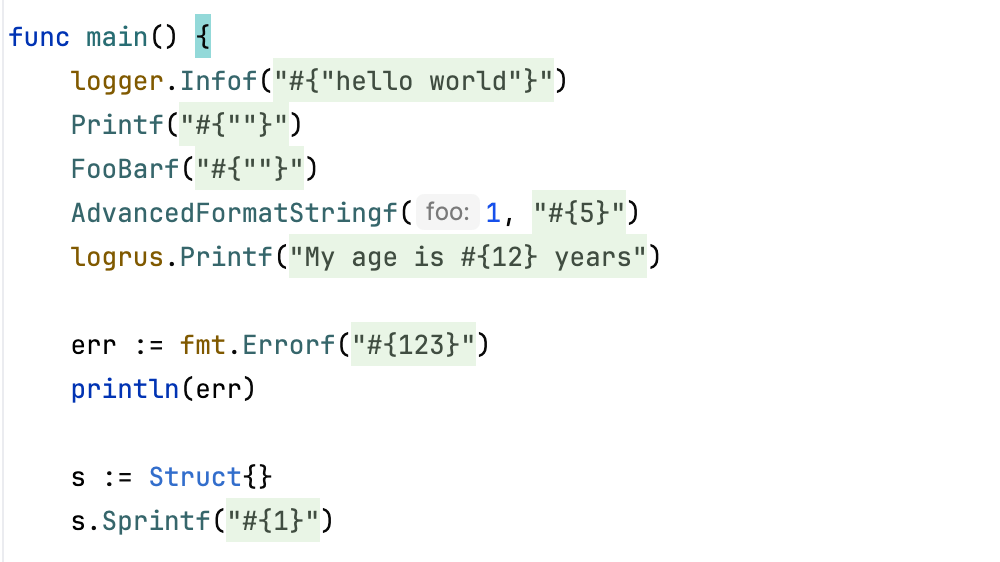
Empower your `Printf`-like functions with coding assistance
Provide hints and highlights for message formats in custom `Printf`-like functions.
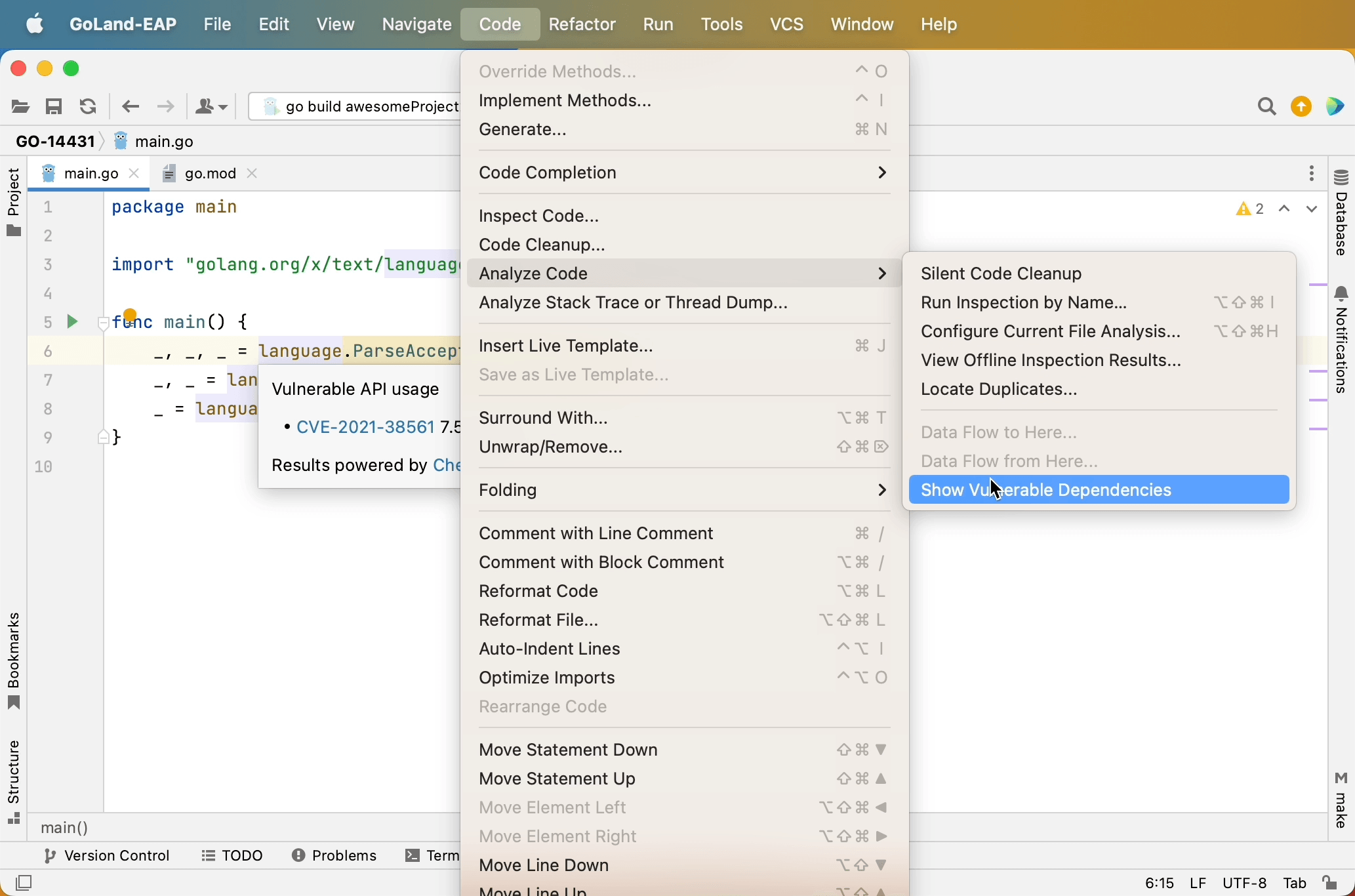
Check for Vulnerabilities
Analyze your codebase and highlight known vulnerabilities in go.mod