Quick Documentation
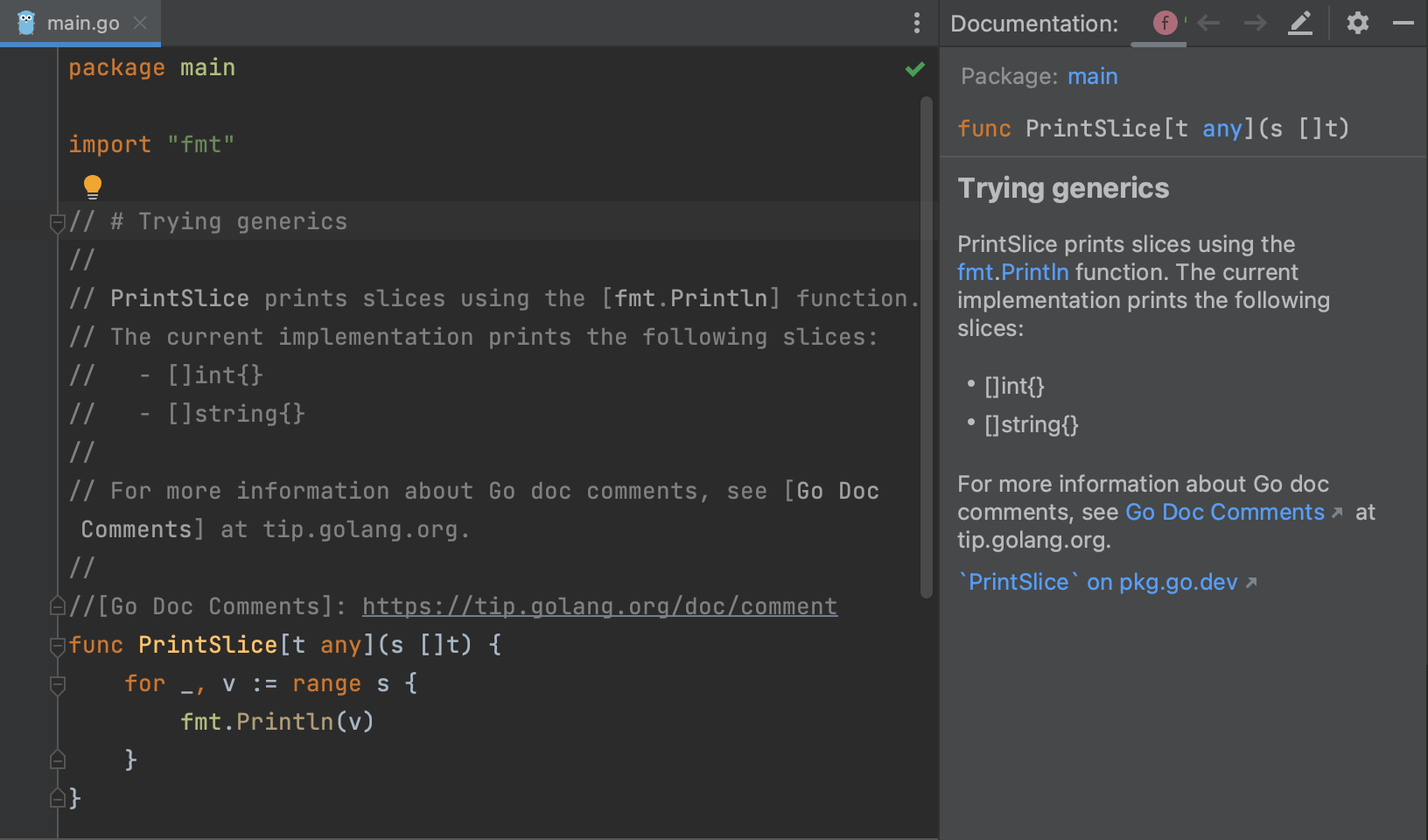
View arguments and documentation without interrupting your flow.
Want to learn what a symbol is about without going to a browser?
The IDE knows the symbol, its argument names/types/defaults, the documentation it has. Let it give you a non-interrupting window, letting you get back to work.
Invoke the Quick Documentation feature using F1 (macOS) / Ctrl+Q (Windows/Linux), learn more about the different symbols you're working with.