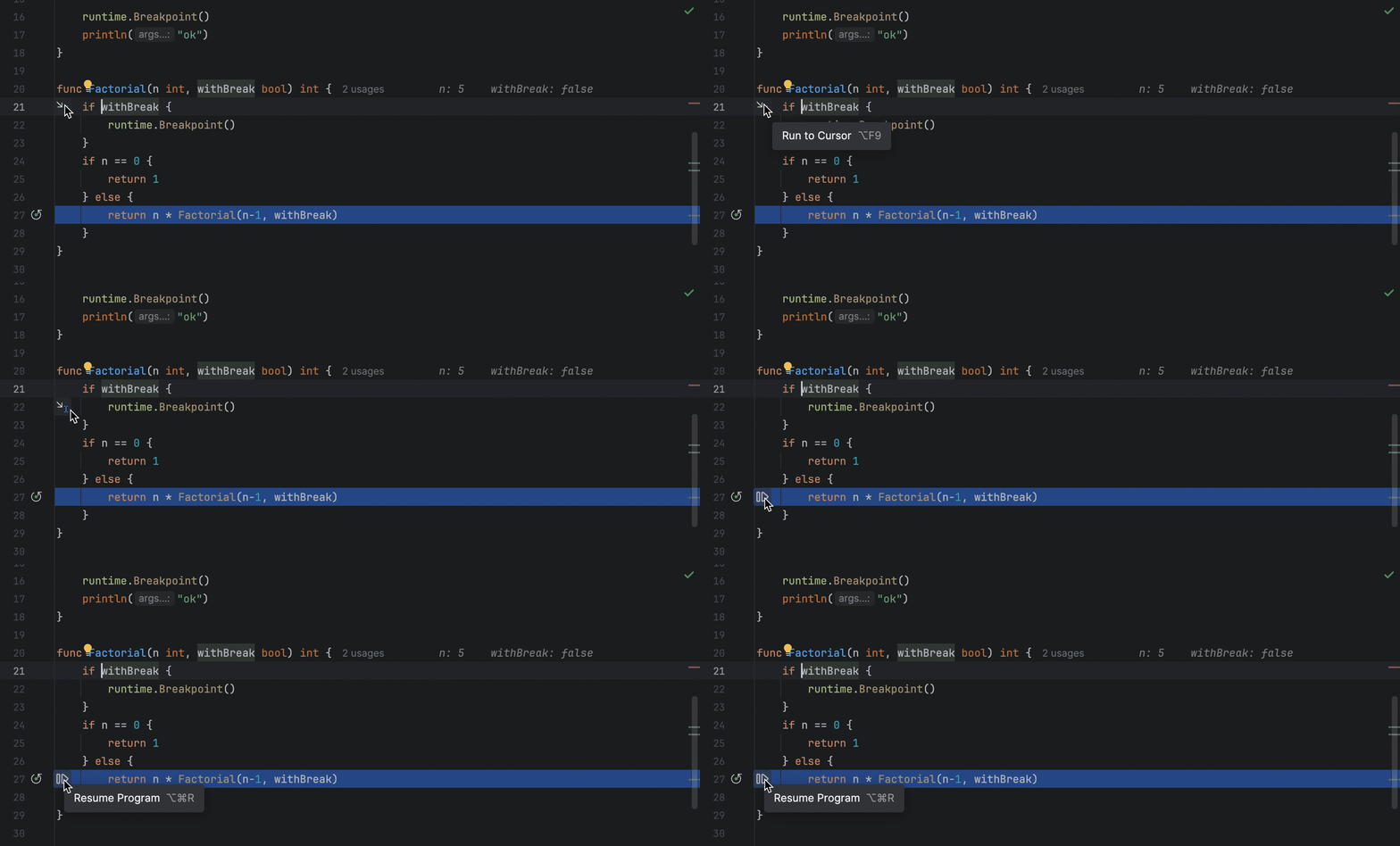
Run to cursor

Continues the execution until the position of the caret is reached.
Tip Screenshot

Instead of stepping through the code line by line after pausing, you might decide that you want the program to continue running until it reaches a specific point in the code where you've placed the cursor. This is where "Run to cursor" (⌥ Opt F9) in macOS or (Alt + F9) in Windows/Linux comes in handy.
Related Resources

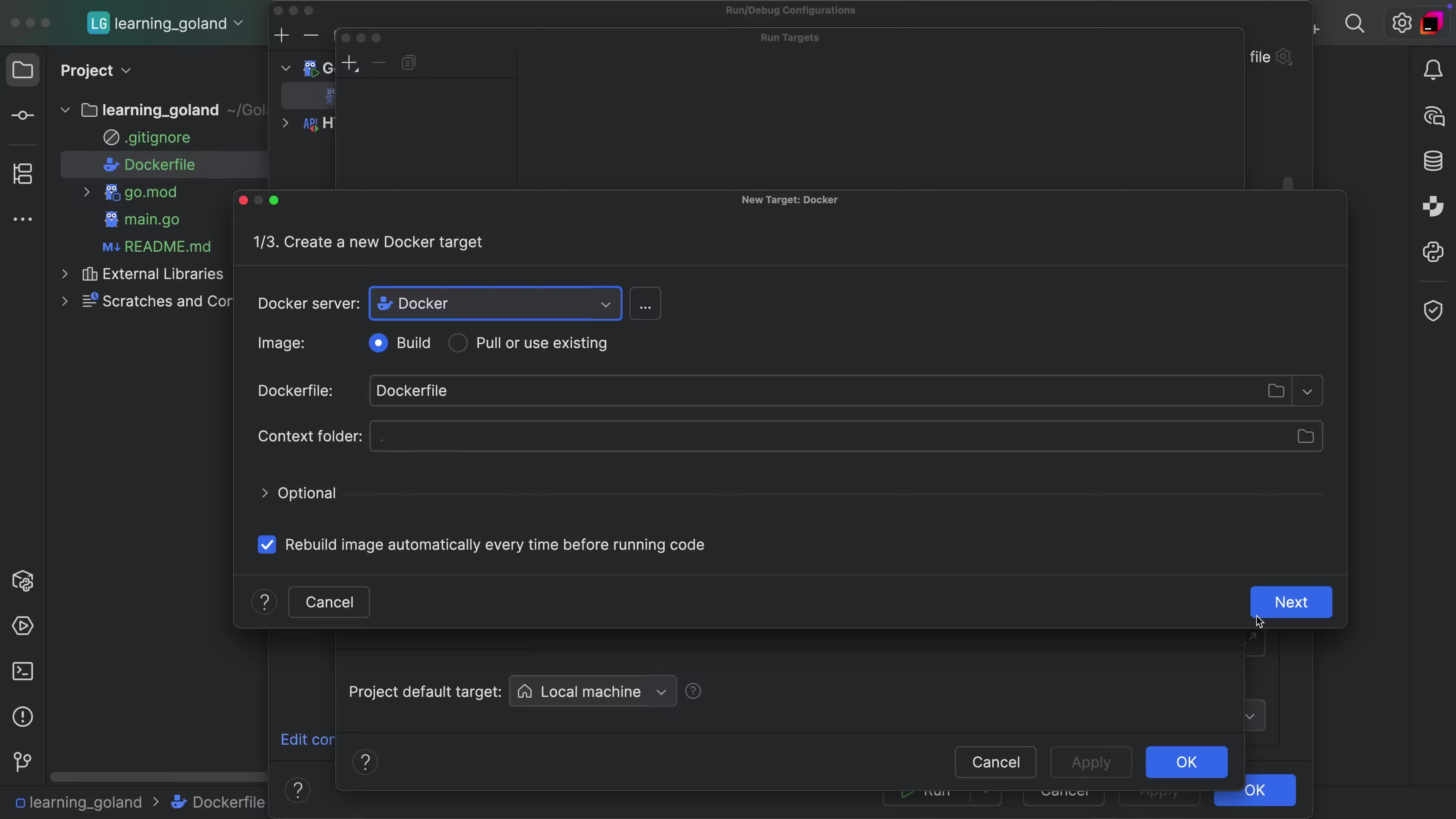
Run Target support via Docker
Run your application or tests in Docker Container with ease.
Stop a Remote Process After Debugging It
Clean-up processes after interacting with them in remote debugging scenarios.
Basic Code Completion
Code completion out-of-the-box that helps you get the job done.