Split Screen Without Tabs

Get your code and tests side-by-side without using tabs.

You can view multiple files at the same time using Split Down and Split Right.

Invoke the Split Down or Split Right via Find Action, ⌘⇧A (macOS) / Ctrl+Shift+A (Windows/Linux), then type the action names you need.
Related Resources

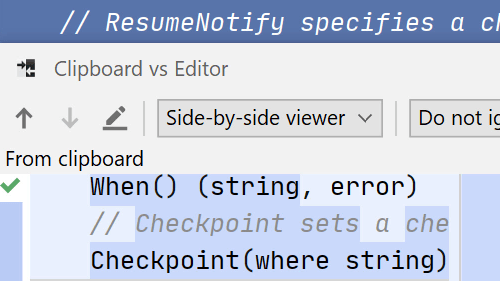
Compare With Clipboard
Compare text, files or directories and even use the clipboard contents.
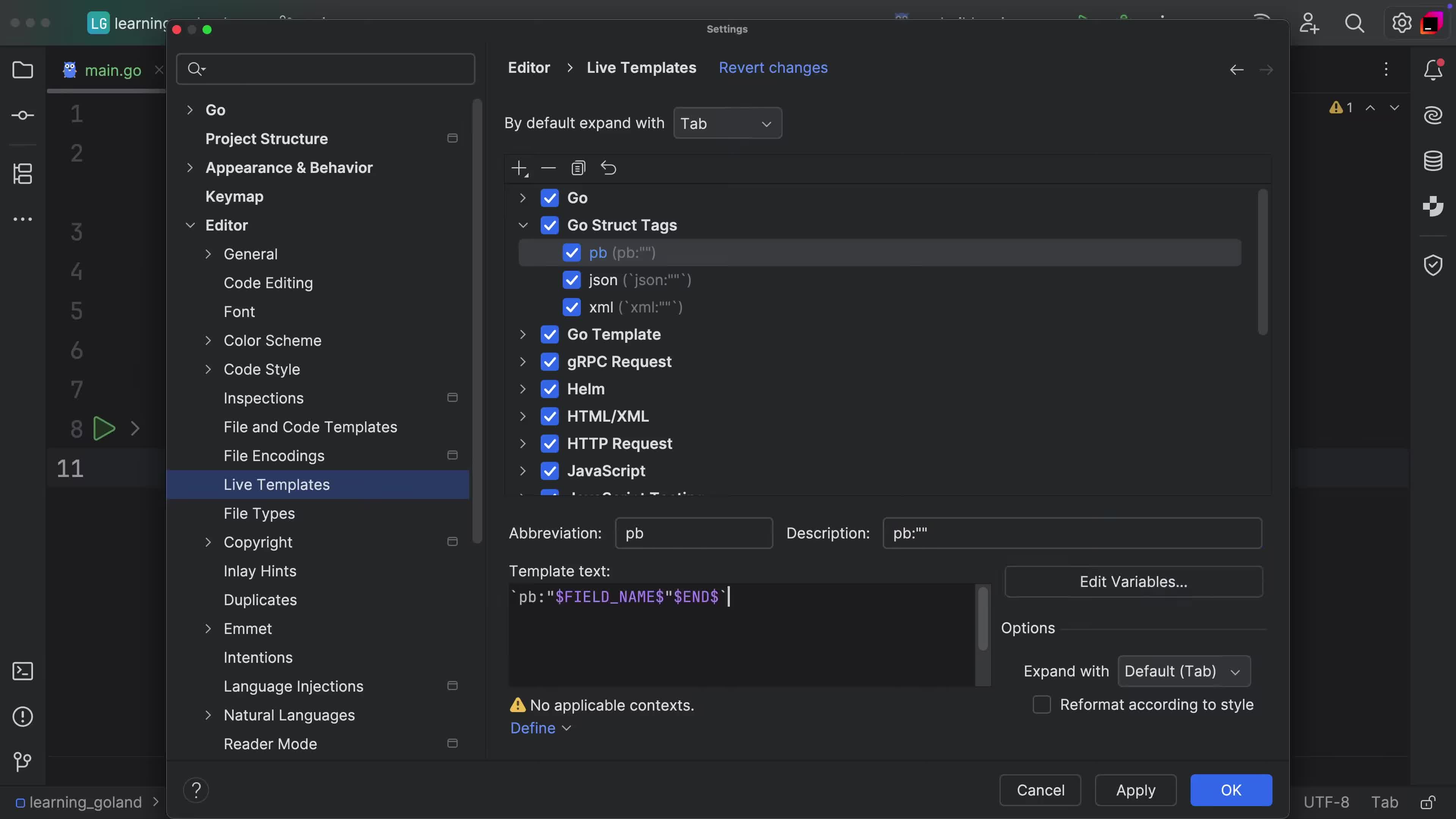
Custom Structure Tags
Add custom tags to any fields from structures.
Speed Typing
Speed Typing
Quickly navigate to or filter any list of items in the IDE