Convert compact source file to class
Convert a compact source file to a class in IntelliJ IDEA.
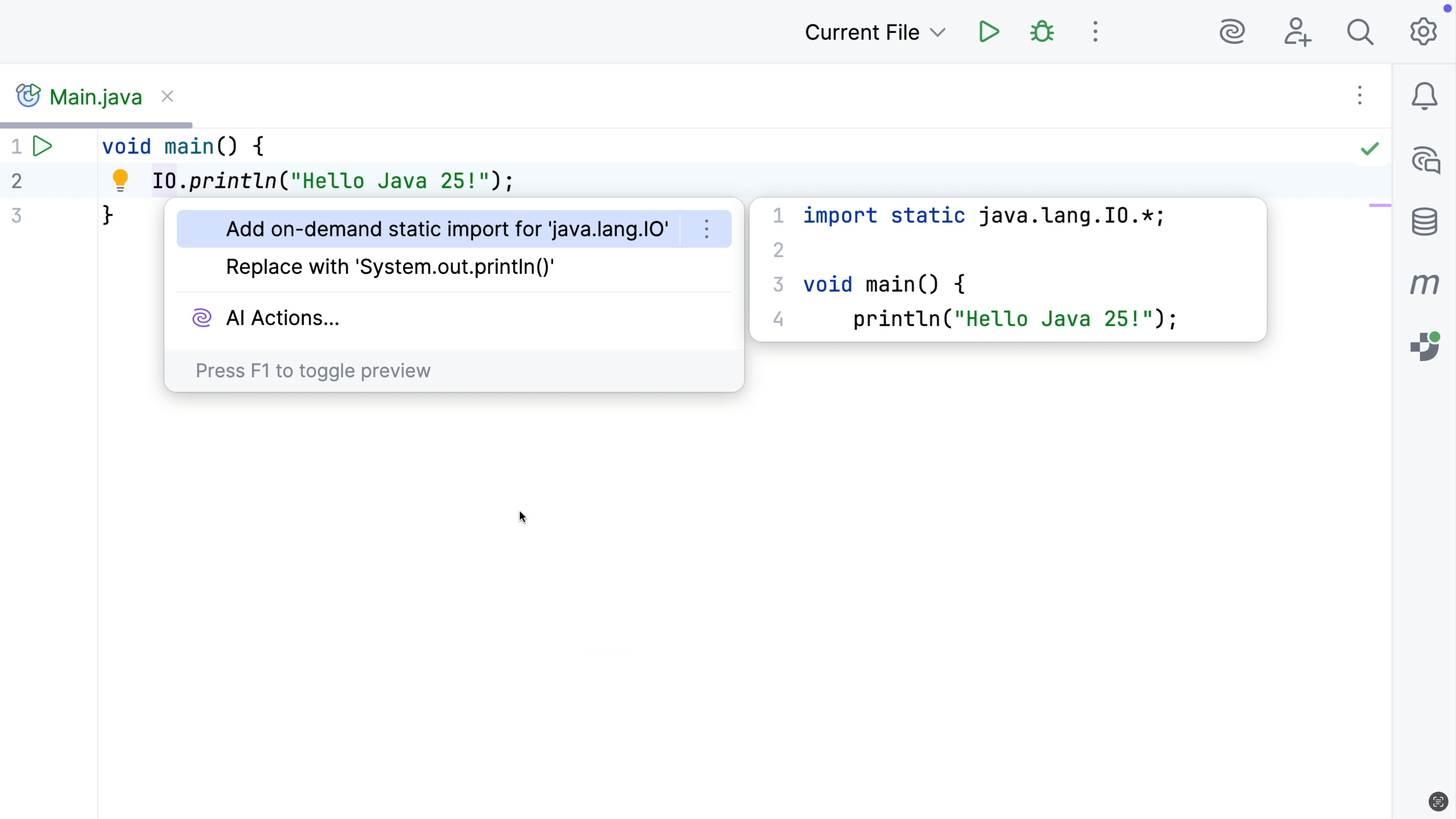
Java 25 introduced the concept of implicit classes or compact source files. We can convert an implicit class to a regular class as needed. Invoke Context Actions by pressing ⌥⏎ (macOS) / Alt+Enter (Windows/Linux) and select Convert an implicitly declared class of a compact source file into a regular class.
The reverse is also possible, should you prefer to use an implicit class at any point. To do so, use the quick-fix Convert into compact source file.