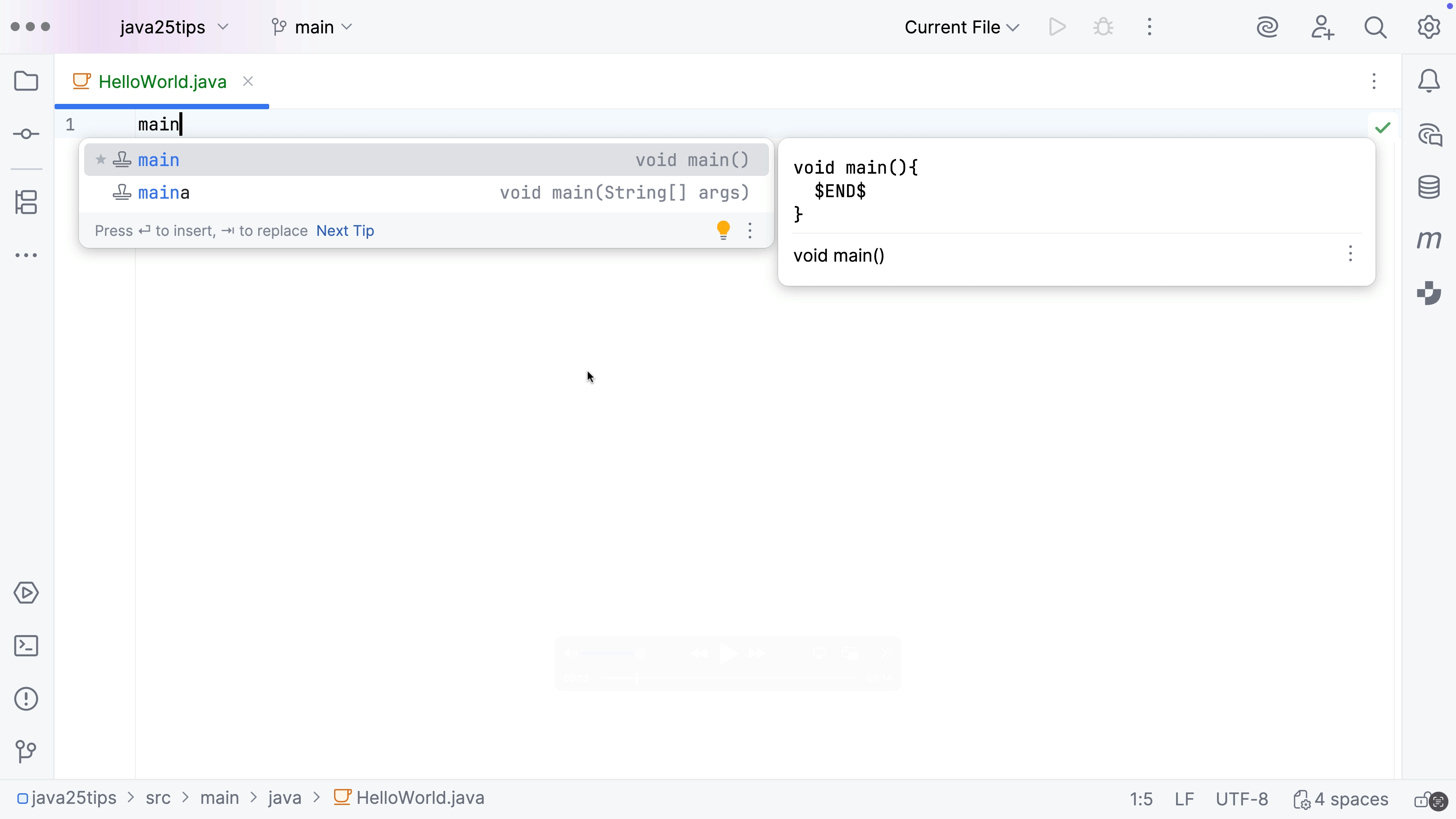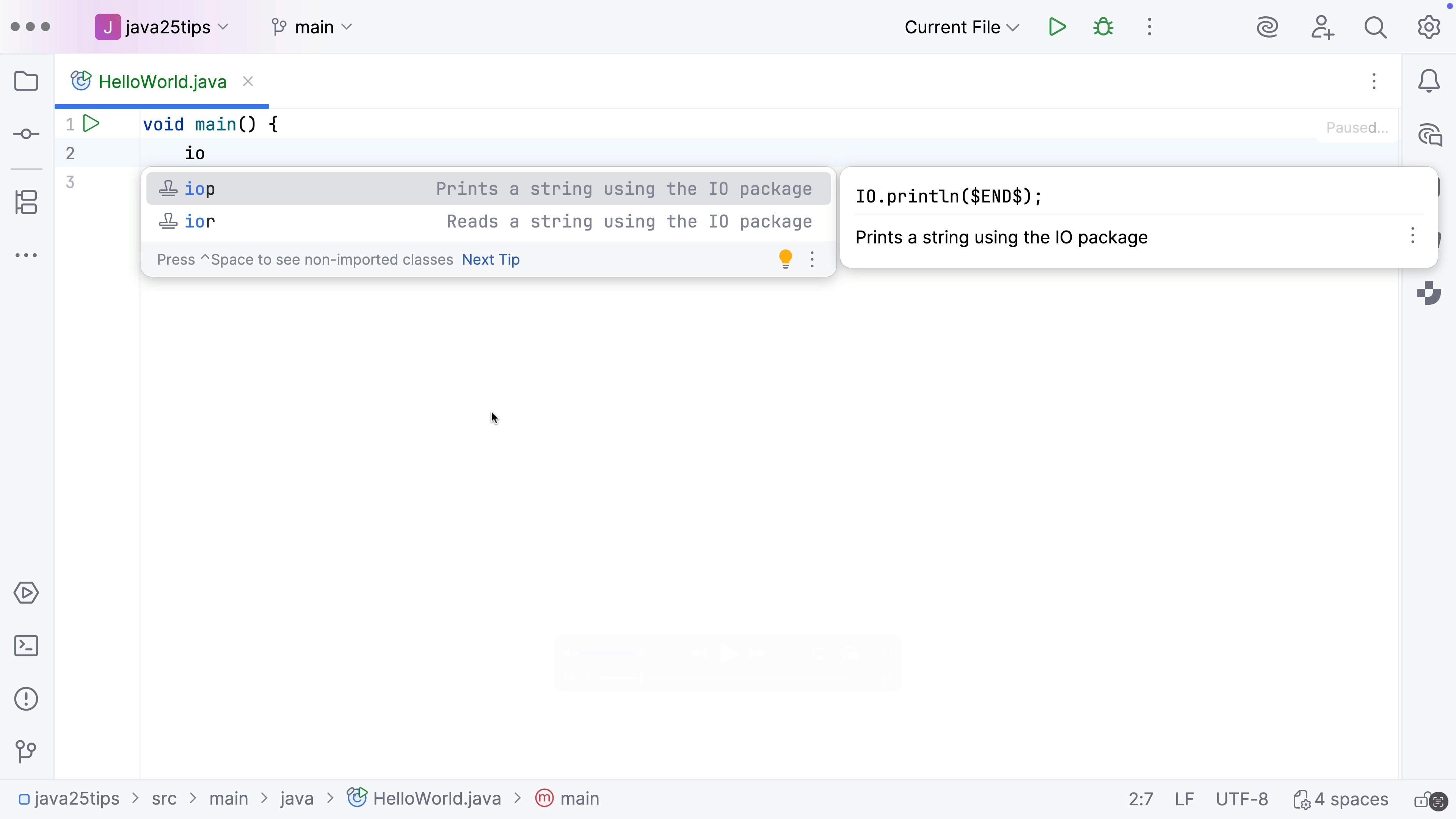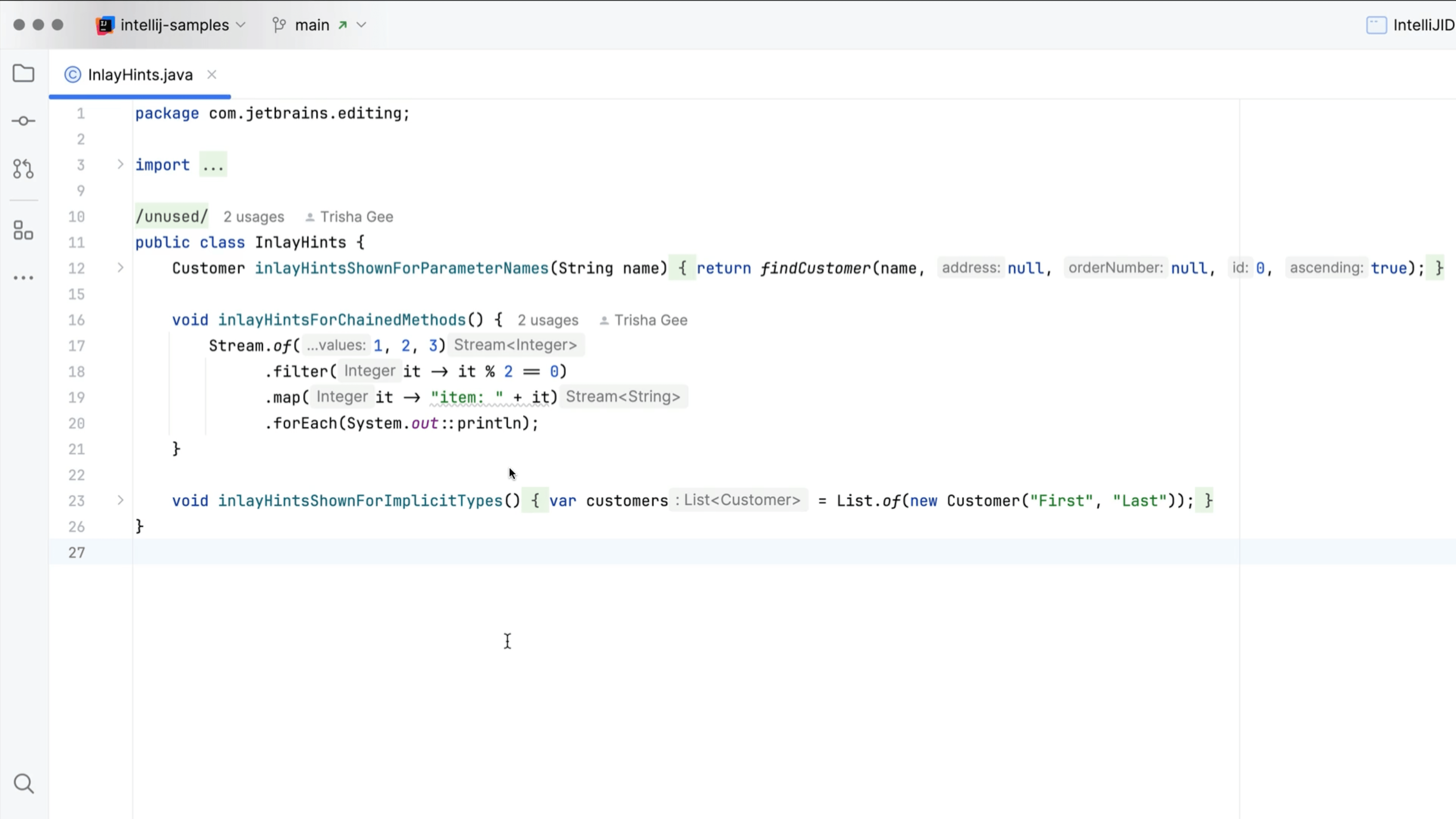
Edit a Document in IntelliJ IDEA LightEdit Mode
Use IntelliJ IDEA’s text editing features without creating or opening a dedicated project.
From your terminal, use idea followed by the name of the file you want to open. If you're using JetBrains Toolbox you can edit your script names by clicking the three vertical dots next to IntelliJ IDEA and selecting Settings | Configuration drop-down. You can change your Shell script name if required.