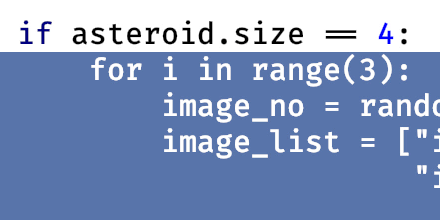
Make and Extend Selection Using Keyboard
Use the keyboard to select blocks of code then extend/shrink the selection.
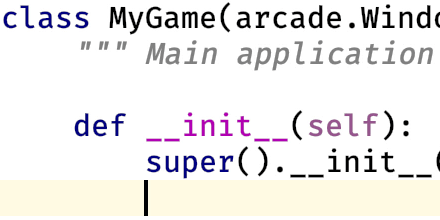
Add Line After/Before
Smart-add a line, from the middle of a line, after or before the current line.
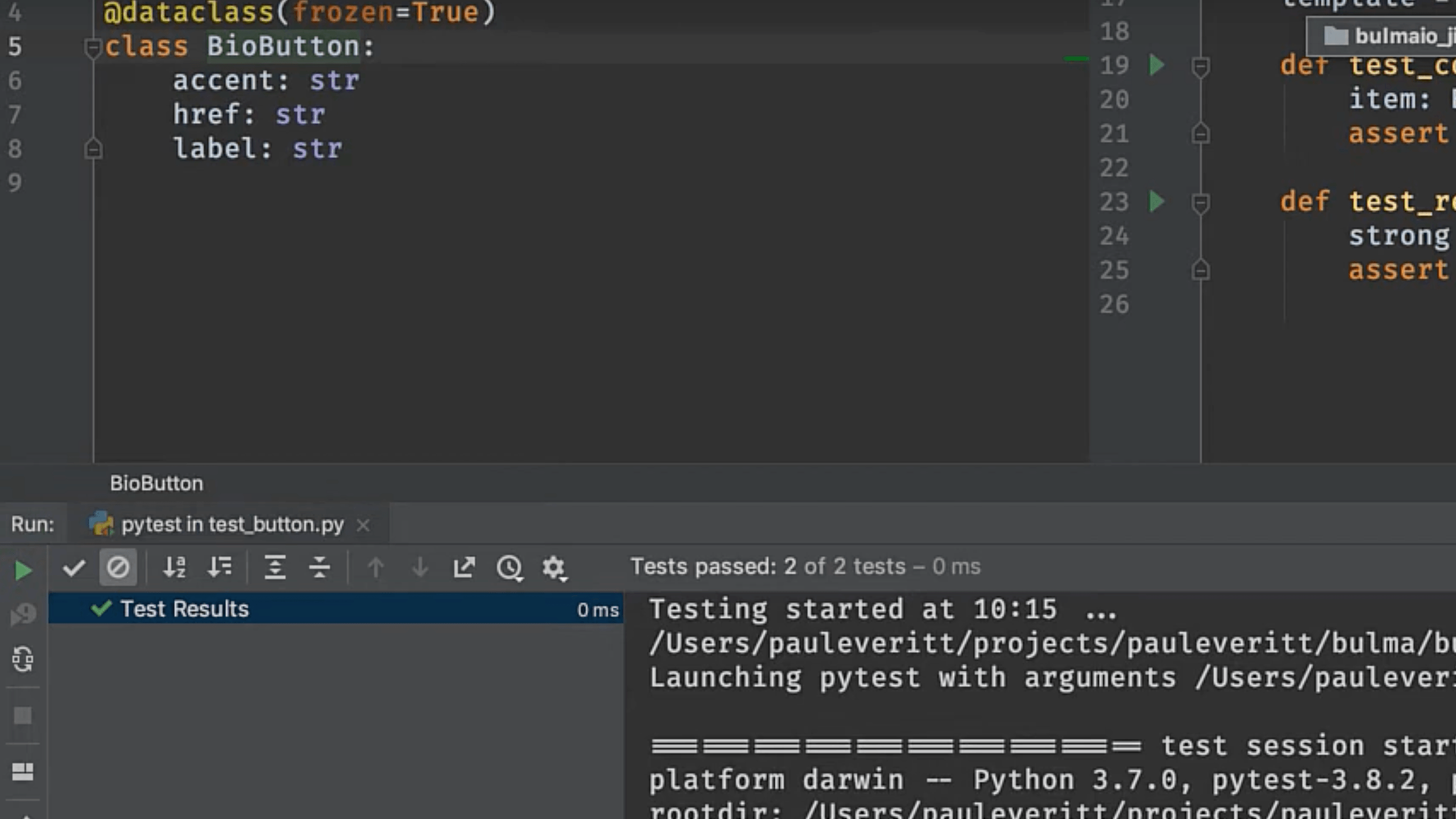
Run Single Test
Speed up testing by focusing on one test.
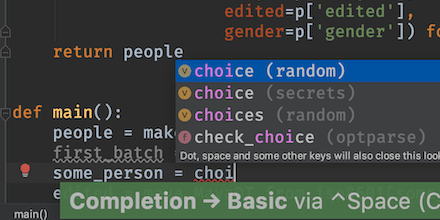
Generate Imports While Typing
Avoid interruption by letting PyCharm generate your imports as you type.
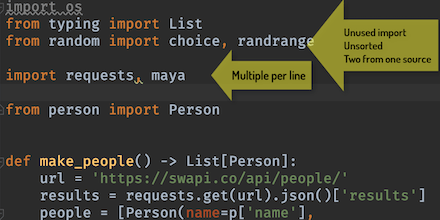
Optimize Imports
Automate the organizing and cleaning up of your Python imports with optimize imports.
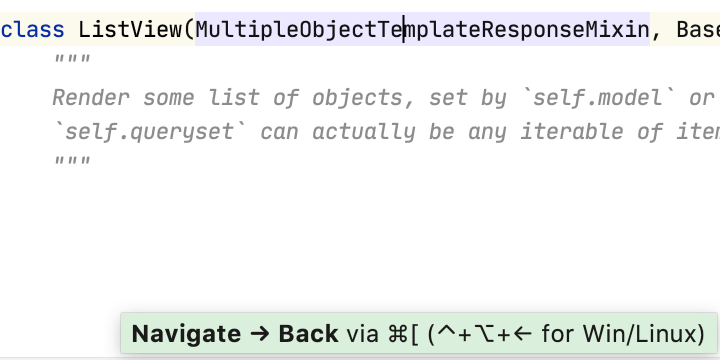
Navigate Cursor Position Back and Forth
Easily navigate back to where you were, or where you went.
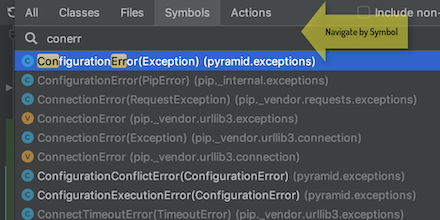
Navigate to Symbol
Navigate your project by code, not files.
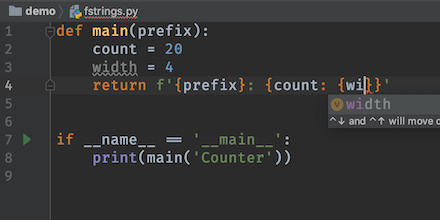
Parsed f-string expressions
Bracket completion and syntax highlighting for f-string evaluated expressions.
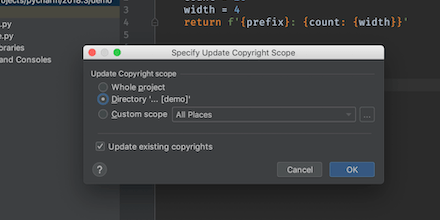
Managing Copyright Policy
Use the copyright tool to manage a copyright statement across project files.
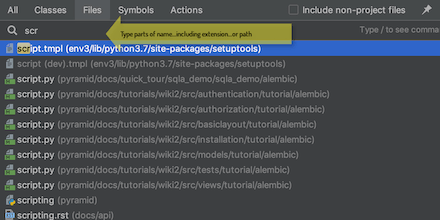
Navigate to File
Jump to a file without using the Project Tool and your mouse.
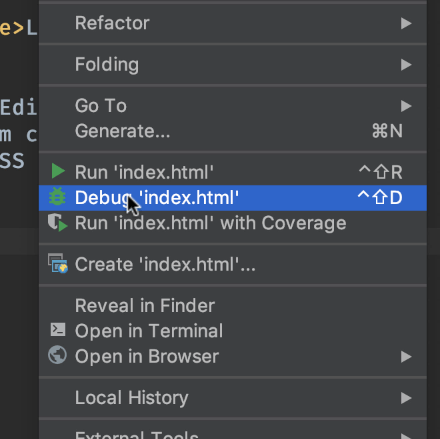
LiveEdit HTML and CSS
With the LiveEdit plugin, open HTML and CSS in Chrome, over HTTP, and see updates as you save.

One Import Per Line Preference
Tell PyCharm to put each import on a separate line when it cleans up your imports.