AI Assistant
Use this page to configure the general behavior of AI Assistant.
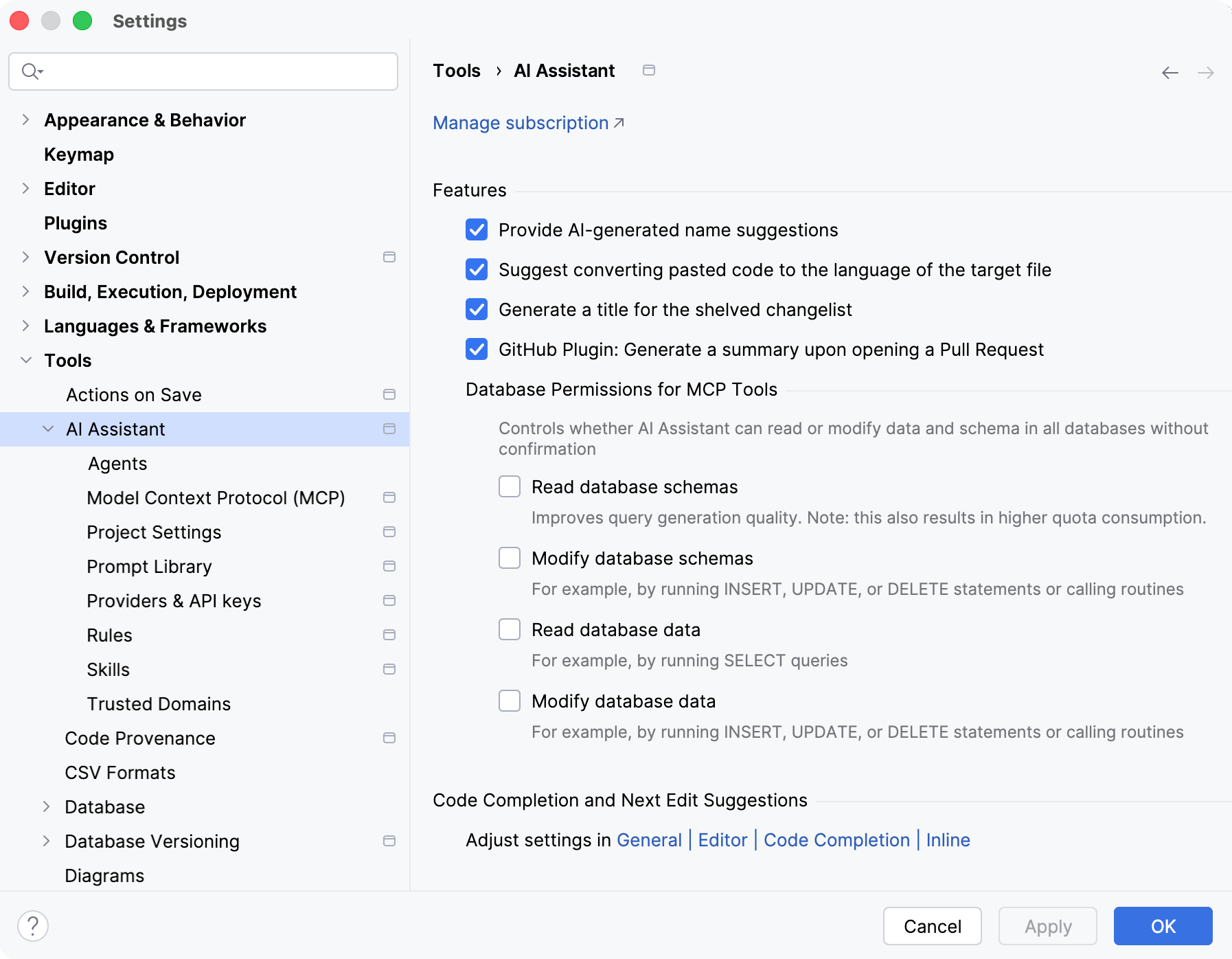
Features
Item | Description |
|---|---|
Provide AI-generated name suggestions | Enables AI Assistant to suggest names when renaming symbols. For additional information, refer to Get help with name suggestions. |
Suggest converting pasted code to the language of the target file | Suggests converting the pasted code to the language of the target file. 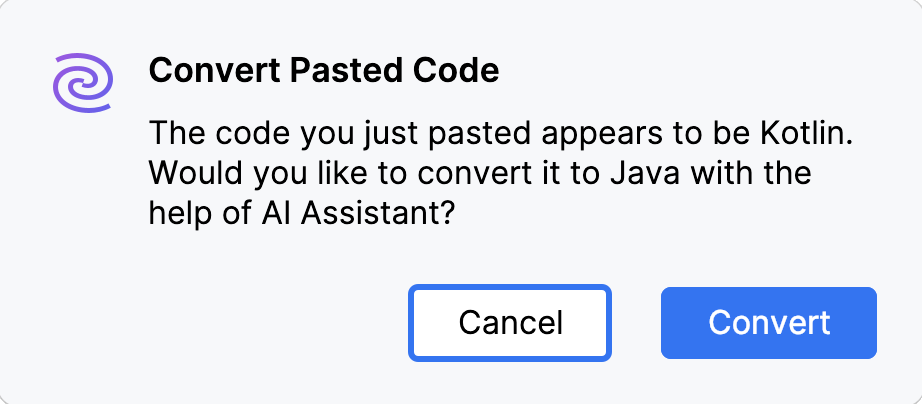 For additional information, refer to Convert code to another language. |
Generate a title for the shelved changelist | When enabled, AI Assistant automatically generates a title for the silently shelved changes. For additional information, refer to Generate shelf title. |
GitHub Plugin: Generate a summary upon opening a Pull Request | Enables AI Assistant to automatically generate a summary of changes when opening an incoming pull request. For additional information, refer to Generate a summary of an incoming pull request. |
Database Permissions for MCP Tools | A group of settings that allows you to control how MCP tools configured in AI Assistant can interact with databases and schemas:
|
Code Completion and Next Edit Suggestions
Code completion and next edit suggestions settings are located at . For more information, refer to Code completion and Next edit suggestions sections.
Natural Language
Item | Description |
|---|---|
Receive AI Assistant chat responses in a custom language | Specify the language in which you want to receive chat responses. For additional information, refer to Change the chat response language. |
Message Trimming Threshold
Item | Description |
|---|---|
Trim message if it exceeds % of a model context window | Specify the percentage of the model's context window beyond which AI Assistant should start trimming messages. If your message, including attached files, exceeds this limit, the attached files will be trimmed to optimize performance. Smaller files are more likely to be included in full, while larger files are trimmed, with only key content extracted and included in the message. For additional information, refer to Set a message trimming threshold. |