Instance-wide data sources
In Datalore On-Premises, you can create instance-wide data connections to databases and cloud storage providers, making them available in all workspaces without extra setup.
Add a database connection
Click your avatar at the top right and select Admin panel.
In the sidebar, select
 Data.
Data.Switch to the Instance-wide databases tab.
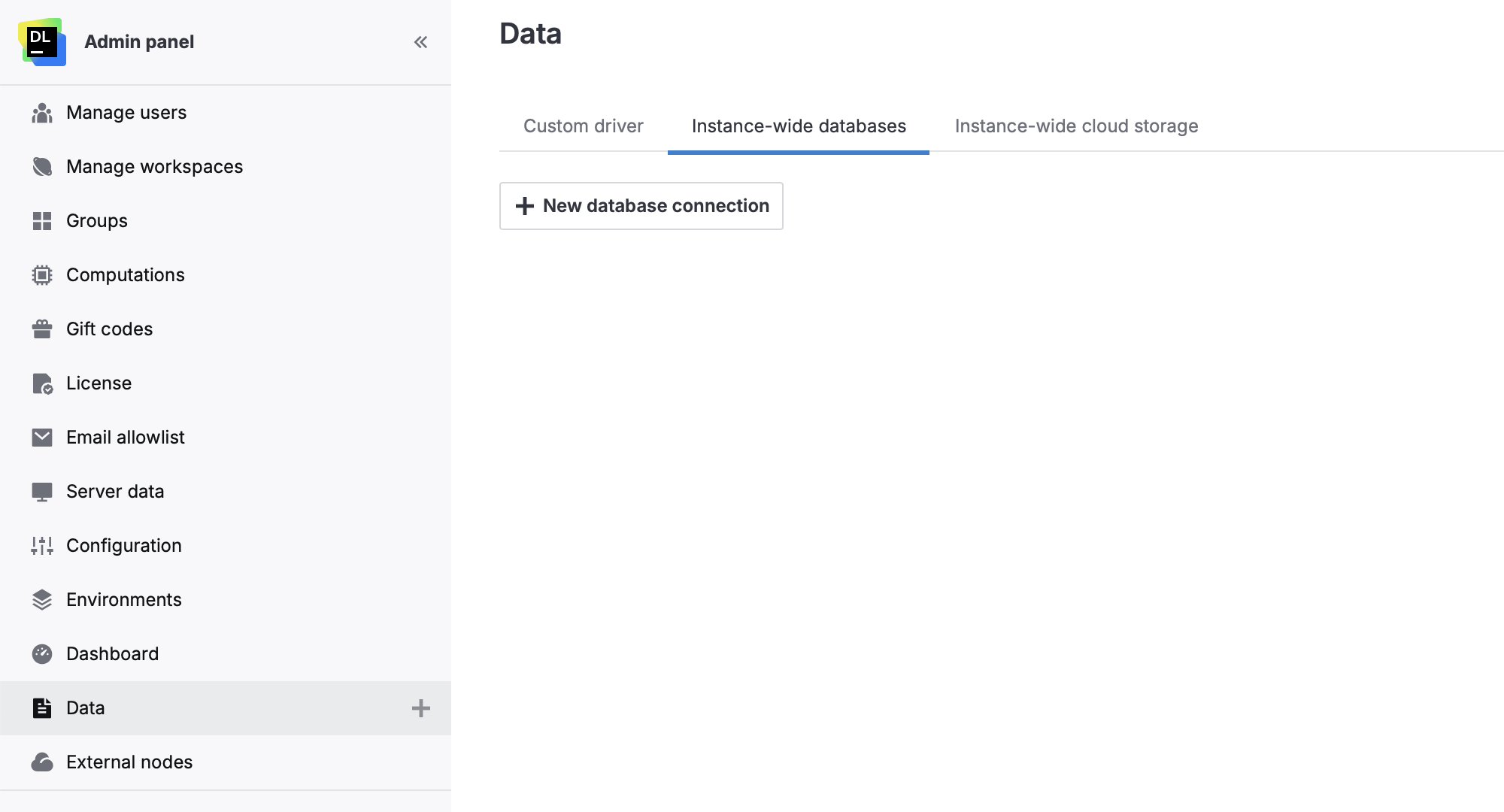
Click
 New database connection.
Follow the instructions in Configure a database connection.
Once the connection is created, it will appear in the Data section of all workspaces.
Add a cloud storage connection
Click your avatar at the top right and select Admin panel.
In the sidebar, select
Data.Switch to the Instance-wide cloud storage tab.
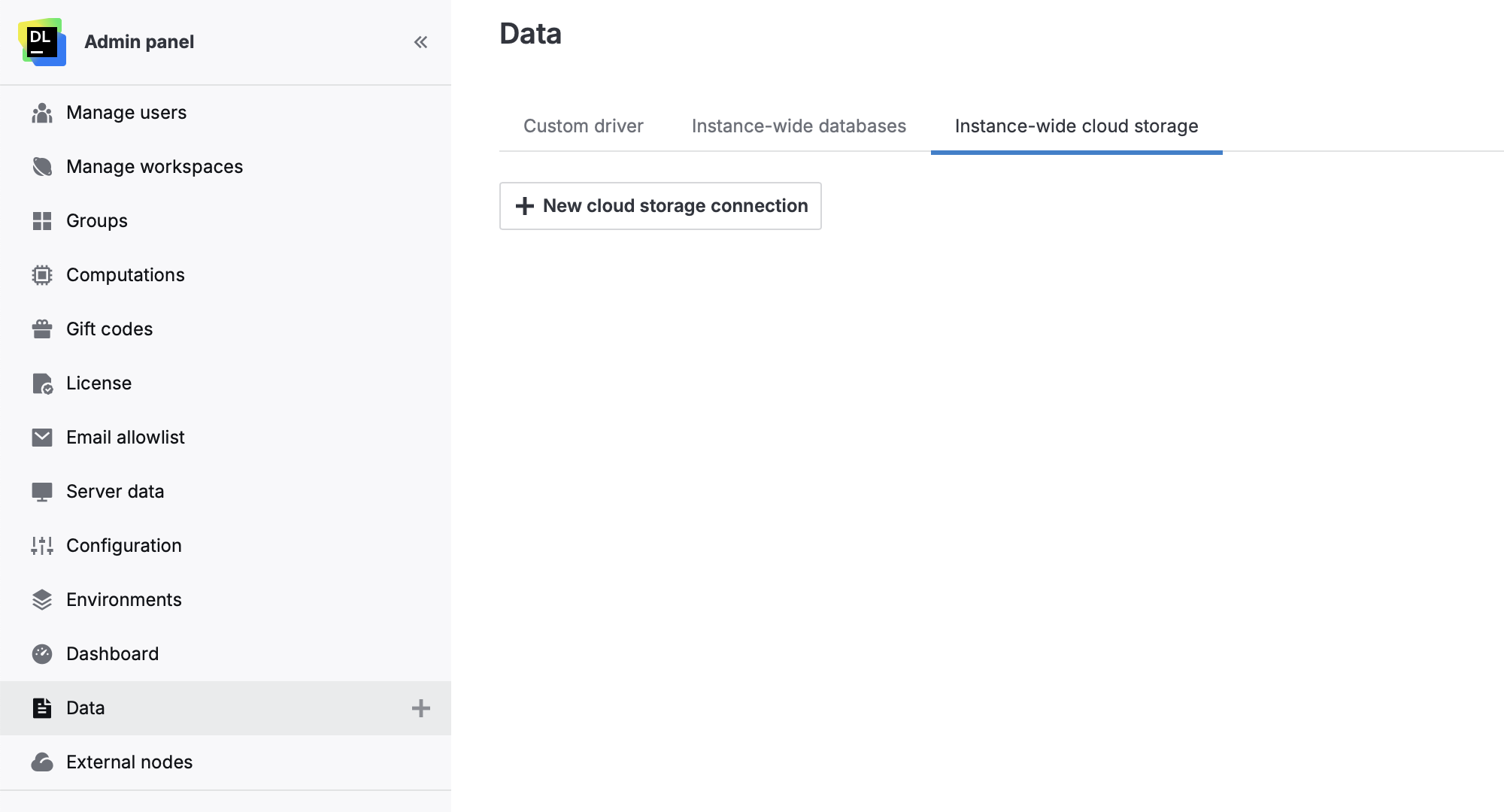
Click
New cloud storage connection.Follow the instructions for your data source type:
Once the connection is created, it will appear in the Data section of all workspaces.
Manage connections
Although instance-wide database and cloud storage connections are shared across all workspaces and accessible to all users, they can only be edited or deleted from the Admin panel. Users cannot manage these connections from within a workspace.
Click your avatar at the top right and select Admin panel.
In the sidebar, select
Data.Switch to the Instance-wide databases or Instance-wide cloud storage tab depending on what connection you want to edit or delete.
Do one of the following:
Click ··· next to the connection and select Rename.
Enter a new connection name
Press Enter.
Click ··· next to the connection and select Edit.
In the dialog, modify the connection parameters and click Save and close.
Click ··· next to the connection and select Delete.