Install Junie
The Junie plugin is not bundled and not enabled in JetBrains IDEs by default.
IDE compatibility
At the moment, Junie is generally available in the following JetBrains IDEs:









Junie is also available in Android Studio – the official IDE for Android app development, created by Google and based on IntelliJ IDEA by JetBrains.
Install Junie from JetBrains AI widget
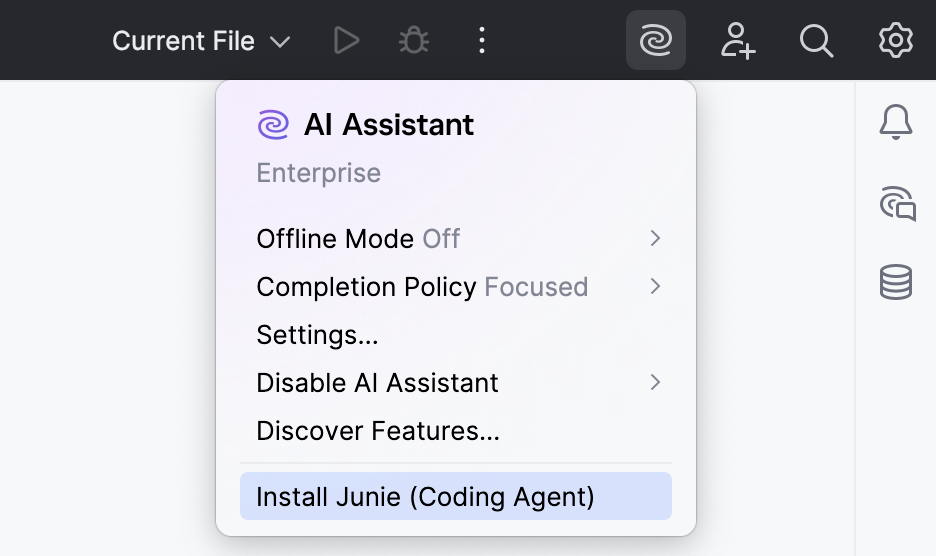
If you have the AI Assistant plugin installed, you can install Junie with a single click from the  JetBrains AI widget in the window header.
Install Junie from Marketplace
In your JetBrains IDE, press Ctrl+Alt+S to open settings and then select .
Click the tab and type the plugin name in the search field.

Click Install.
Install Junie from disk
Download the plugin from the JetBrains Junie plugin page in JetBrains Marketplace.
In your JetBrains IDE, press Ctrl+Alt+S to open settings and then select .
On the Plugins page, click
 and then click Install Plugin from Disk.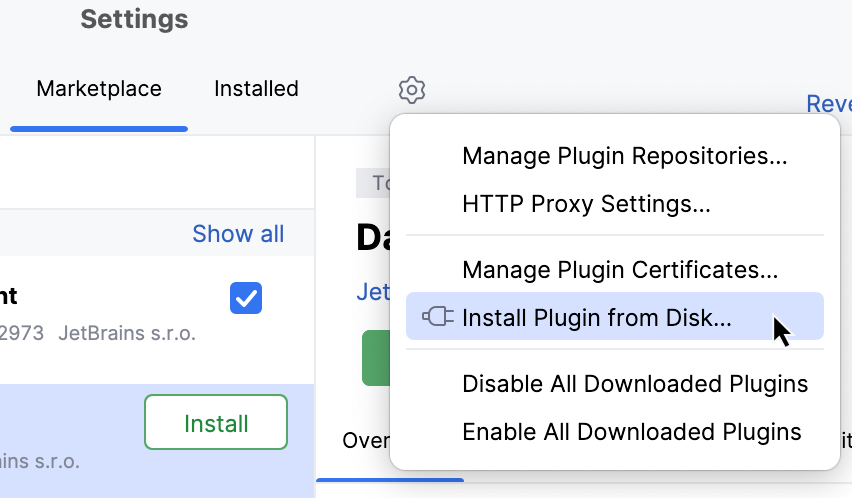
In the dialog that opens, set the path to the downloaded plugin
.zipfile and click OK.
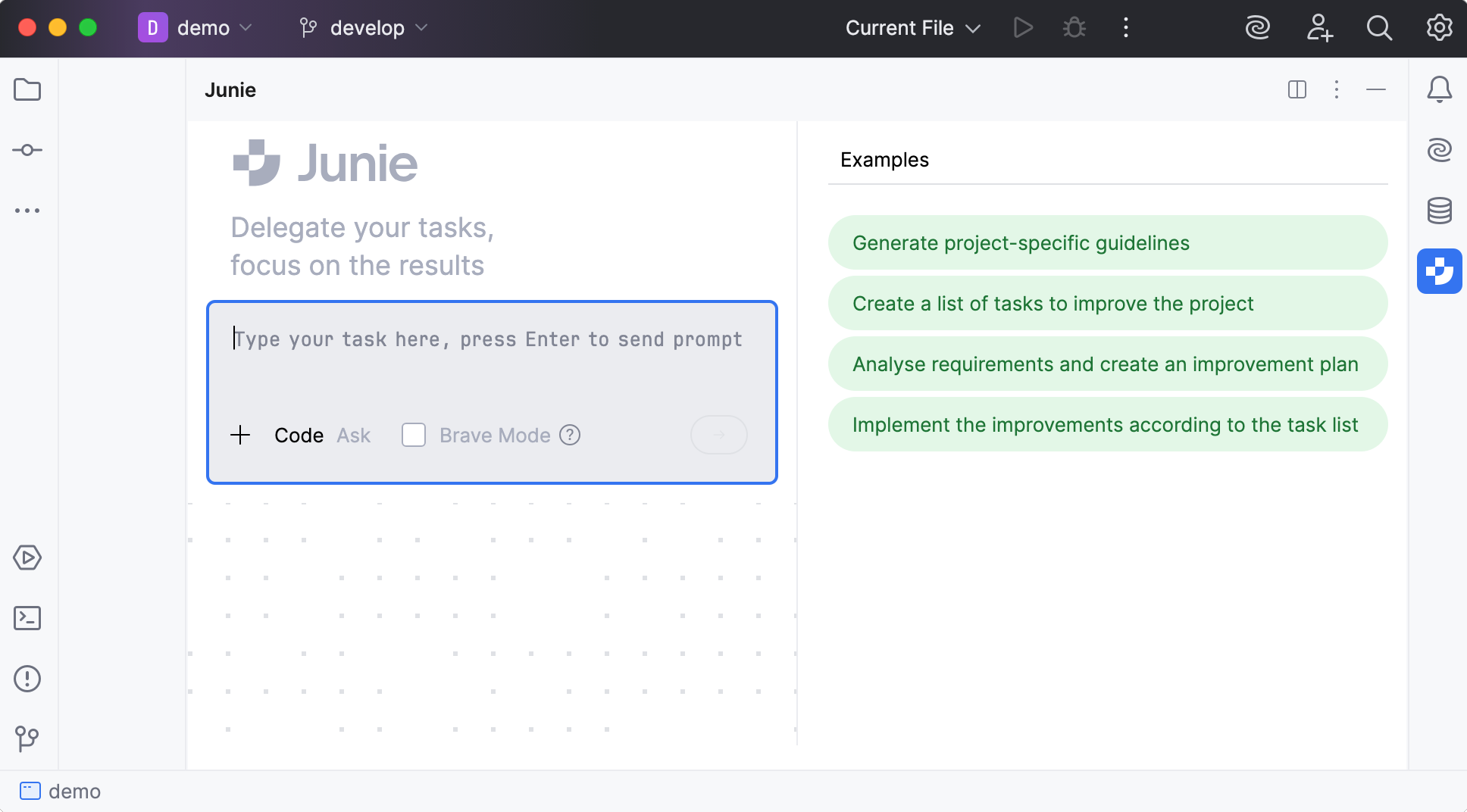
The installed plugin adds a  Junie icon to the IDE sidebar on the right. You can also open the Junie tool window by selecting in the main menu.
JetBrains AI license check
After plugin installation, Junie checks your license status:
If you already have an active JetBrains AI license, it will be automatically verified and activated.
If your previous JetBrains AI license has expired, you will receive the AI Free license tier with a possibility to upgrade to a different tier at any time.
If you are an owner of All Products Pack or dotUltimate, you will receive the AI Pro license tier.
If you are a new user and do not have a JetBrains AI license yet, you are eligible for a 30-day trial of AI Pro license tier. The free trial will be linked to your JetBrains Account and activated automatically.
For more information about getting and managing licenses, see Licensing and subscriptions.