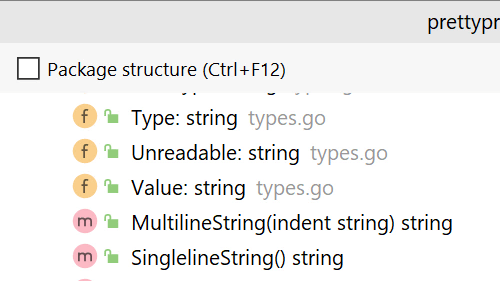
Navigate to Symbol

Navigate your project by code, not files.

Use Navigate to Symbol to jump between symbols in your project and stop thinking about the file they are in.

Invoke it using ⇧⇧ (macOS) / Shift+Shift (Windows/Linux) to bring up the search window and quickly navigate your way in the project.
Related Resources

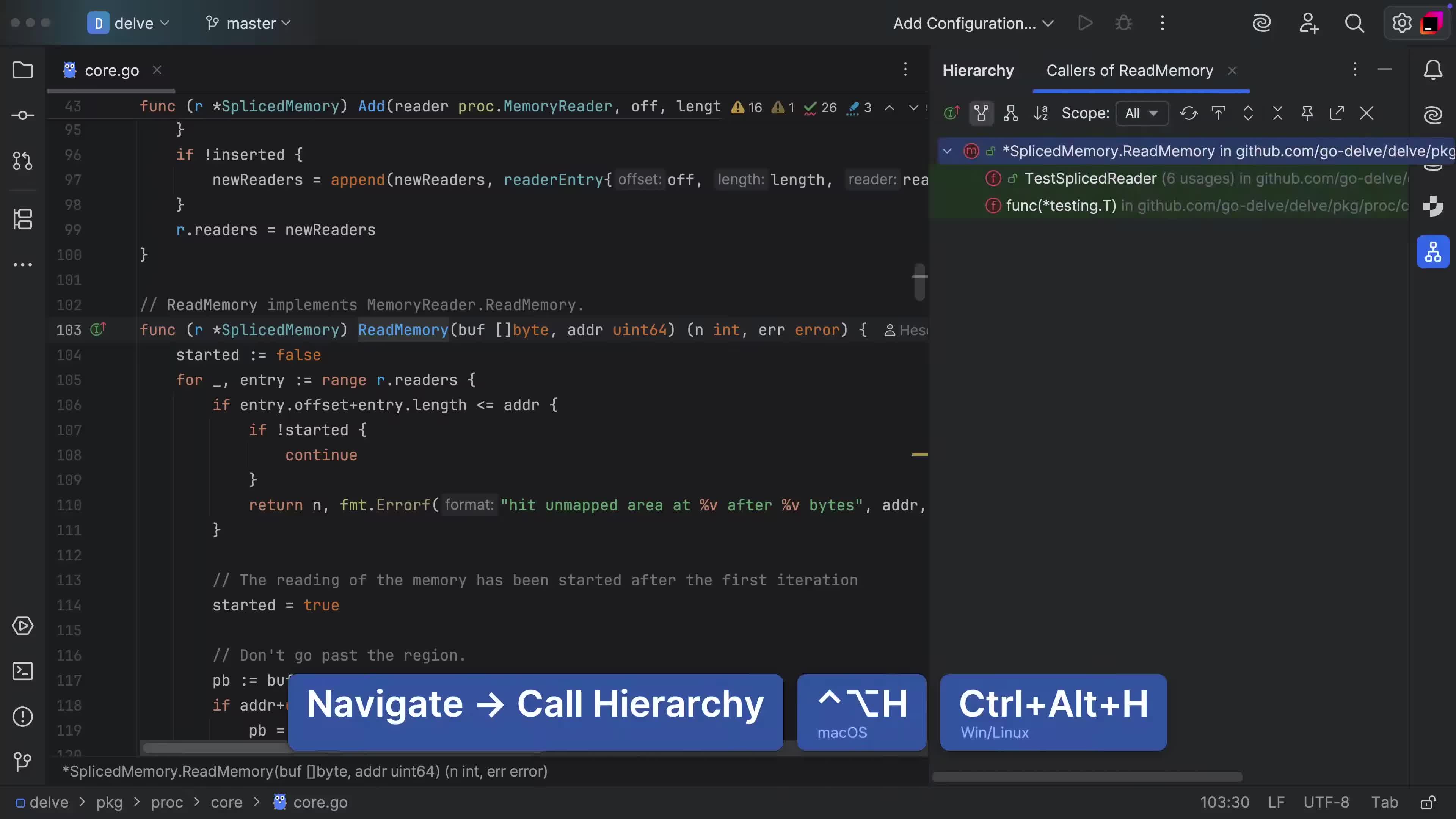
Working with the Call Hierarchy
Analyze call trees for functions or methods
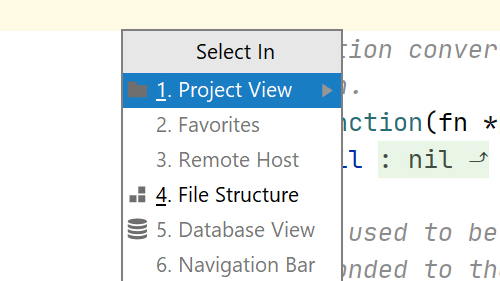
Select In
Select In
Select the current file in the Project or Changes view and more
File Structure Popup
View the file or whole package structure and navigate to any element.