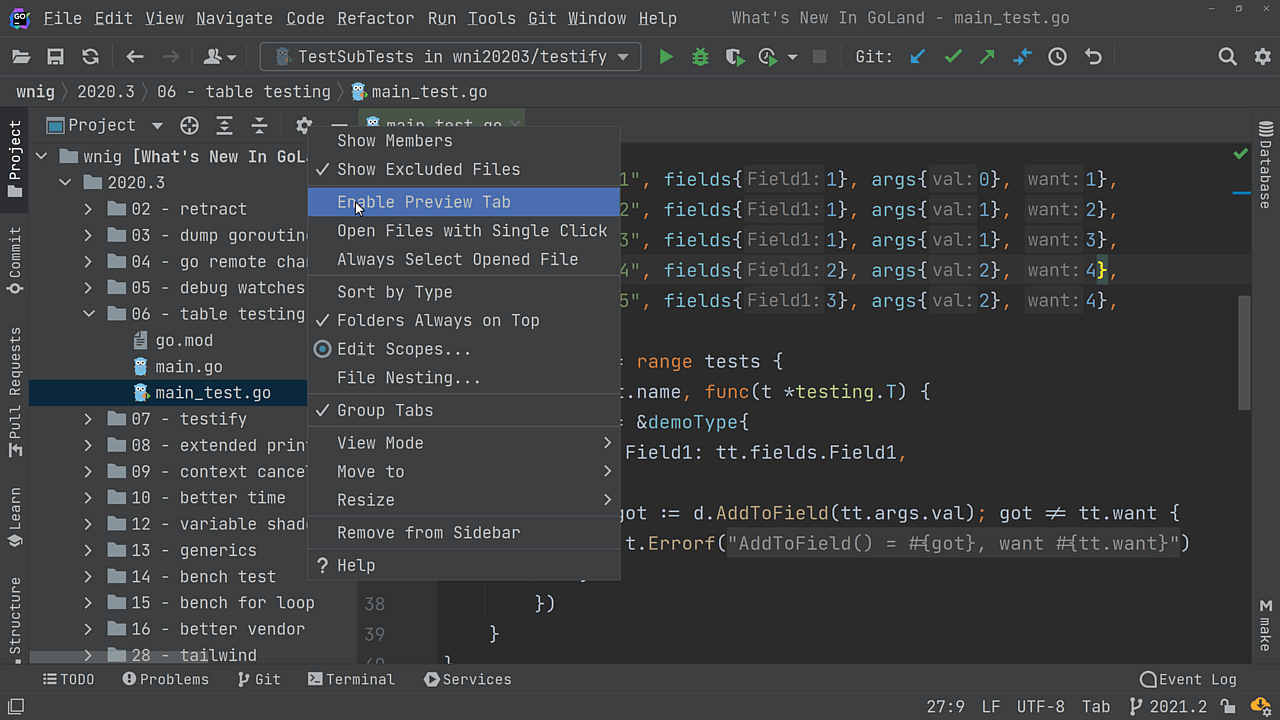
Open File in Split Editor

View two files side-by-side by directly opening the second one in a split-editor mode

Select the file in the Project View tool window or in the Navigation Bar and use ⇧⏎ (macOS) / Shift+Enter (Windows/Linux) to open the file in a split editor view.
Related Resources

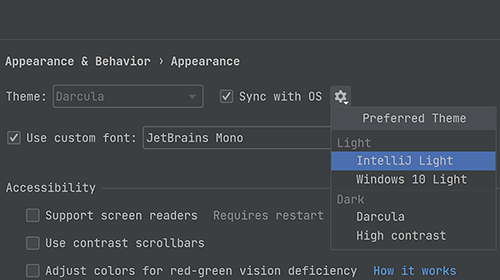
Sync the IDE Theme with the OS Theme
Have your IDE theme synchronize with your OS one throughout the day.
Drag & Drop Editor Tabs
Change how the editor tabs are grouped or split using drag and drop.
Preview File Contents
Have a look at what's in the file without opening it.