
Run to cursor
Continues the execution until the position of the caret is reached.

Goroutines Profiler Labels
Advance beyond the current line of code and move on to the next line.

Full Line Code Completion in GoLand
Faster code completion with the help of a locally running deep learning model.

Generate documentation with AI
AI can help you make XML documentation both automatic and useful.

Speed search with the Navigation Bar
Use the keyboard abbreviations to quickly find what you're looking for in the Navigation bar.

Find in Path with the Navigation Bar
Use the Navigation bar and Find in File together and be faster than all of your team members.
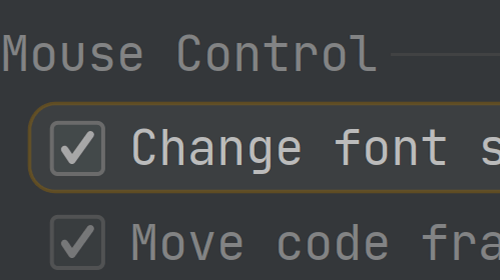
Change the editor font size using the mouse wheel
Increase or decrease the font size on-the-fly

Open any file from the Navigation Bar
Using just the keyboard, browse and open files in your project.

Navigate files with the Navigation Bar
Navigate to project files from the navigation bar. No mouse! 🐁

Create a new File from the Navigation Bar
A fast way to add a new file to your project, without touching the mouse.
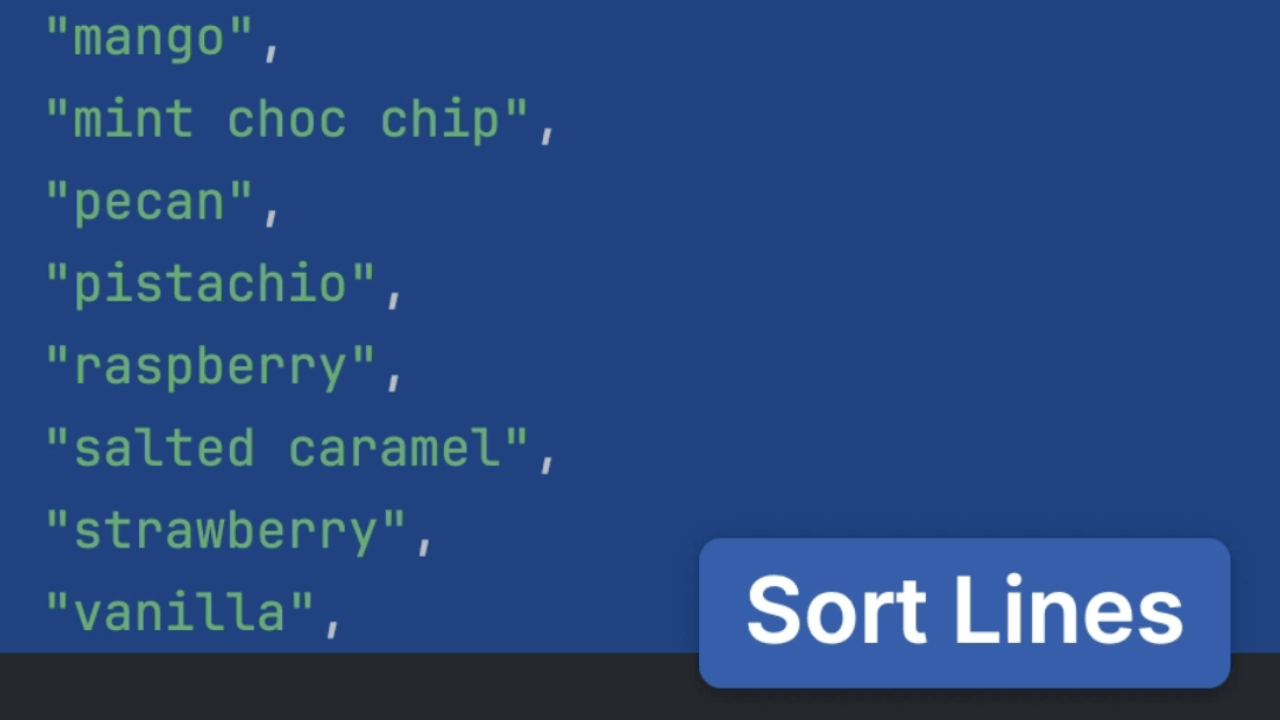
Quickly Sort Lines
Sort lines of code in your editor alphabetically.

Enabling Soft Wraps
Wrap lines to eliminate the need of scrolling horizontally in order to see overly long lines.