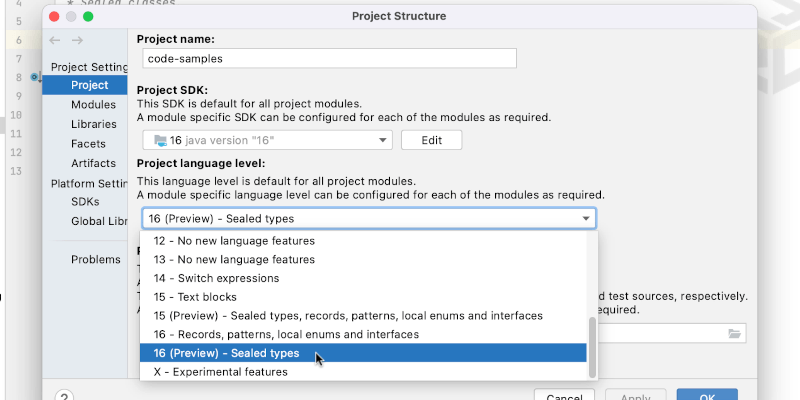
Turn on Preview Features to try new Java Features
The latest versions of Java contain "Preview Features", features that are fully functional but require developer feedback. Try them out in IntelliJ IDEA.
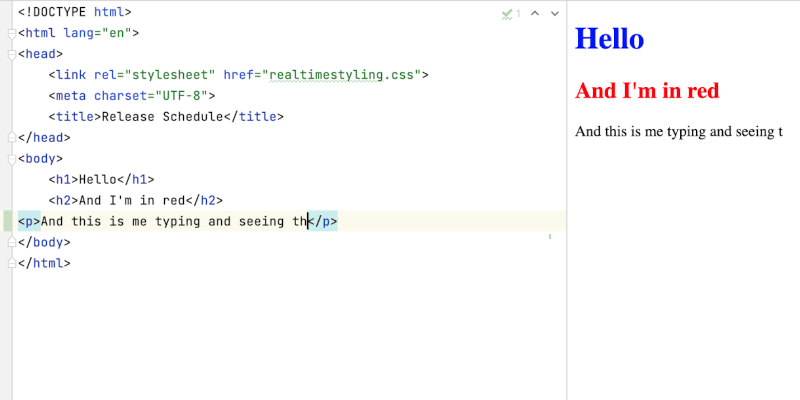
Preview HTML updates in Real Time
See what your changes look like as you make them to minimise errors.
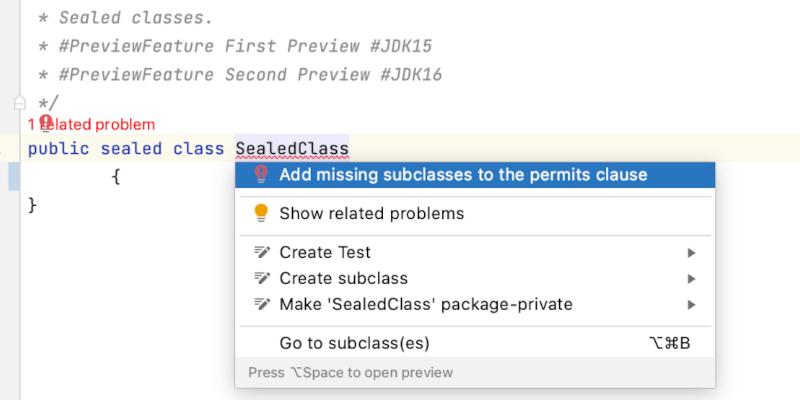
Create a Correct Parent Sealed Class
Sealed types are a new idea for Java developers, let IntelliJ IDEA guide you in how to use them.
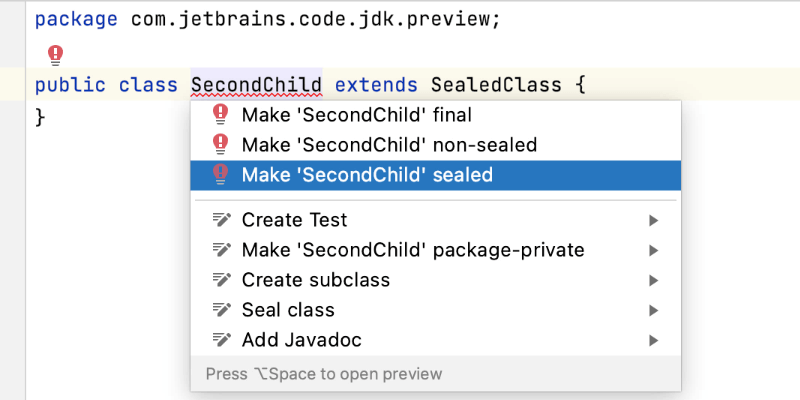
Create a Correct Child Sealed Class
Sealed types are a new idea for Java developers, let IntelliJ IDEA guide you in how to create child classes.
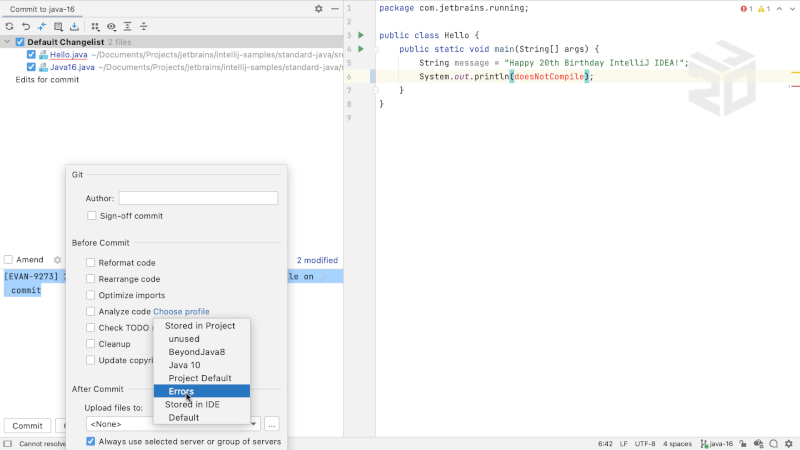
Lightweight Inspection Profile on Commit
Fully customise the checks you must perform before you commit your changes to version control.
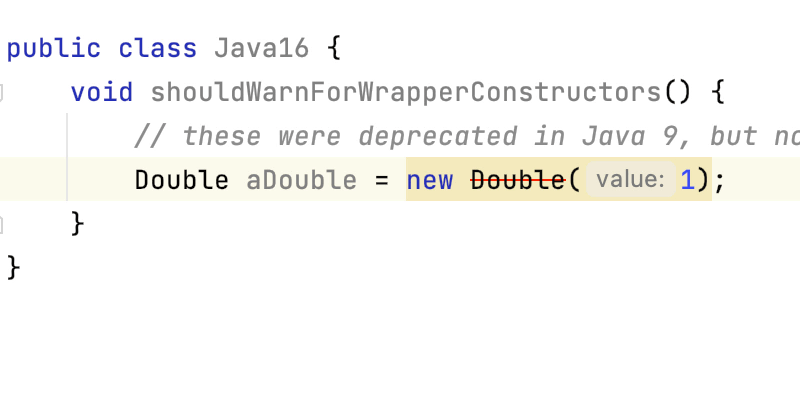
Identify and Fix Deprecated Calls
IntelliJ IDEA will warn you if you're using deprecated methods, and they will be shown with a strikethrough if they're marked for removal.
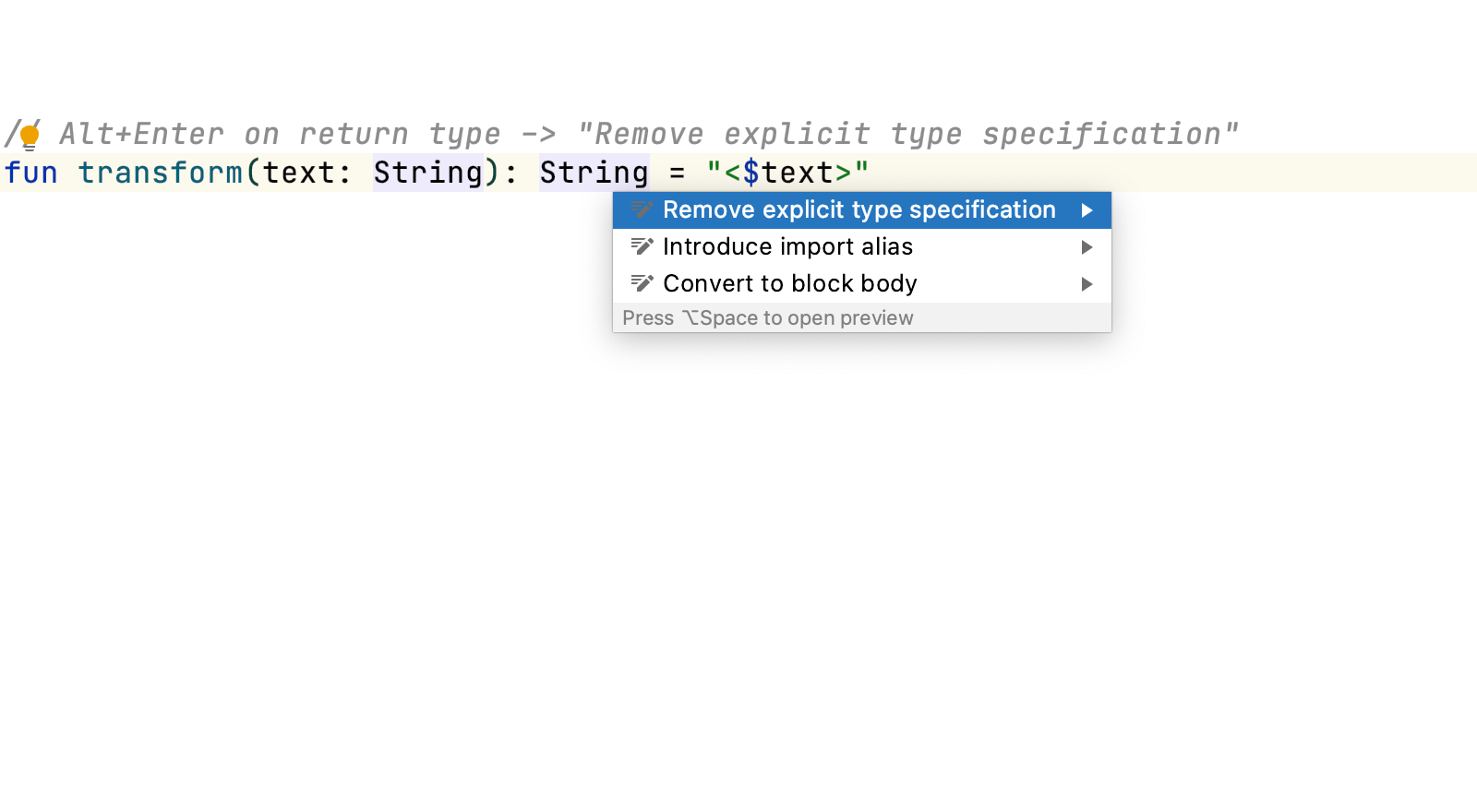
Remove Explicit Type in Kotlin
Use quick intentions to remove explicit types.
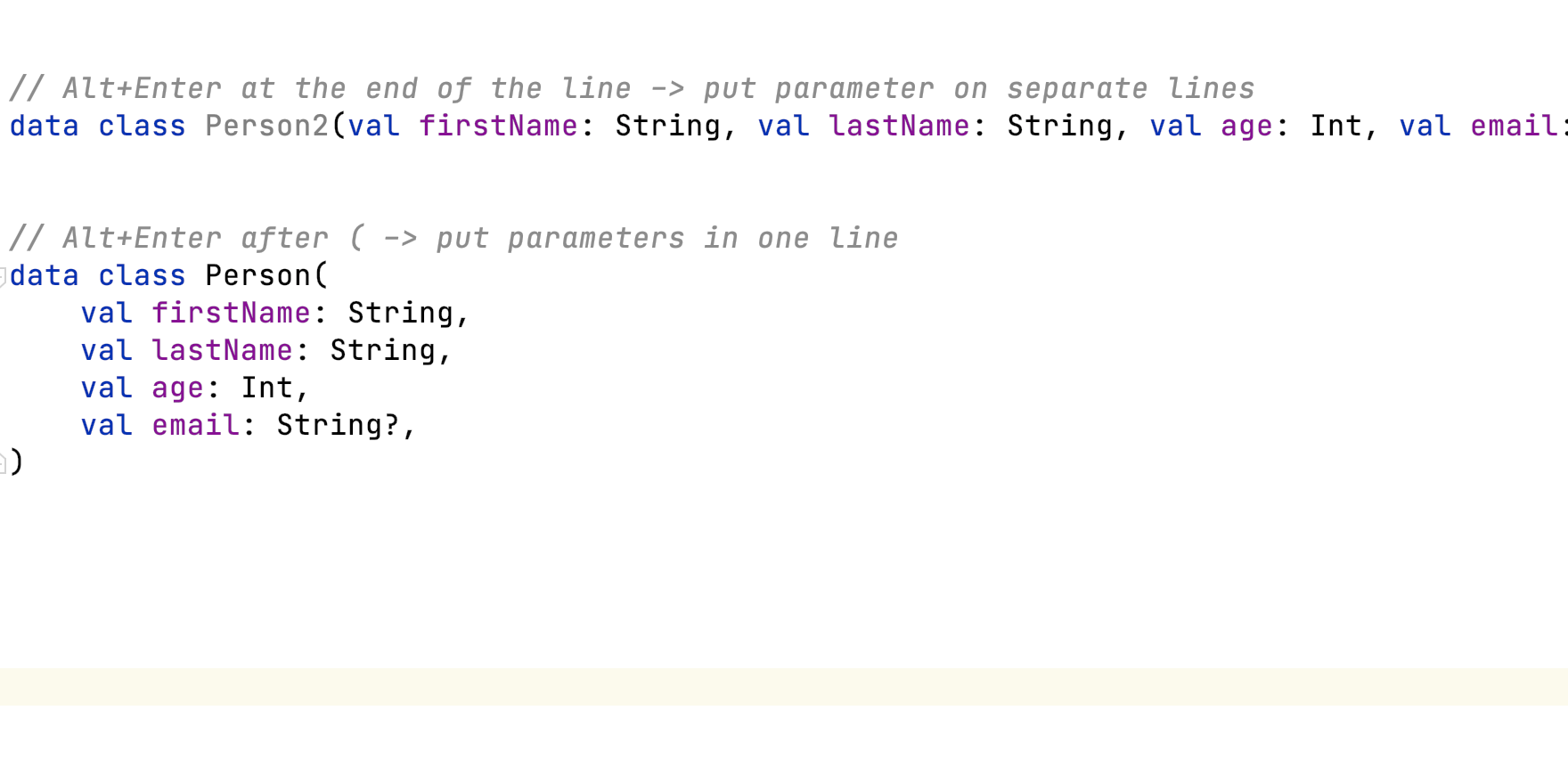
Put Kotlin Arguments on Separate Lines
Use quick intentions to improve the readability of your code by putting arguments on separate lines.
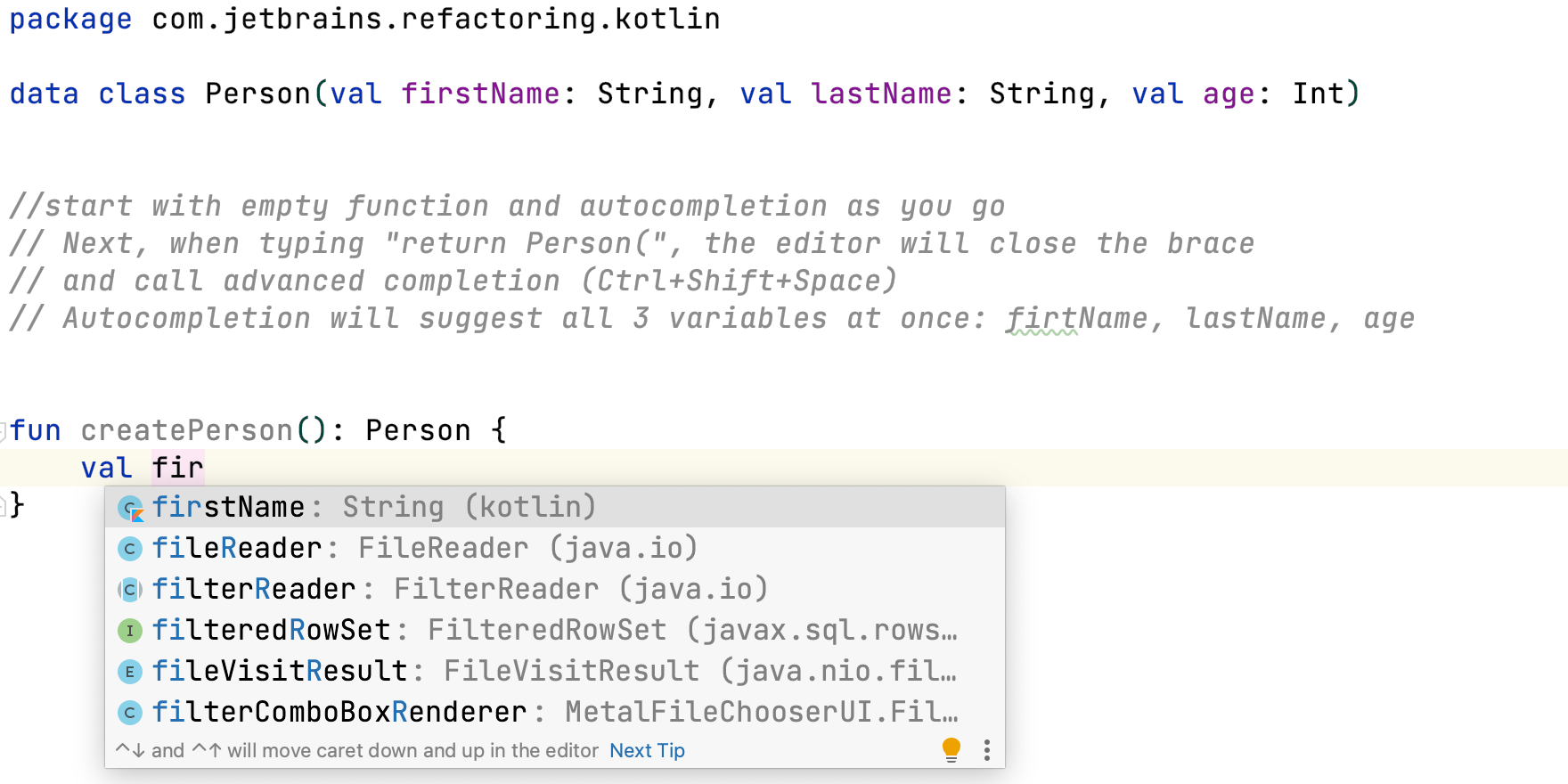
Kotlin Code Completion
Use code and statement completion to write code faster.

Extract Parameter
Extract code to a parameter in Kotlin.
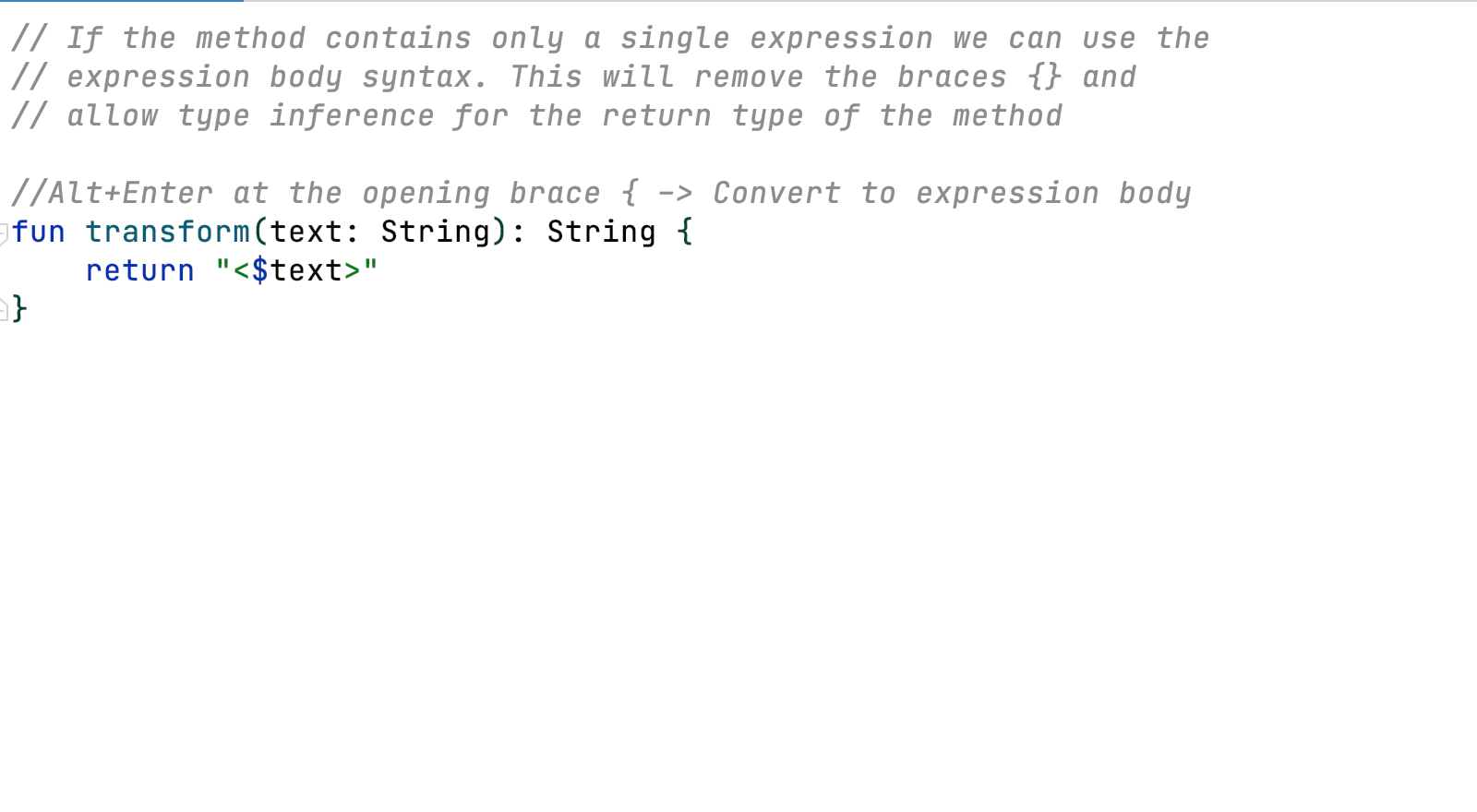
Convert to Expression Body
Use quick intentions to convert to use expression body syntax.
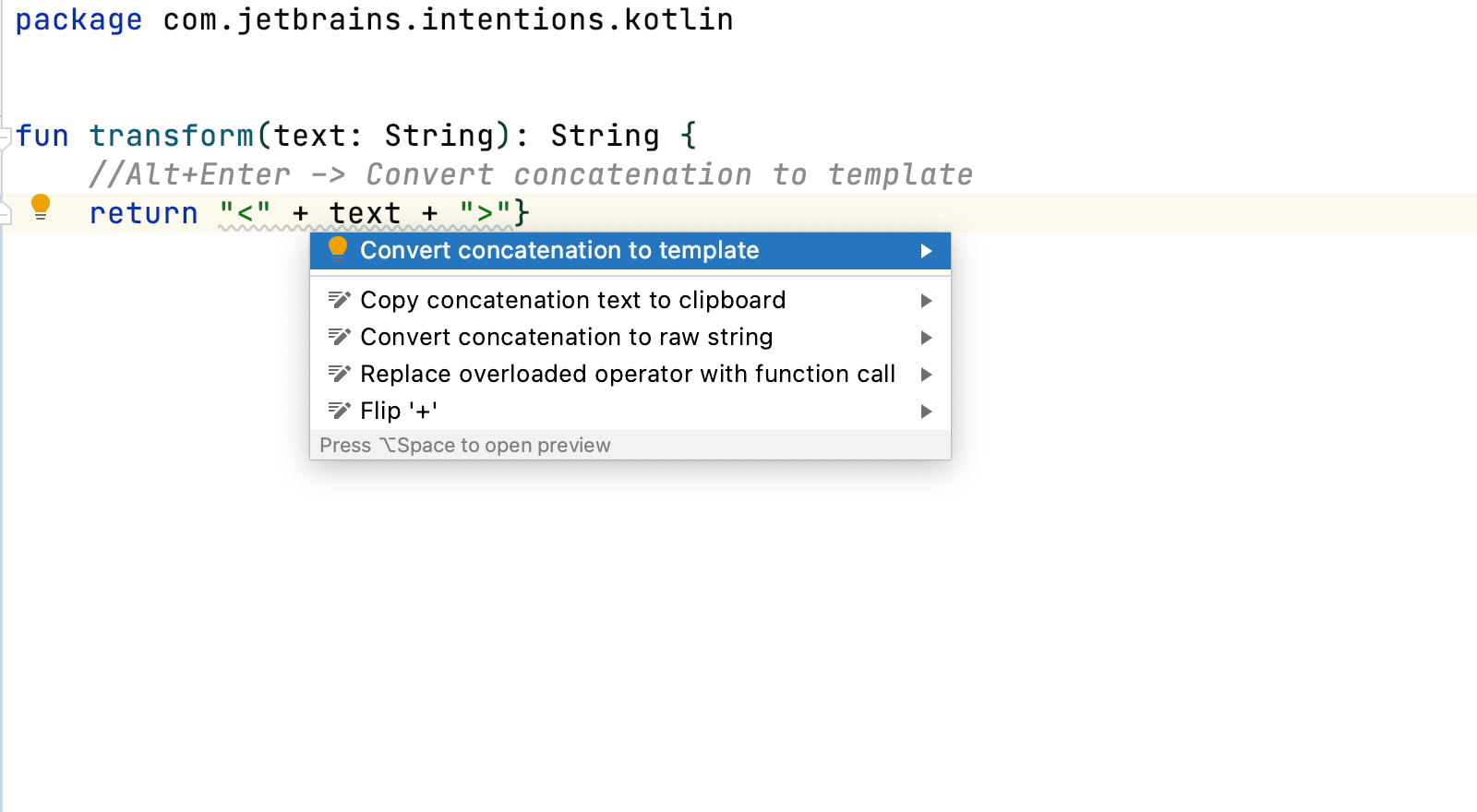
Convert Concatenation To Template
Use quick intentions to convert to a template string.