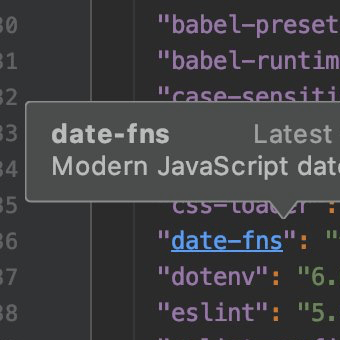
See Information about Packages
Check the description and the latest version of a package in package.json.
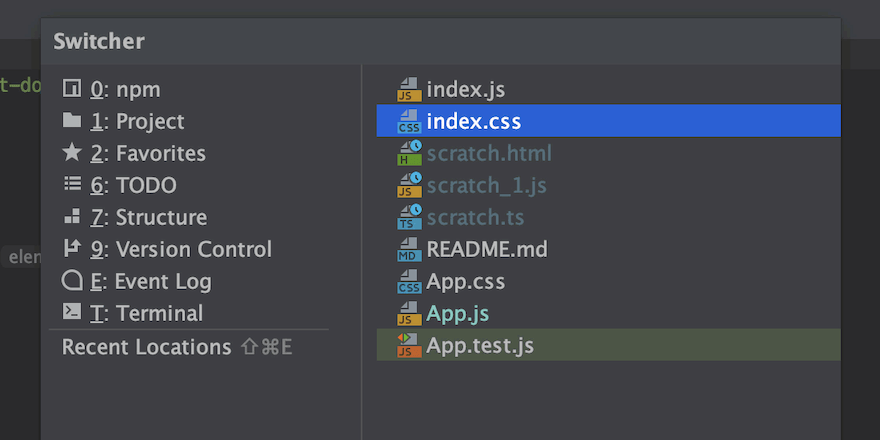
Using Switcher for Navigation
Swiftly jump to the last opened file or open a tool window using the popup.
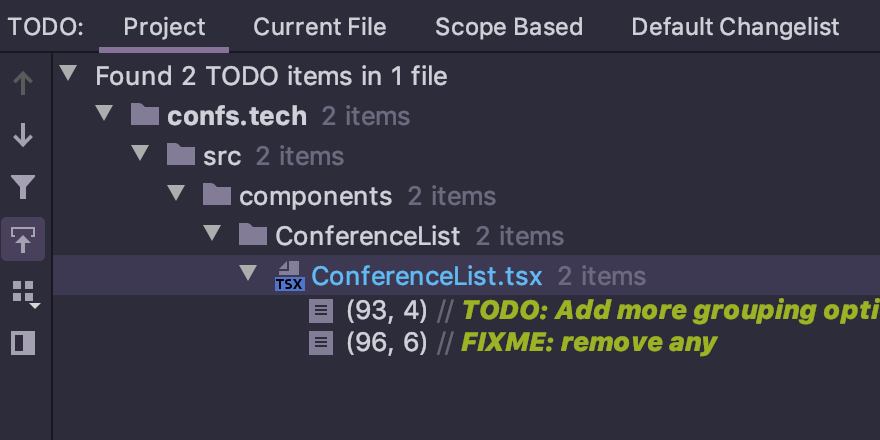
Add Reminders to Fix Something
Add a TODO or Fixme comment to remind yourself of fixing something in your code.
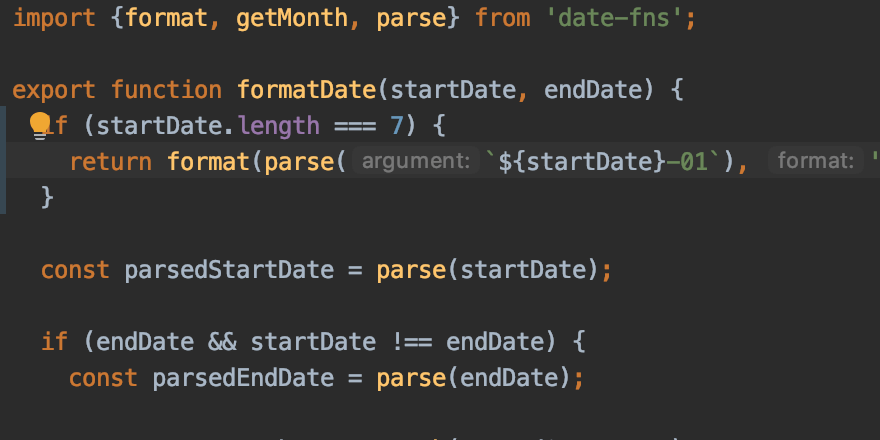
Syntax Highlighting for Other Languages
Look through PHP, Python, and other files in WebStorm.
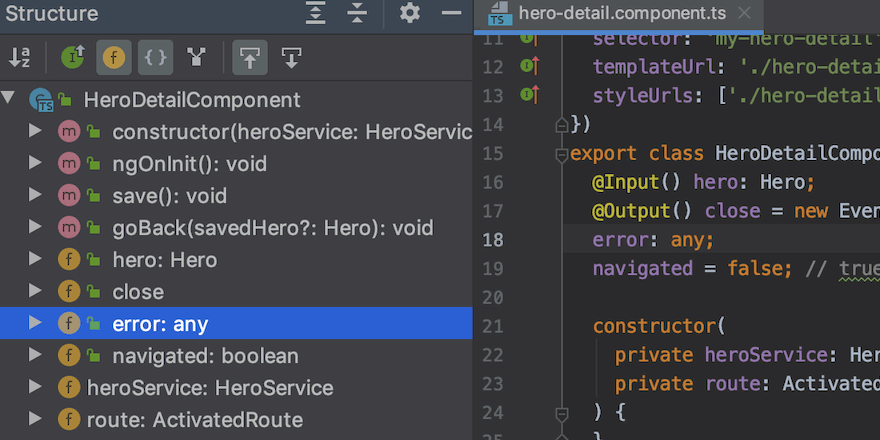
File Structure Overview
Get a high-level view of the structure of a specific file.
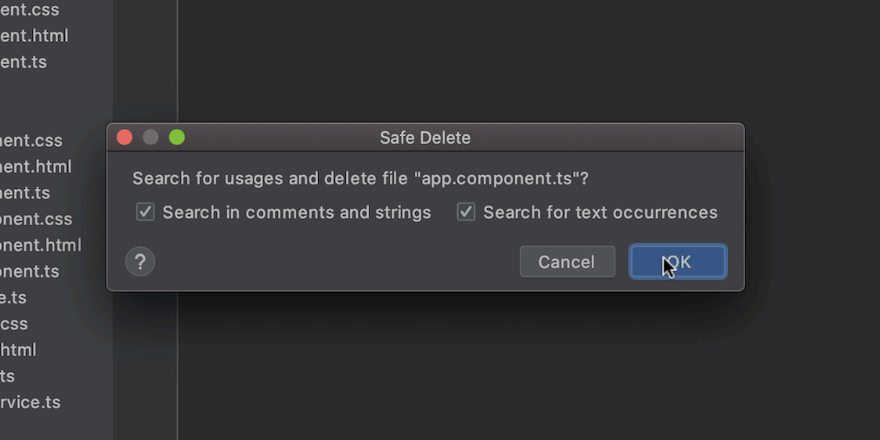
Deleting File Safely
Learn how to delete a file safely and check it's not in use before doing so.
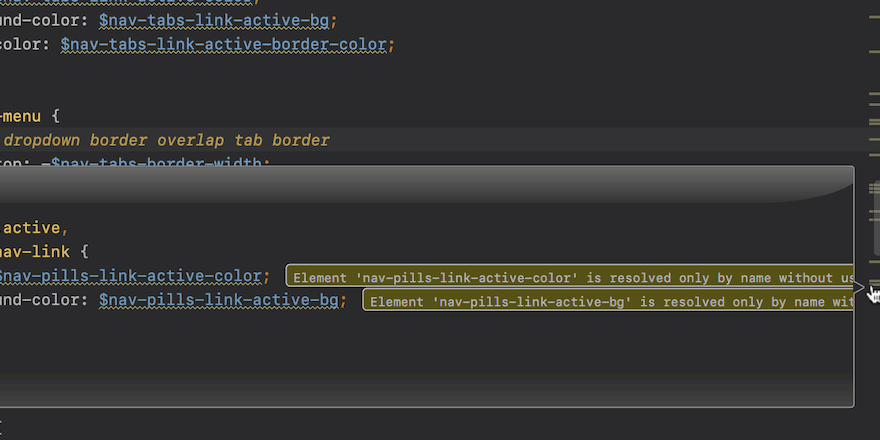
Review Errors in Code
WebStorm shows all errors and warnings in your file.
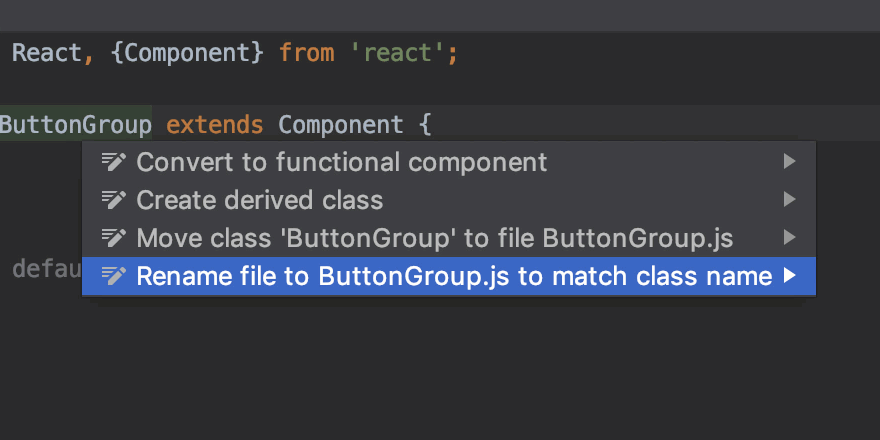
Renaming Files
Rename a file to make it match the name of a class.
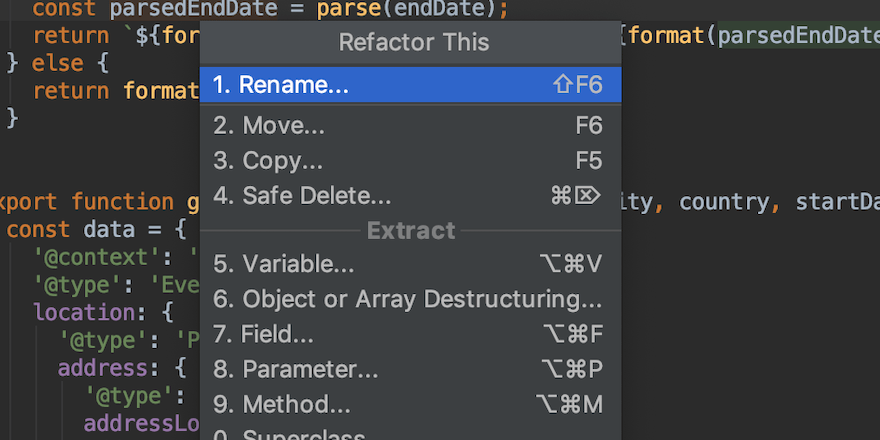
See All Available Refactorings in One Place
Use the Refactor This popup to look up all refactorings available in the current context.
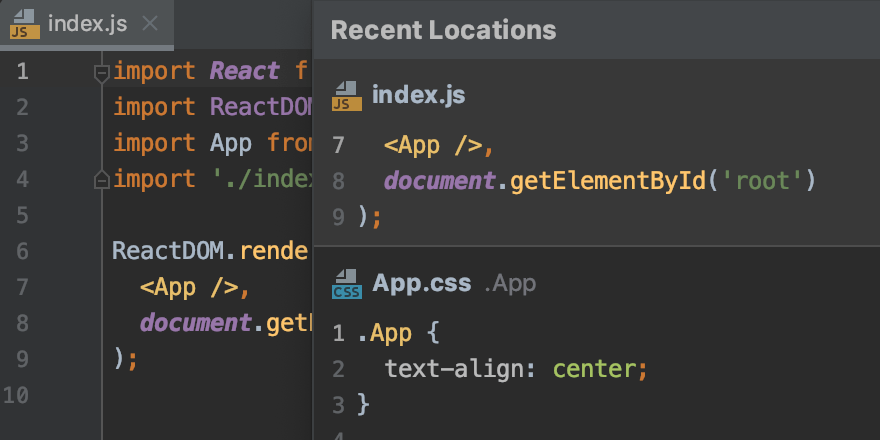
Using Recent Locations for Navigation
Preview the part of code and files you've recently edited and get back to them quickly.
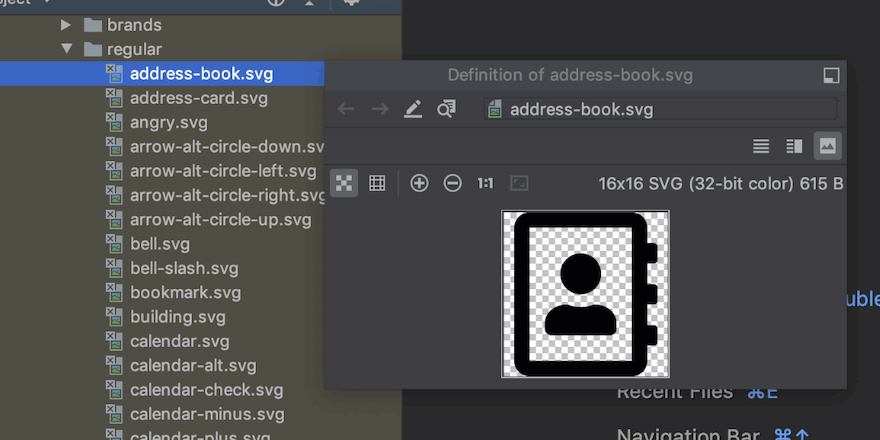
Preview Images
Preview images on the go from the Project view.
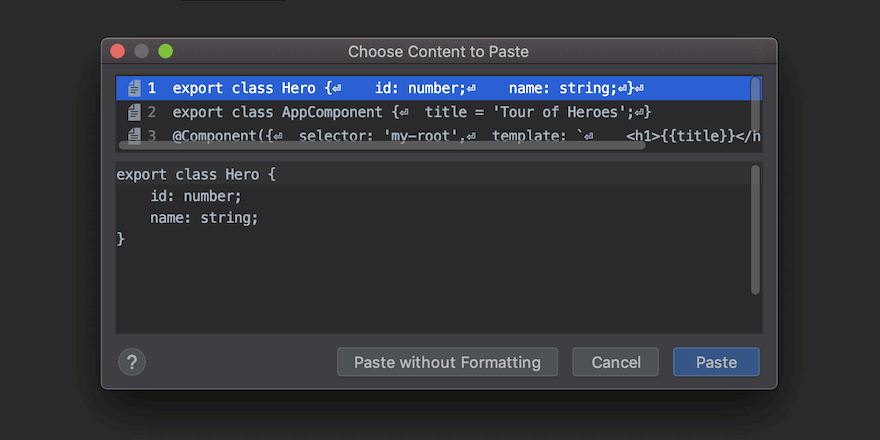
Paste Recent Items
Access your clipboard history and add any items from there to your code.