Latest

All the resources in the Guide, starting with most recent.

JetBrains AI with Jodie Burchell

Link

JetBrains AI with Jodie Burchell
The design challenges of adding AI tools to software products, and the team’s particular interest in auto-generating code documentation.
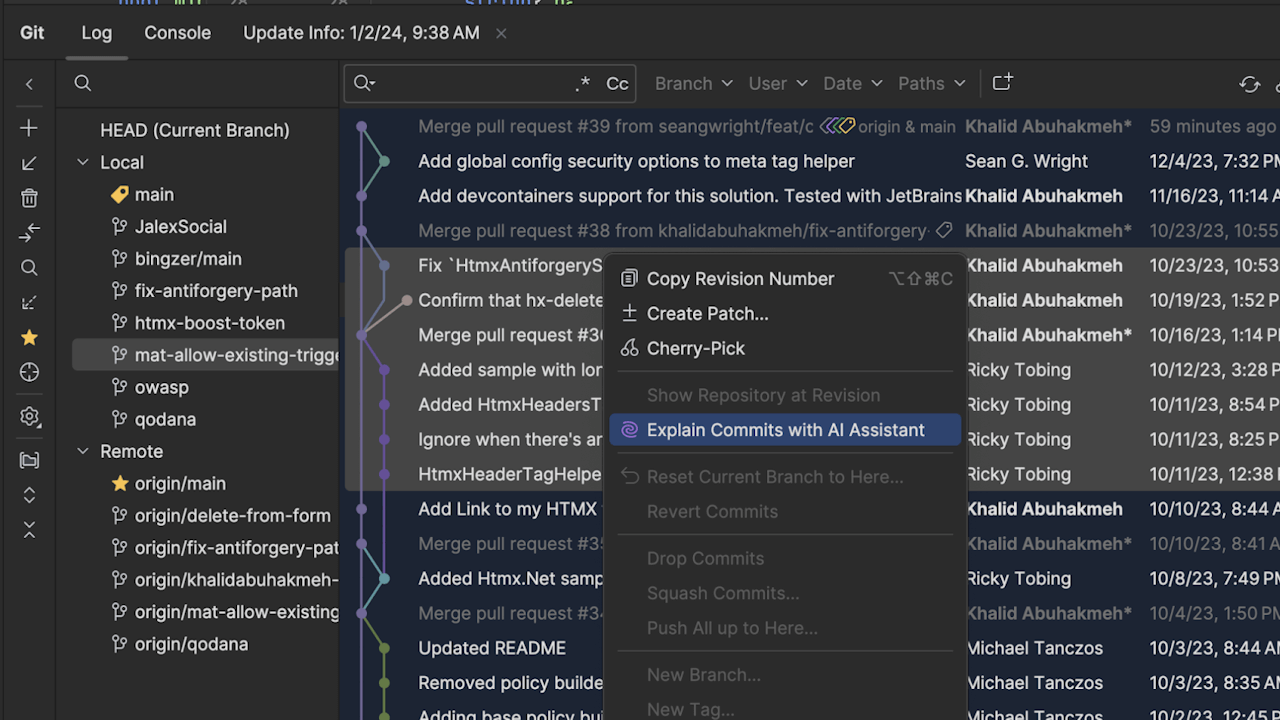
Use JetBrains AI Assistant To Help You Understand Changes In Your Code

JetBrains Blog

Use JetBrains AI Assistant To Help You Understand Changes In Your Code
Luckily, code never lies, and with the growing capabilities of LLMs and AI Assistants to parse and summarize input, we can start to focus our understanding of prior work and make plans to extend or modify a codebase.
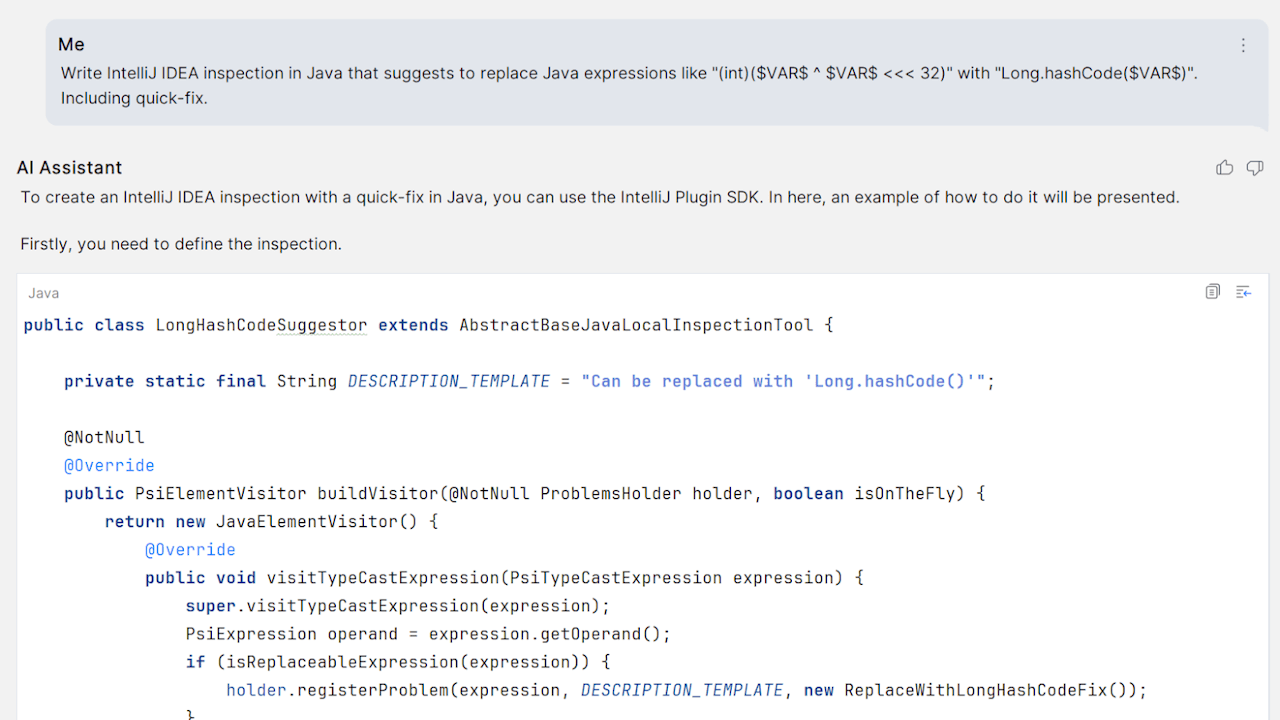
Writing a Java Inspection for IntelliJ IDEA Using AI Assistant

JetBrains Blog

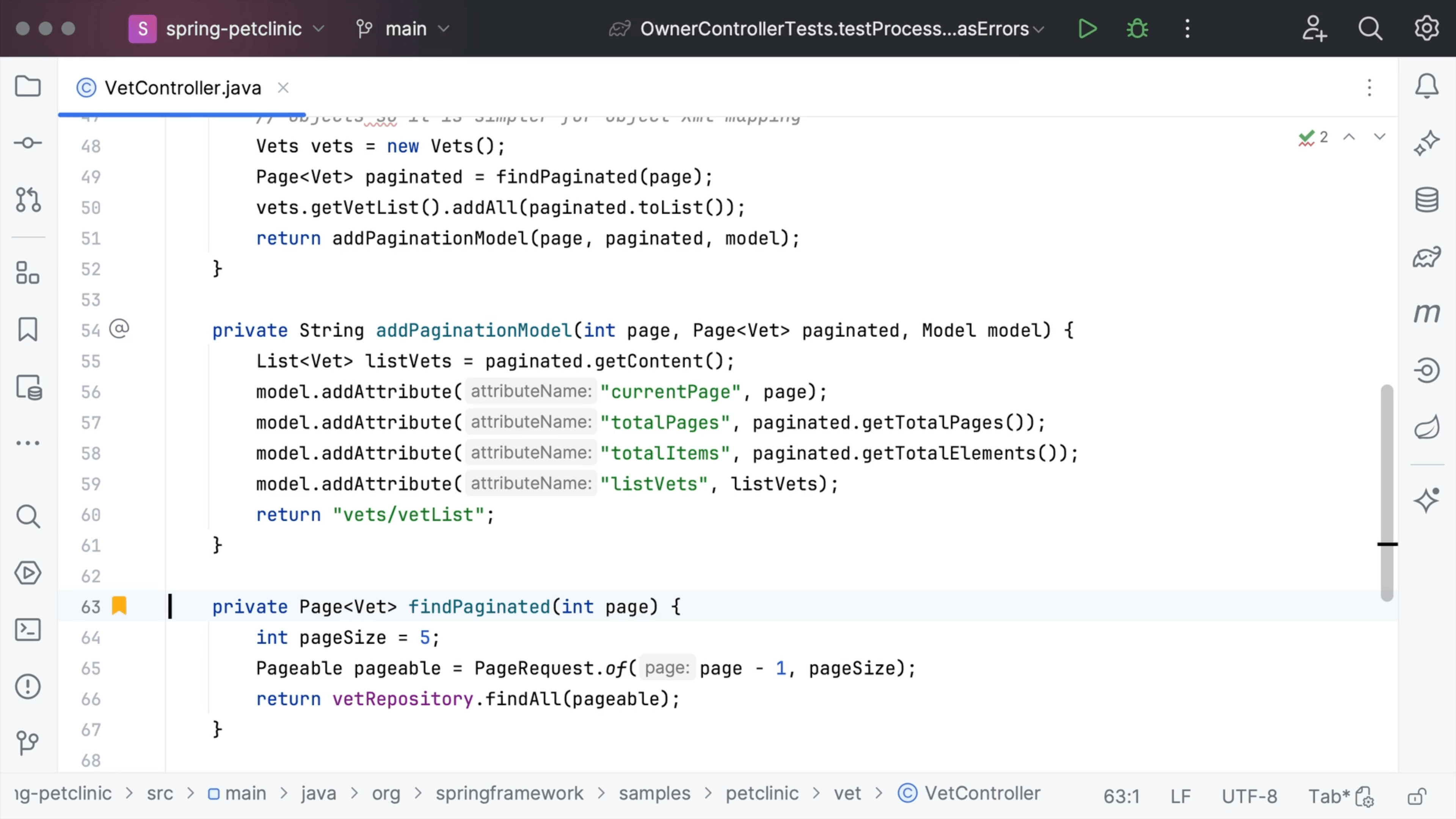
Writing a Java Inspection for IntelliJ IDEA Using AI Assistant
Using AI Assistant to write a new Java inspection for IntelliJ IDEA, and write down my experience.
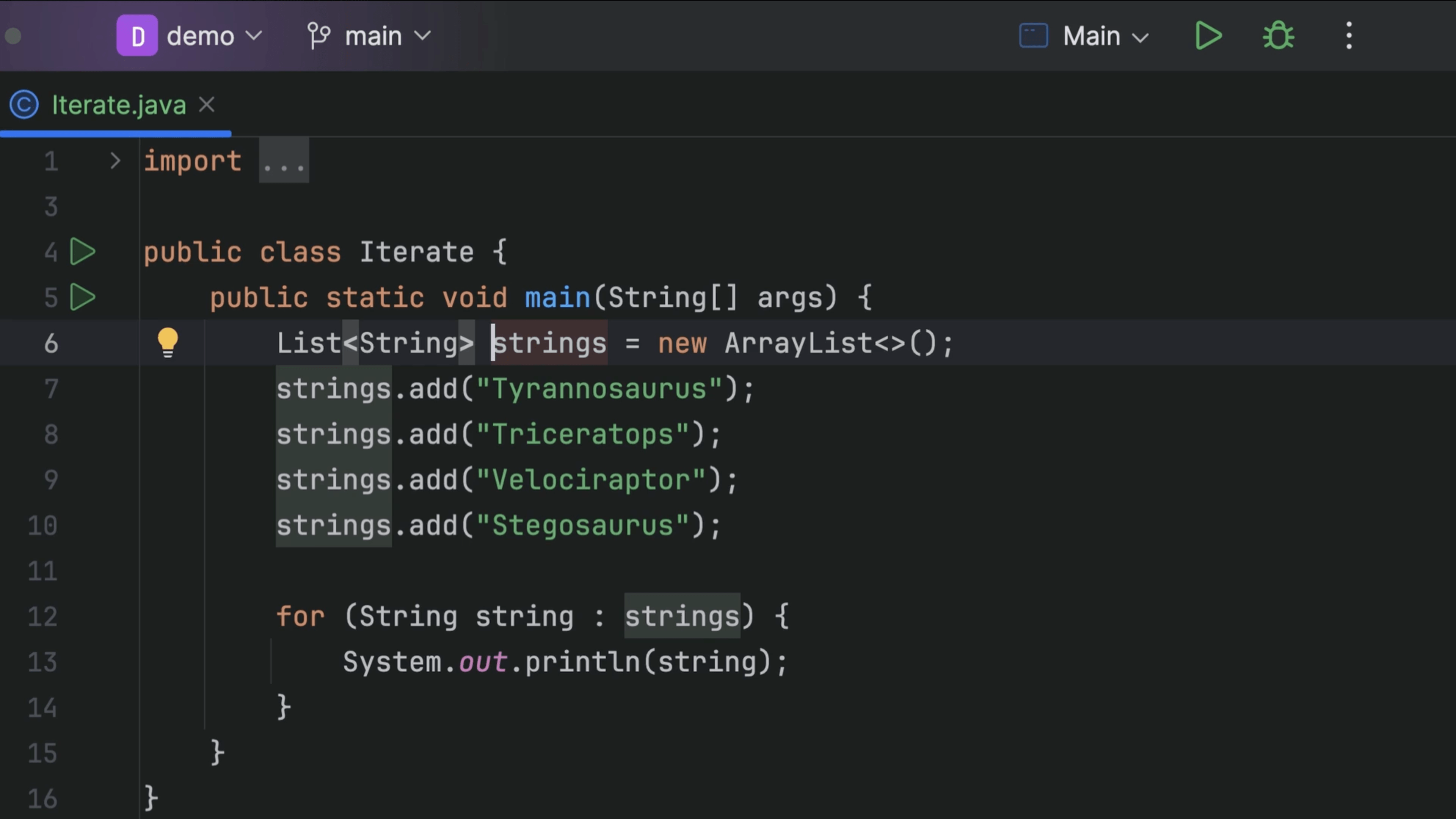
Refactor rename with AI Assistant

Tip

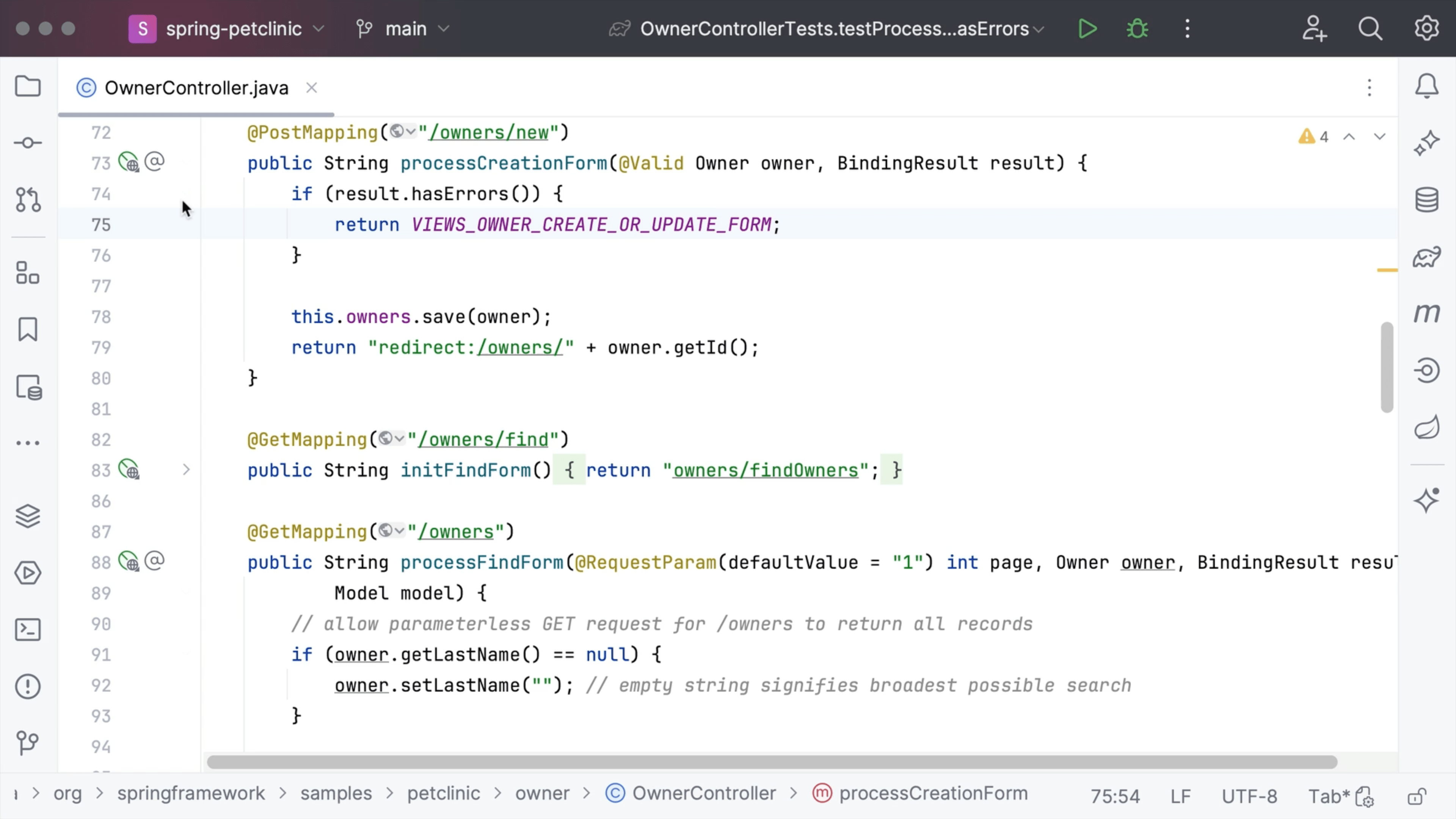
Refactor rename with AI Assistant
Use the power of AI Assistant for even better naming suggestions.
Group projects

Tip

Group projects
Group your projects together in the Welcome Screen.
Dependency Matrix

Tip

Dependency Matrix
Explore project structure with the Dependency Matrix.
Custom Project Icons

Tip

Custom Project Icons
See how you can add a custom icon to your project.
Selectively Commit Changes

Tip

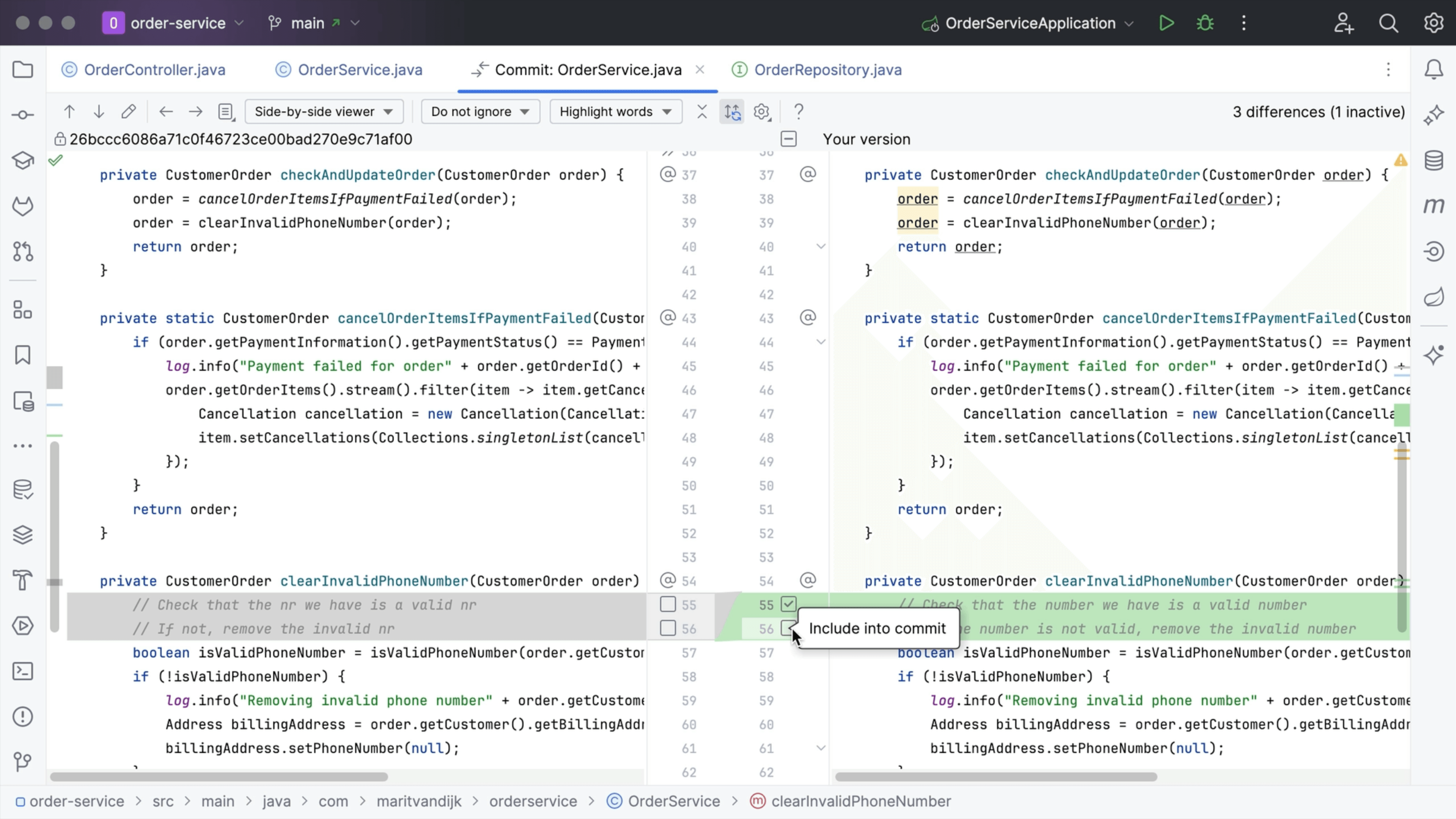
Selectively Commit Changes
Selectively commit a subset of changes in a file to VCS.
Rename Bookmark

Tip

Rename Bookmark
Rename an existing bookmark to something more suitable.
Optimize imports

Tip

Optimize imports
Remove unused imports from your code with one keyboard shortcut.
Import Multiple Repositories

Tip

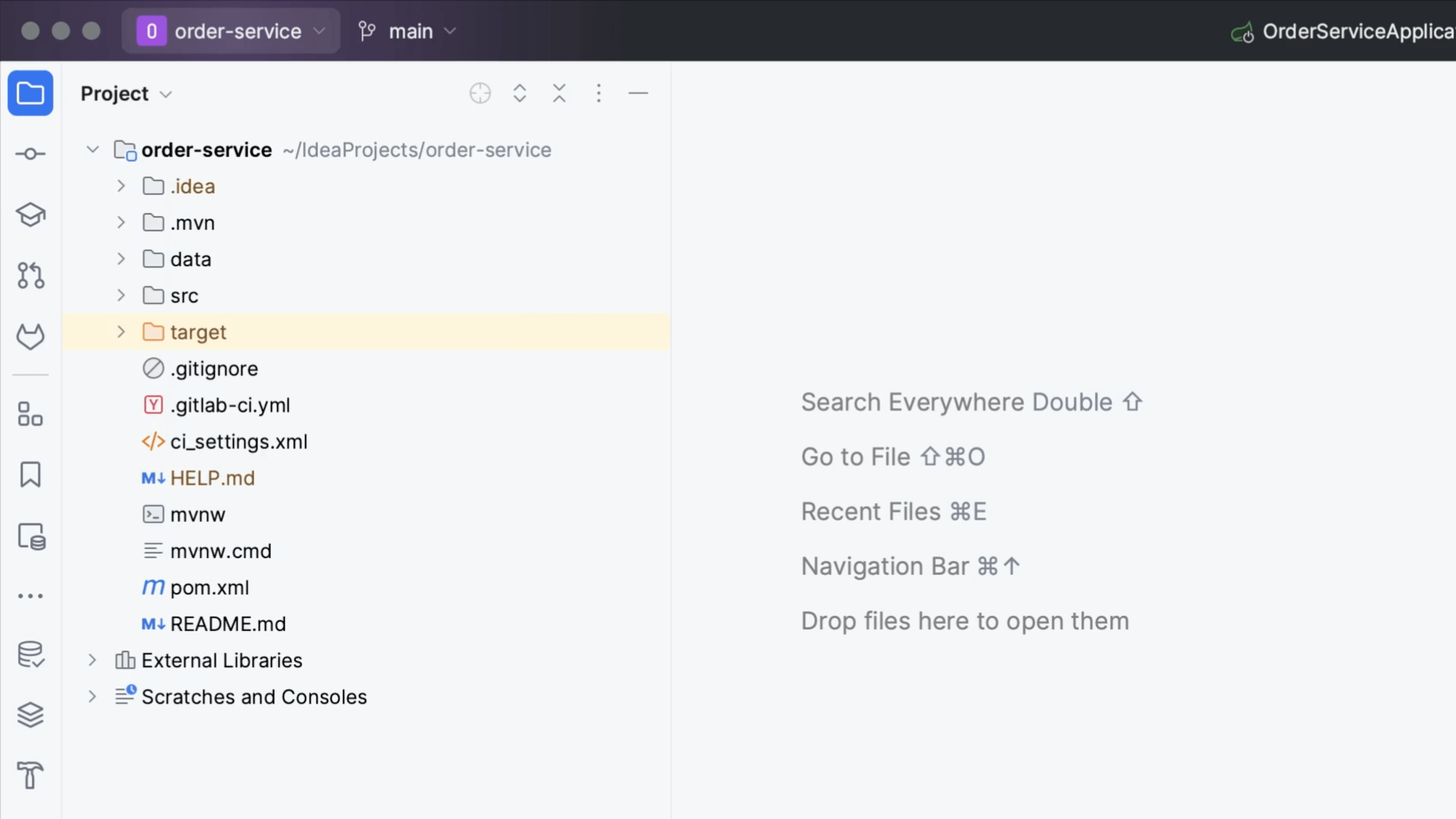
Import Multiple Repositories
Import multiple related repositories into one IntelliJ IDEA project.
Annotate with Git Blame: Show Diff

Tip

Annotate with Git Blame: Show Diff
Look at the diff a change was part of from Annotate with Git Blame.