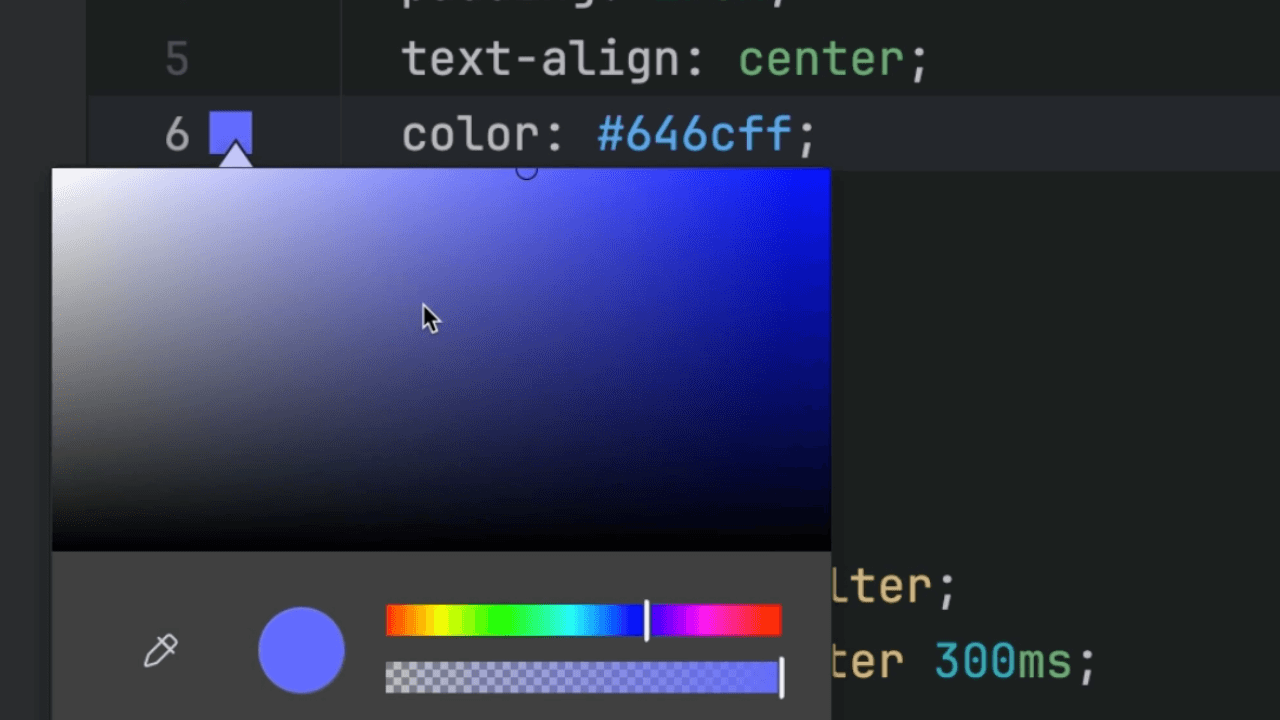
Show CSS Color Preview
How to display a CSS color in the background in WebStorm.

Create Arrow Functions in One Click
WebStorm can help you add arrow functions to your code.
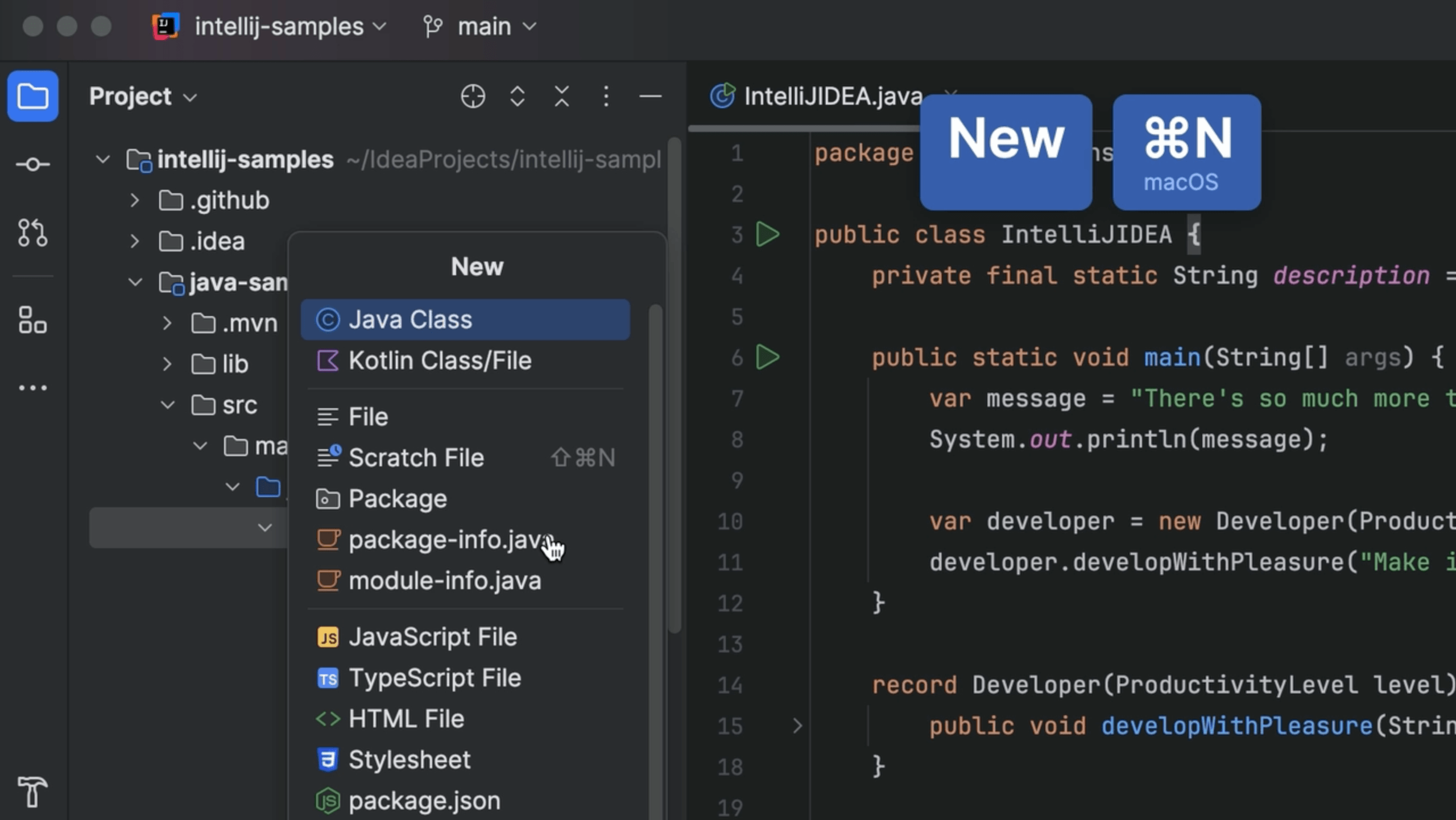
Create New Class
Quickly add new classes to your project.

Evaluate JSON Path Expressions
Use IntelliJ IDEA to check if your JSON Path expression are correct.

Enable Git Staging
Git Staging is an alternative approach to IntelliJ IDEA Changelists.

Run inspection
Run inspection by name. For example, run Vulnerable API usage to see where the vulnerable API of external dependencies is used in your code.

Mnemonic bookmark
Use mnemonic bookmarks for easy navigation.

Extend Selection
Extend and shrink your current code selection.

Edit commit message
Edit an existing commit message; use AI Assistant to Improve Commit Message.

Generate code with AI Assistant
Let AI Assistant write code for you, based on your prompts.

Explain Regexp with AI Assistant
Using AI Assistant to help you understand regexp.

Vulnerable API Usage
See whether you are using the vulnerable API of a dependency.