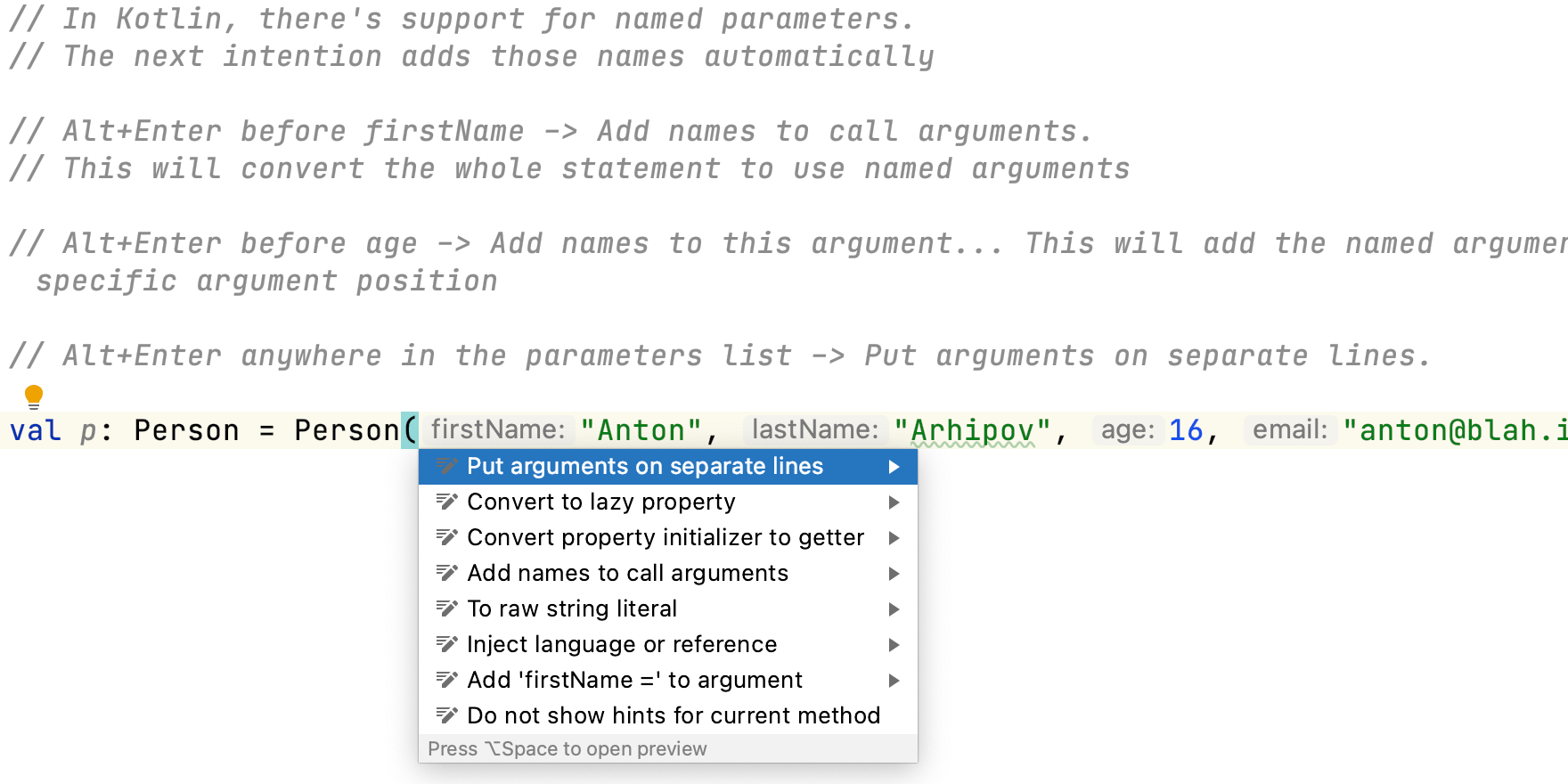
Add Names to Call Arguments in Kotlin
Use quick intentions to add names to call arguments.
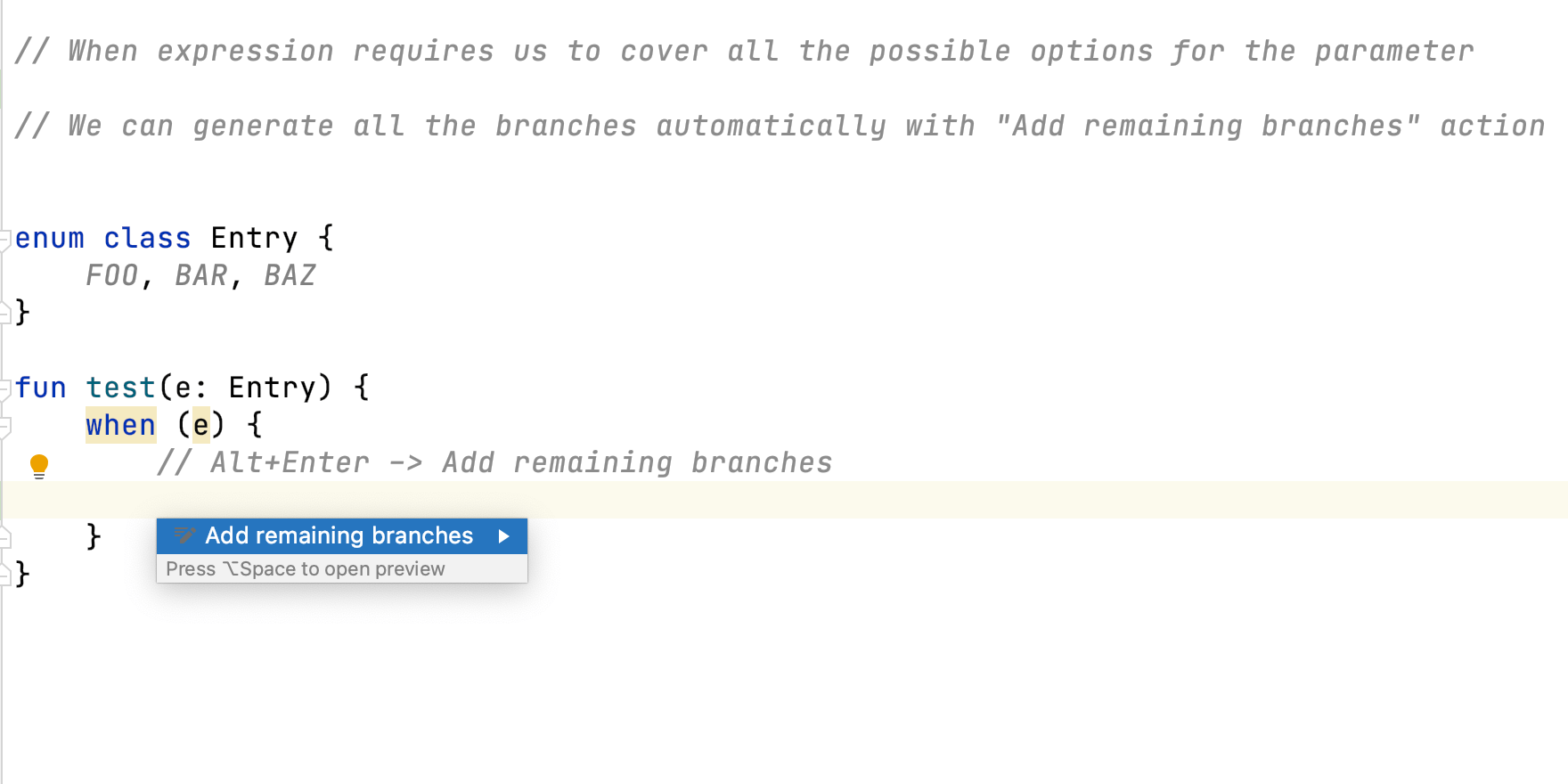
Add Remaining Branches in Kotlin
Use quick intentions to generate code automatically and save you typing.
IntelliJ IDEA Welcome Screen
Get a project from source control, open an existing project, or create a new project.

Refactor an Unreachable Statement
Use quick intentions to remove redundant code.
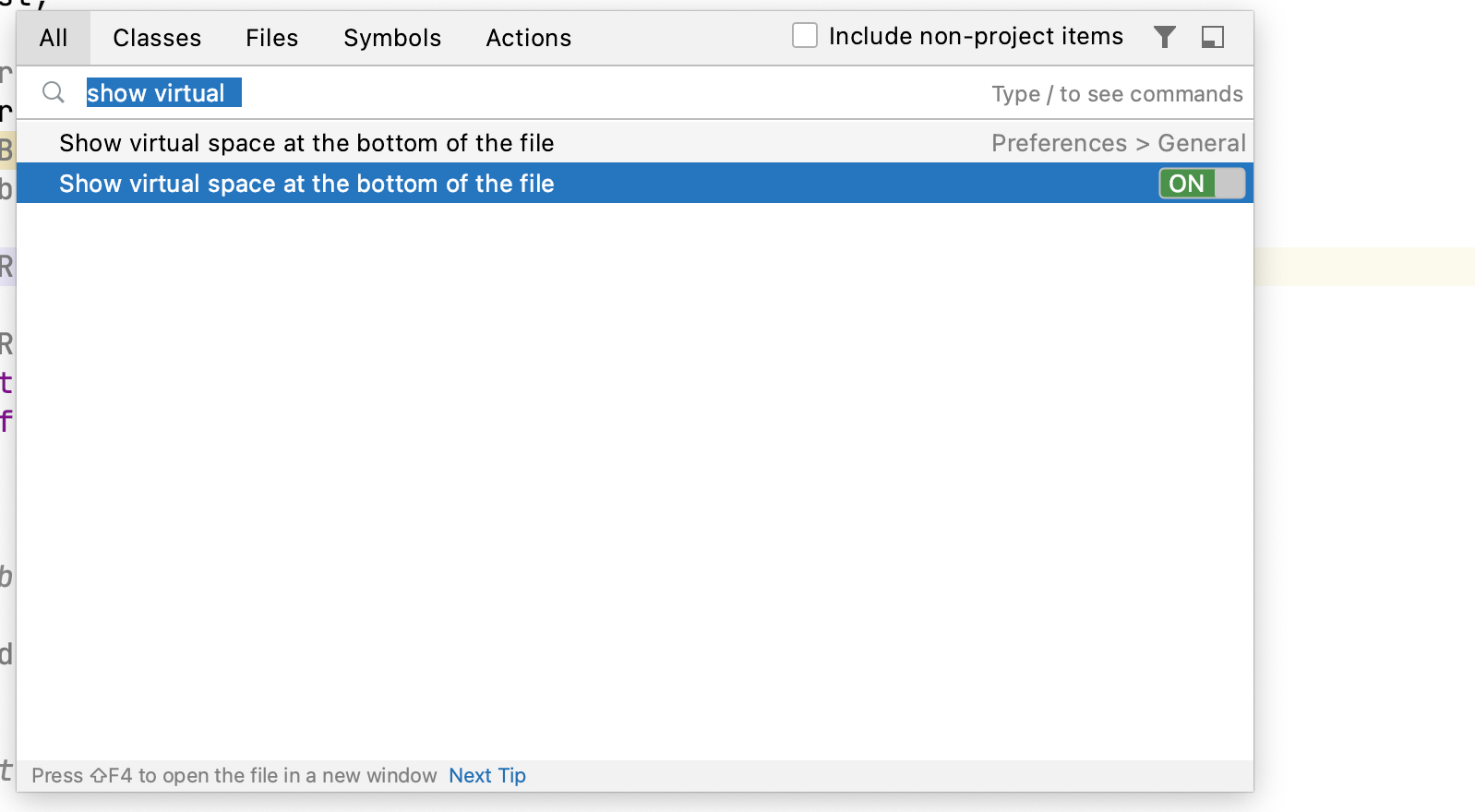
Show Virtual Whitespace
Add virtual whitespace to the bottom of a file so you can scroll to the end half way up your screen.
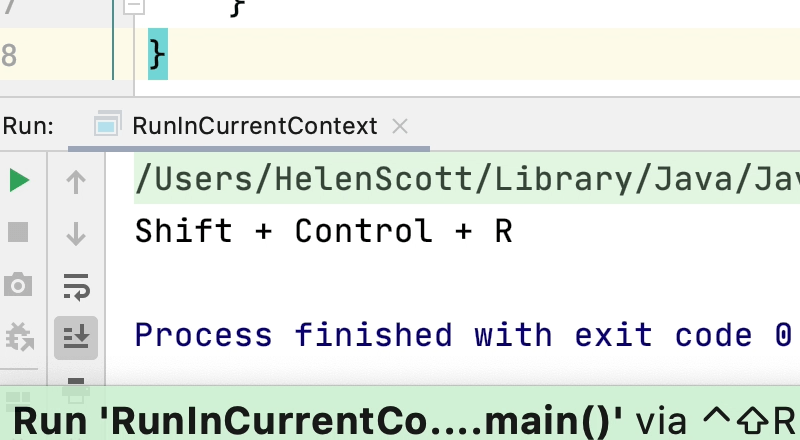
Run in Current Context
Run just a file or a single script.
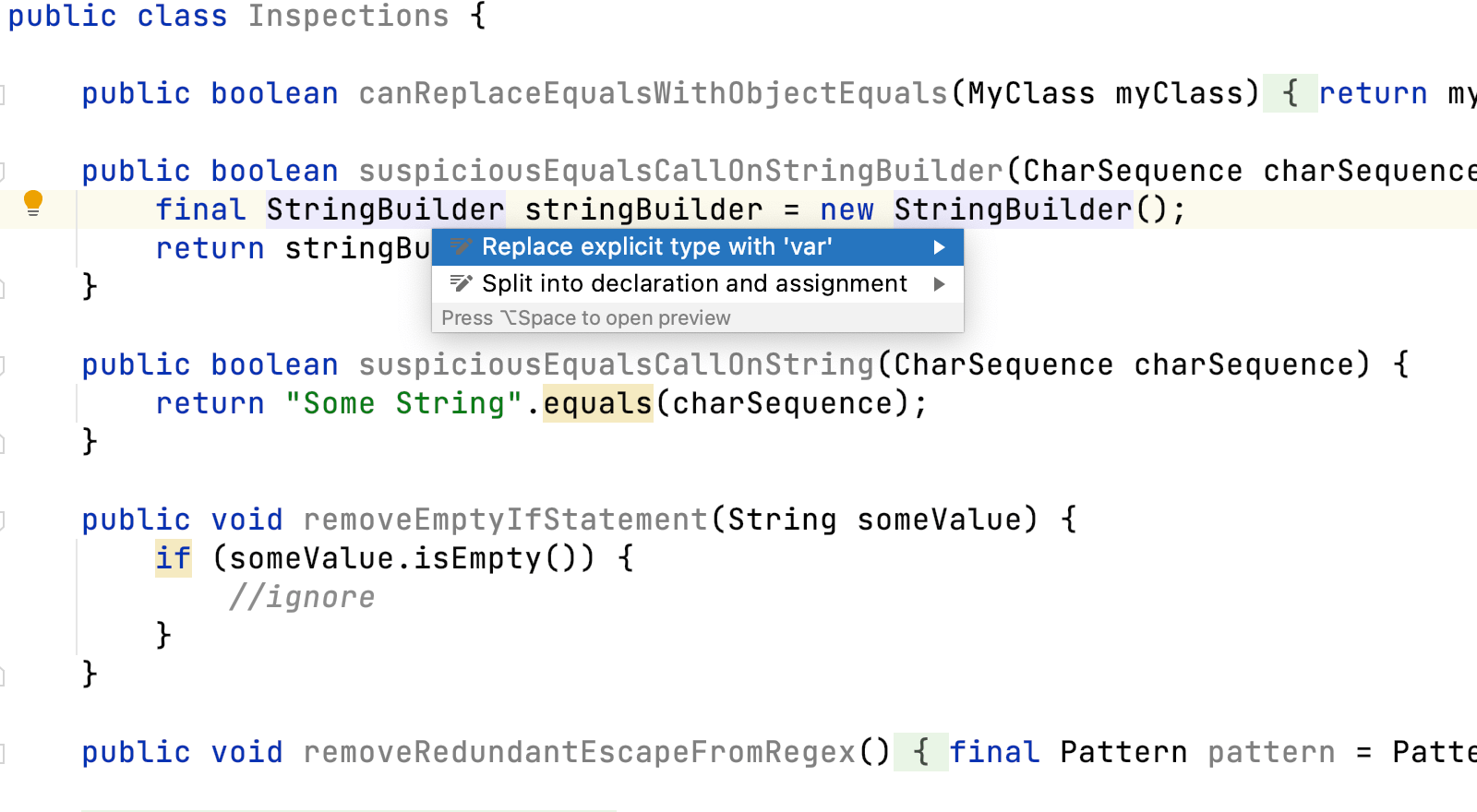
Replace With var
Use quick intentions to replace a local variable type with `var`.
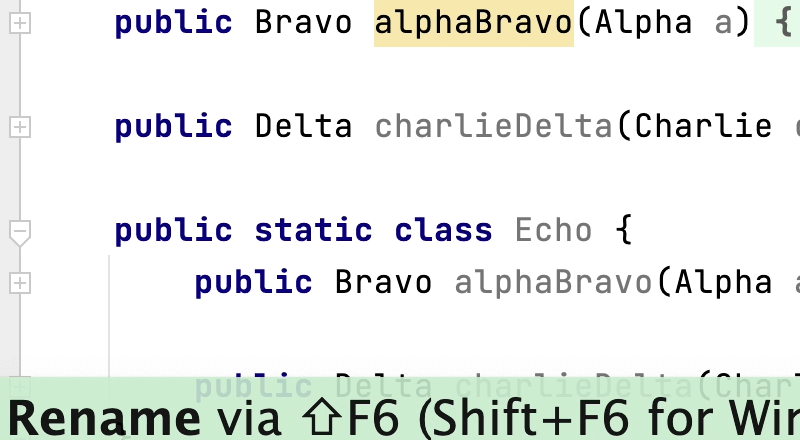
Rename an Interface
Renaming in IntelliJ IDEA including comments and texts.
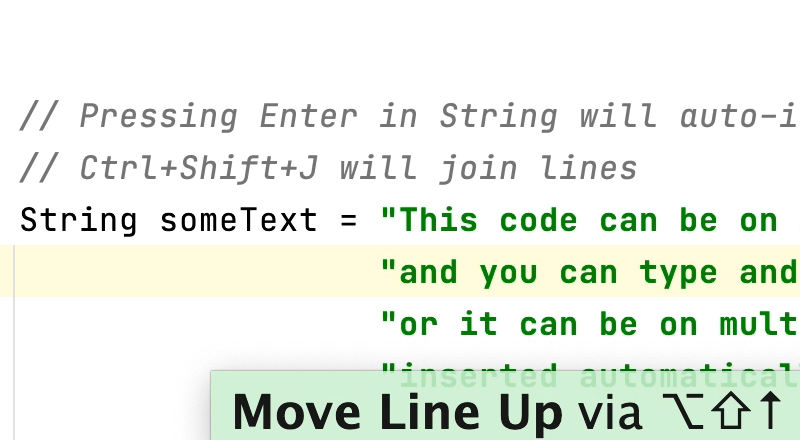
Move Line
Move a line throughout your class, but watch out for errors!
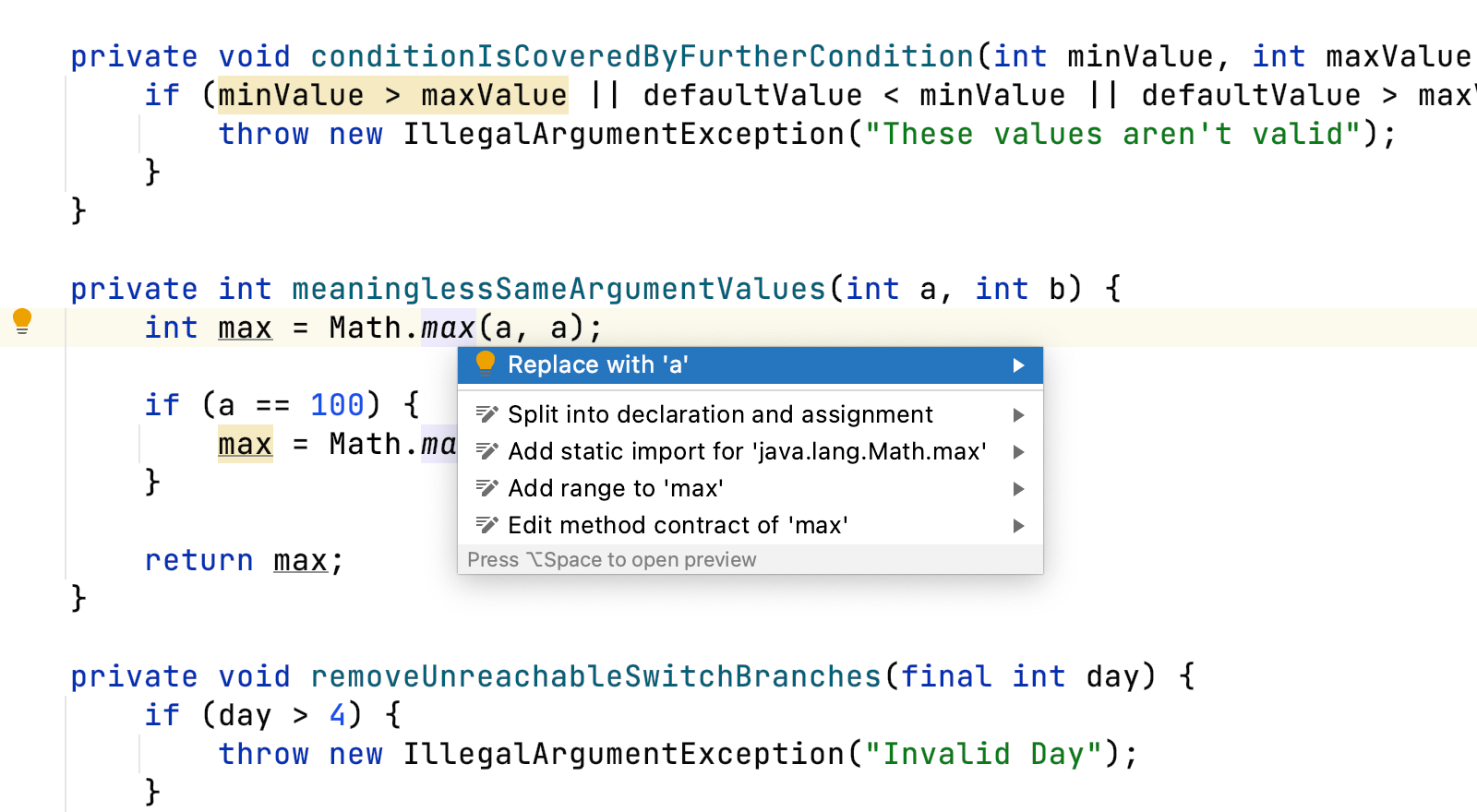
Meaningless Arguments
Use quick intentions to remove redundant code so it's not cluttering your codebase.
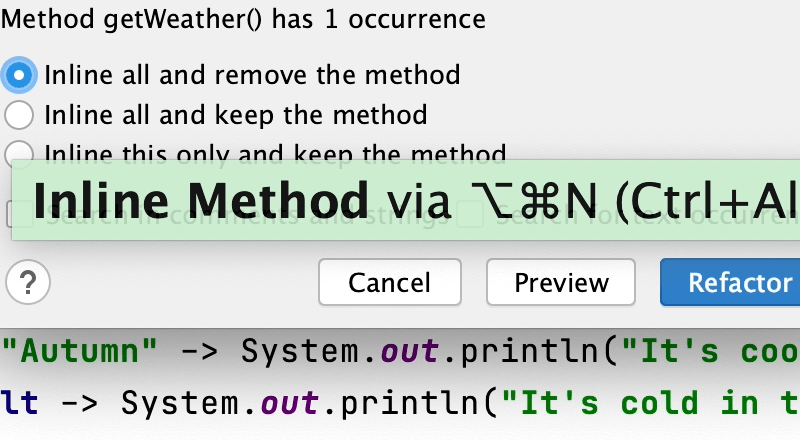
Inline a Method
Sometimes inlining a method can improve the readability of your code.
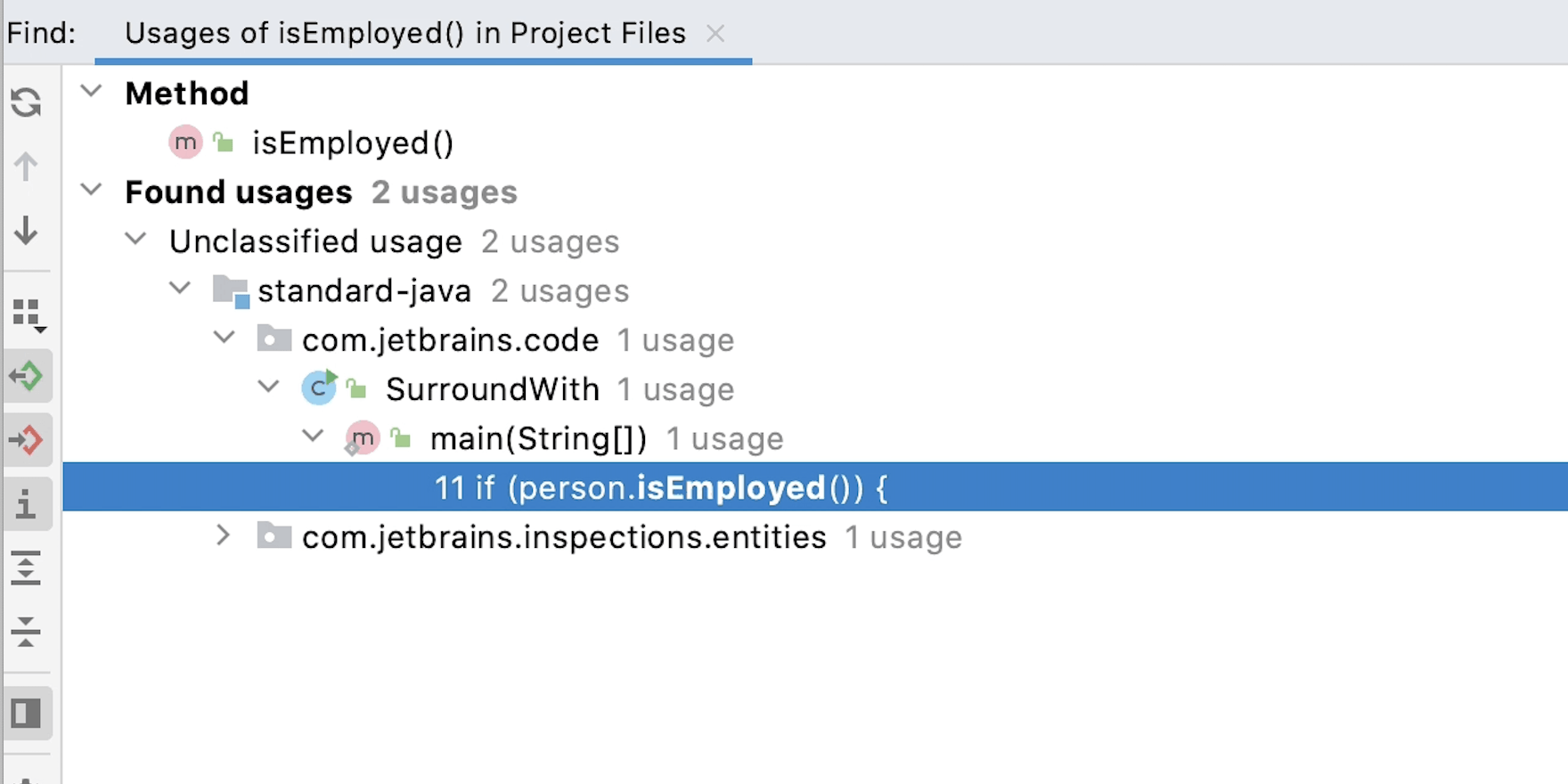
Find Usages
Use Find Usages to search for references in your code base.