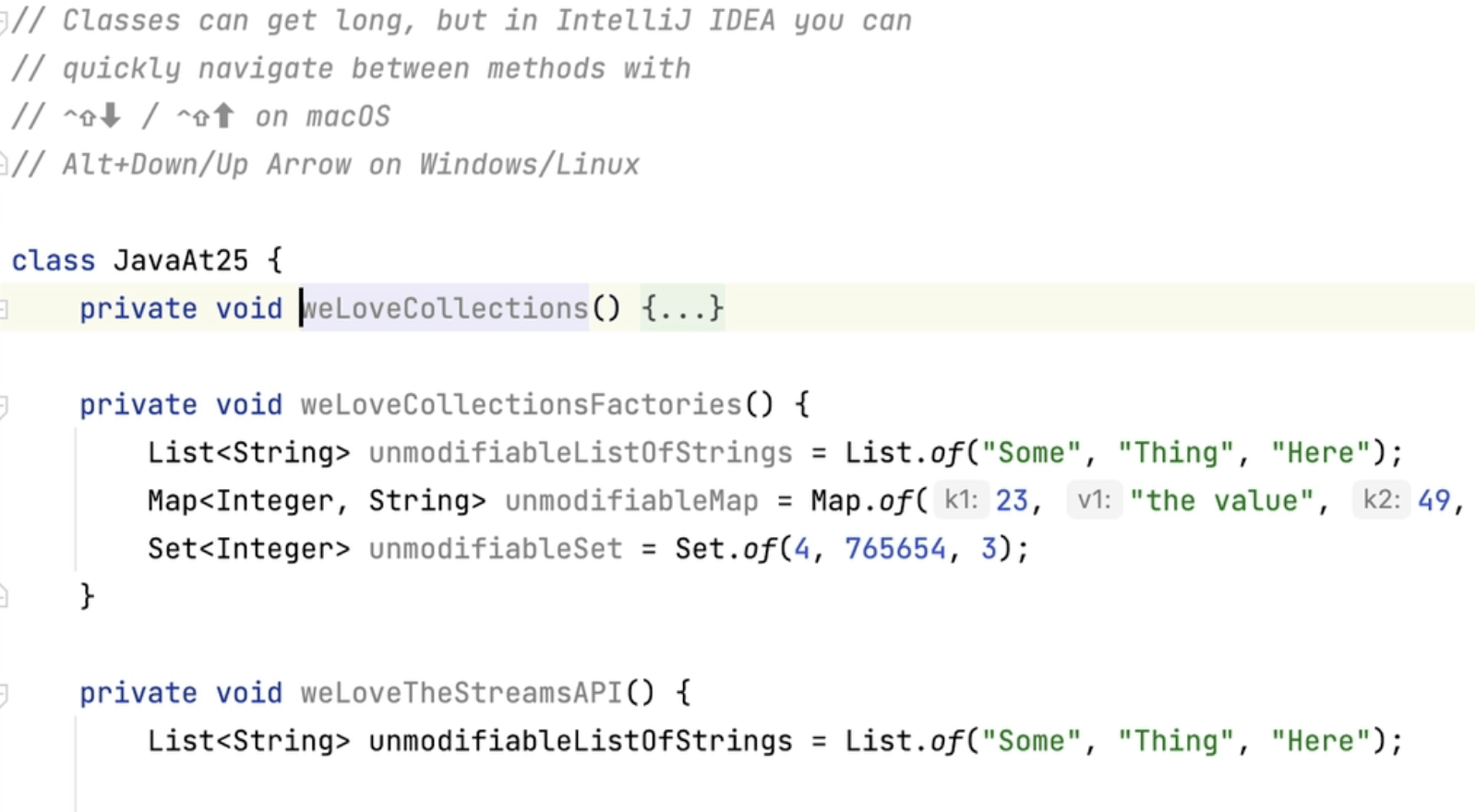
Navigating a Long Class
There are various tips and tricks you can use to navigate a long class in IntelliJ IDEA.
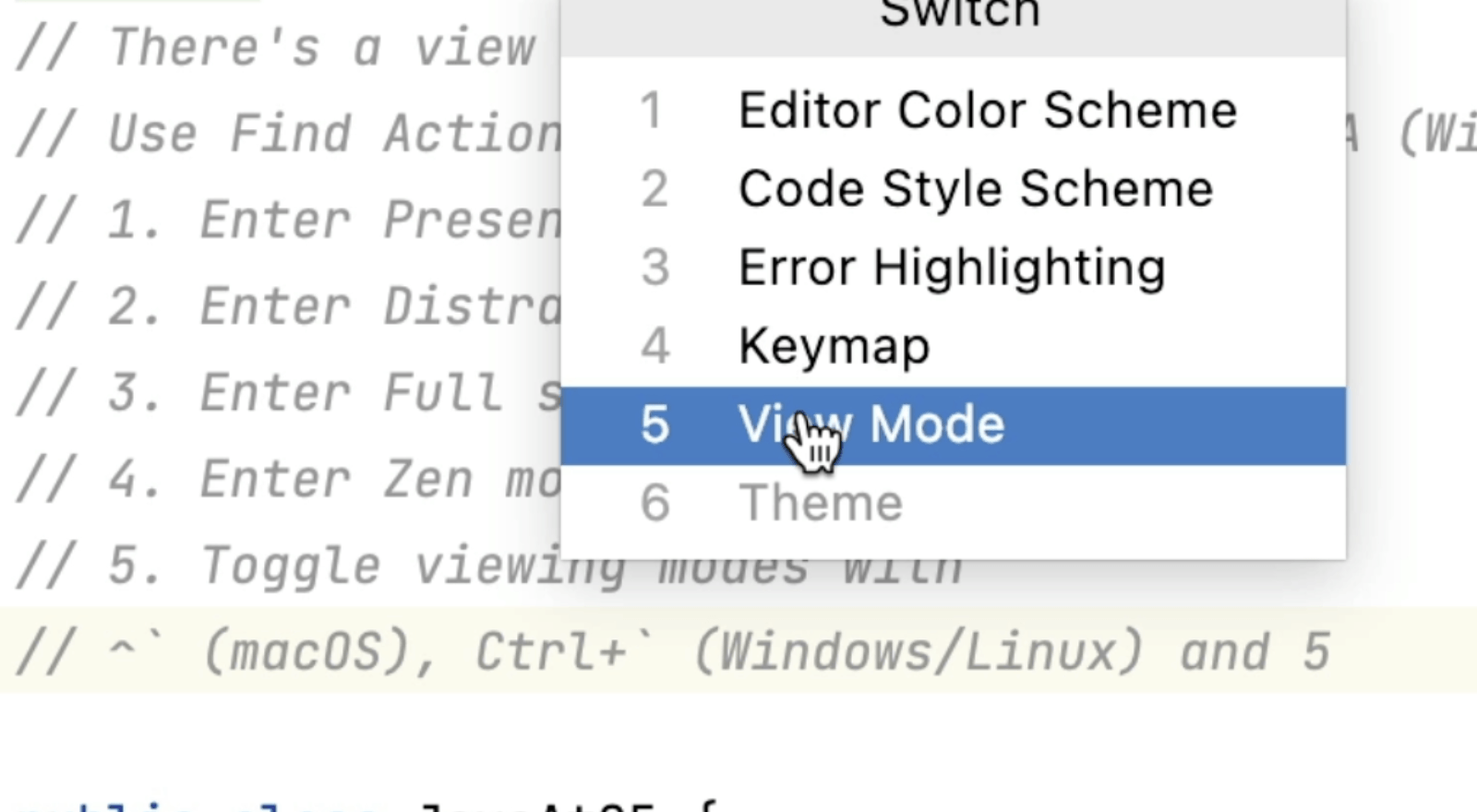
Different Viewing Modes for Your Code
IntelliJ IDEA has lots of different ways for you to view your code depending on your requirements.
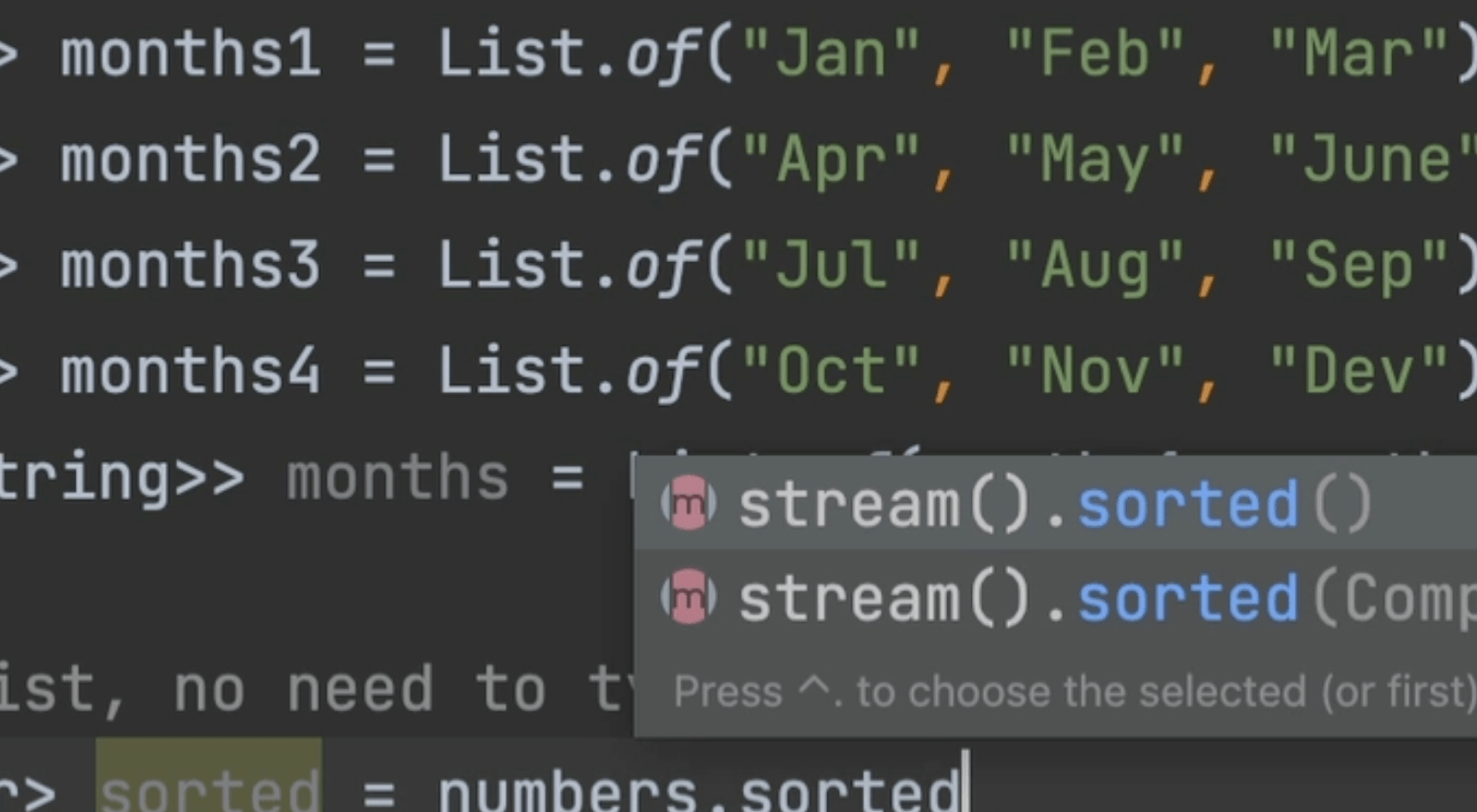
Code Completion for the Stream API
IntelliJ IDEA can add the stream() call meaning less typing for you.
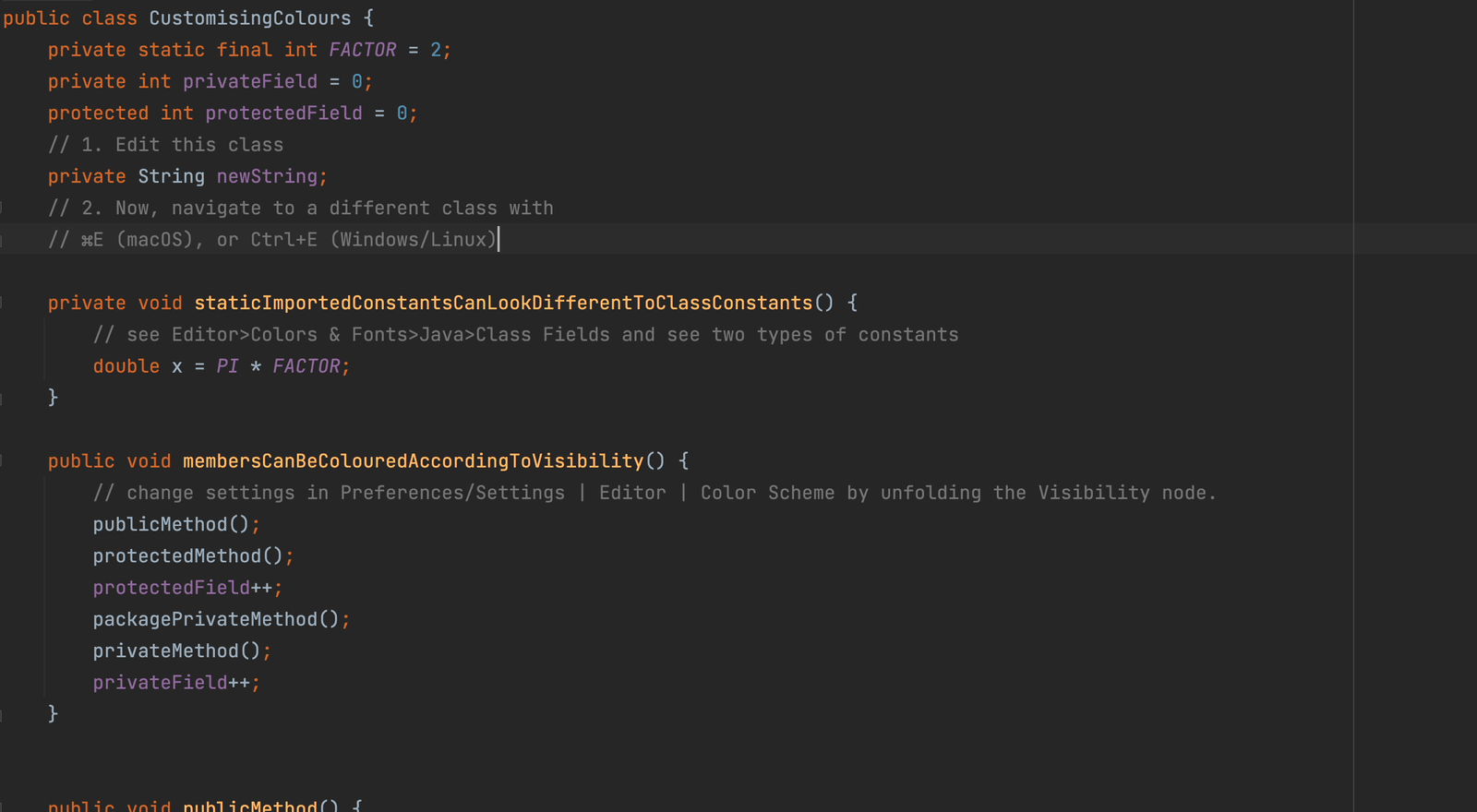
Navigate to the Last Edited Location
Move around the files you're working on quickly with keyboard shortcuts.
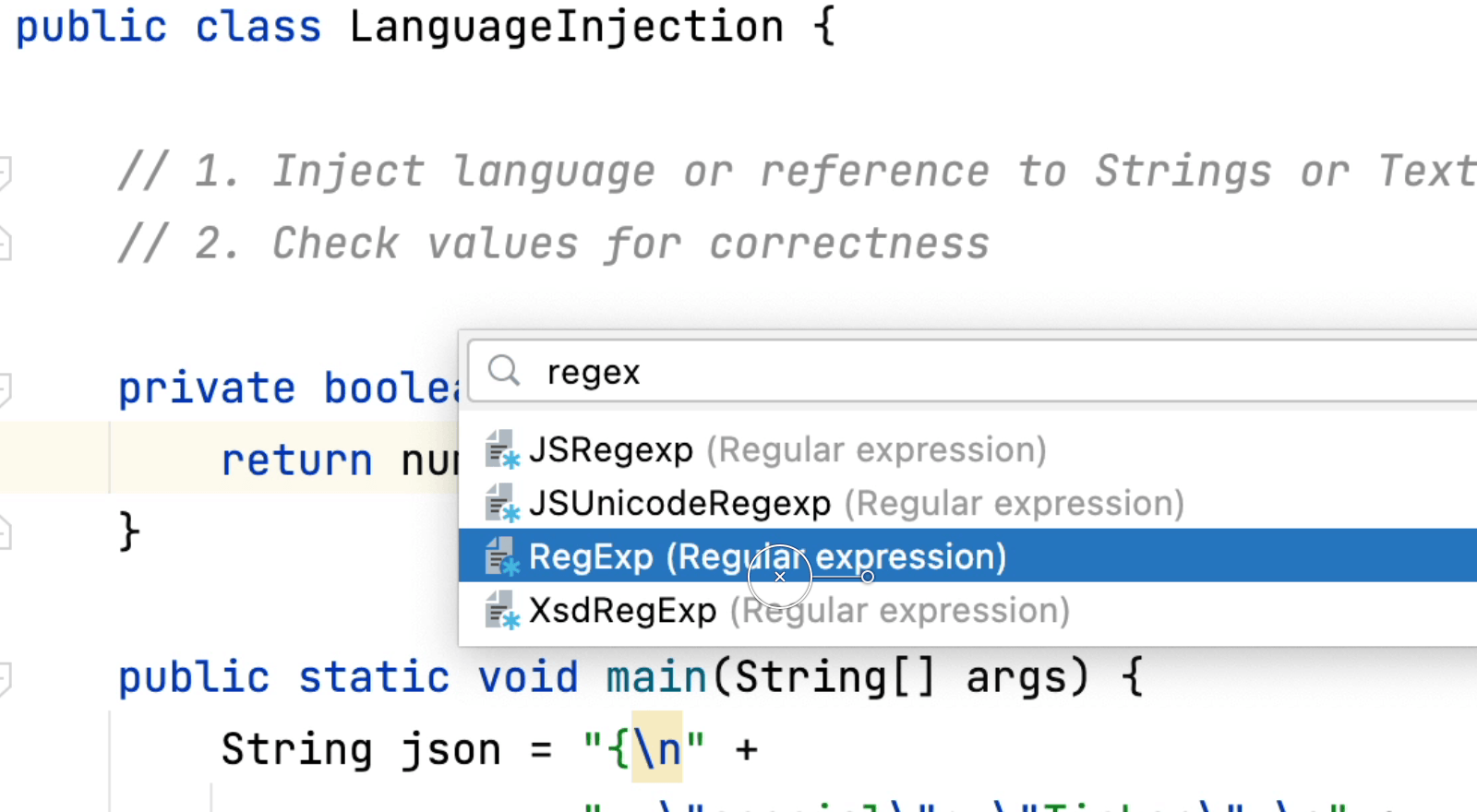
Inject a Language
Language injections let you work with pieces of code in other languages embedded in your code.

Edit a Document in IntelliJ IDEA LightEdit Mode
Use IntelliJ IDEA’s text editing features without creating or opening a dedicated project.
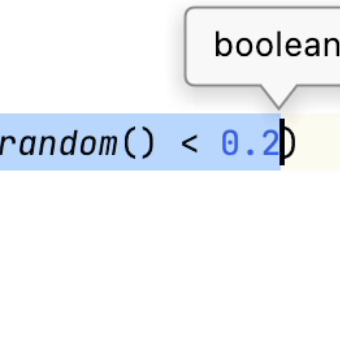
Determining the Return Type of Expression
Type Info is very helpful on a per-expression basis to understand your code.
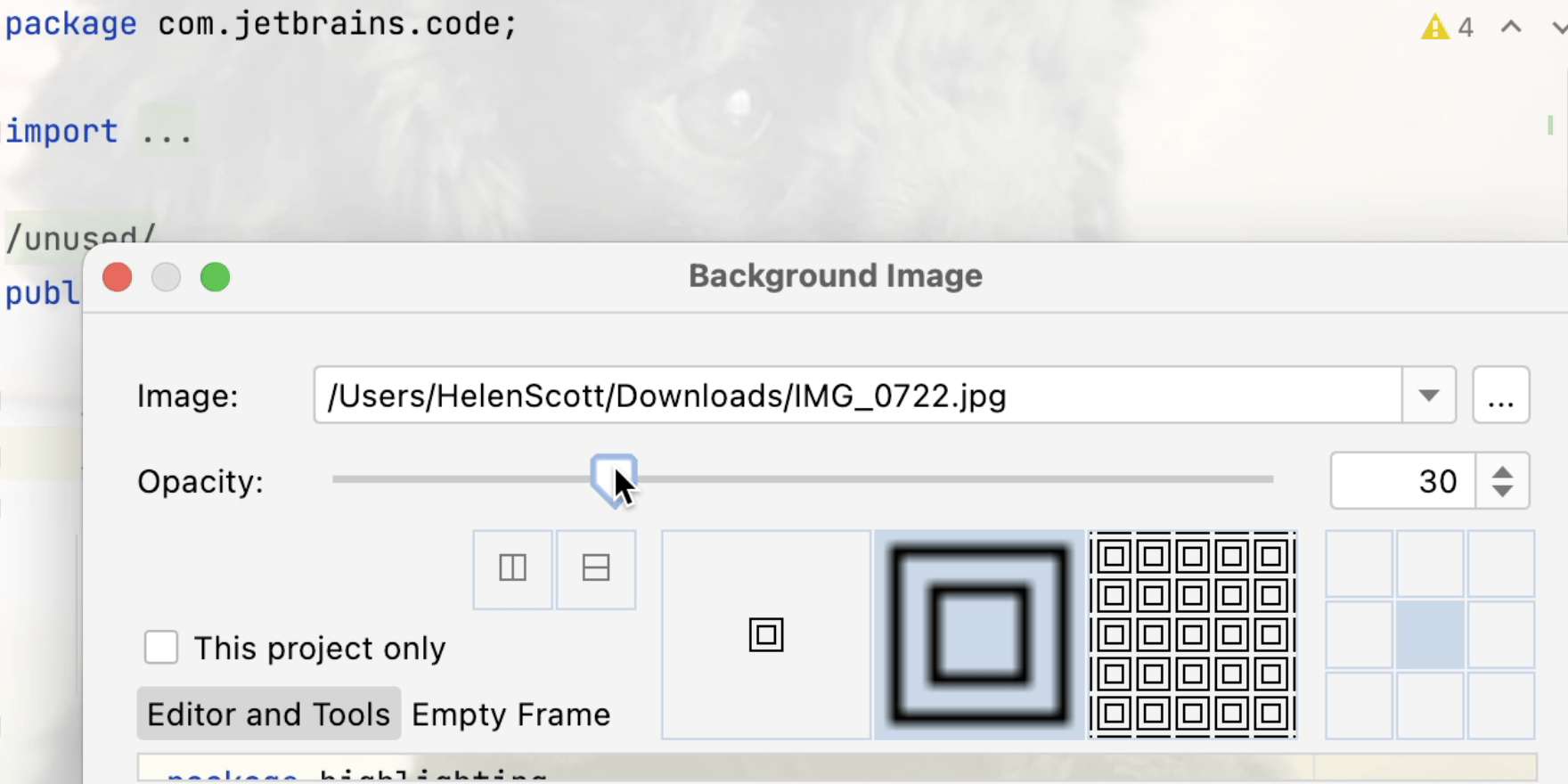
Add Your Favourite Photo as a Background
If you want to look at your favourite photo while coding you can set it as your background image.
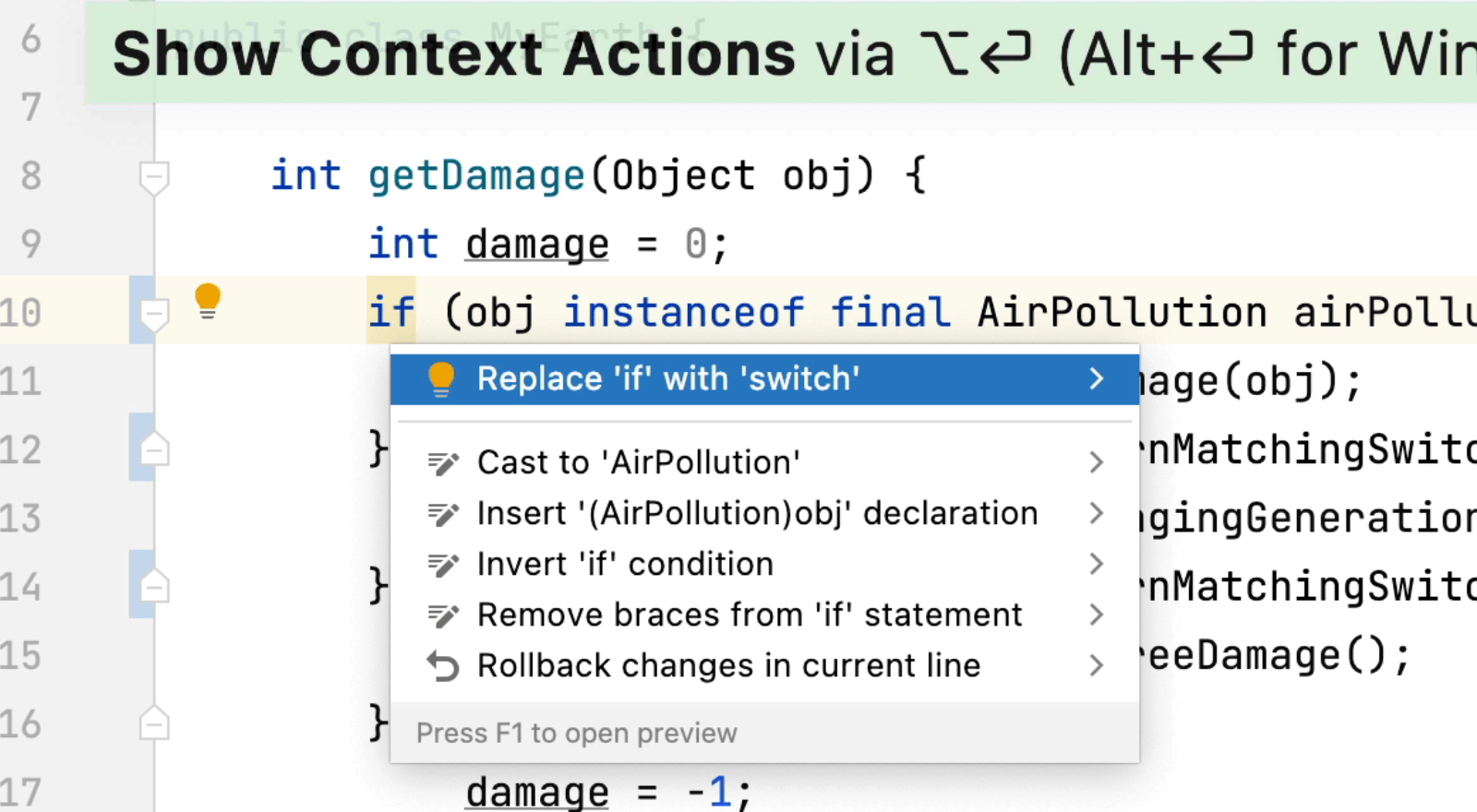
Pattern Matching for Switch
This feature is available in preview from Java 17.
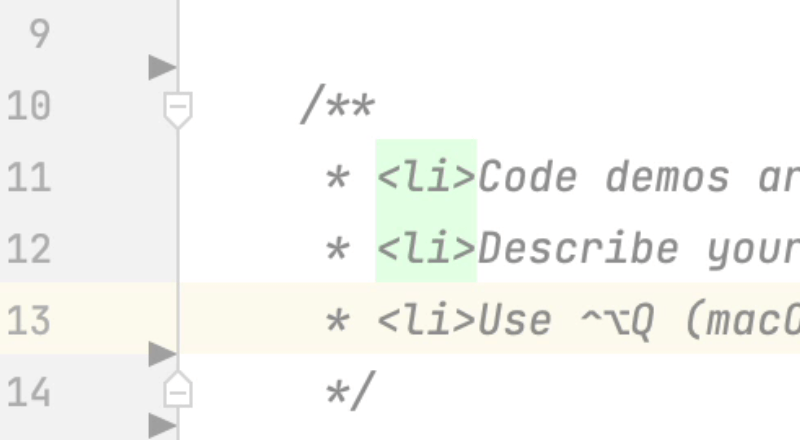
In Editor Doc Rendering
You can render Javadocs directly in the editor including HTML tags, images and links.
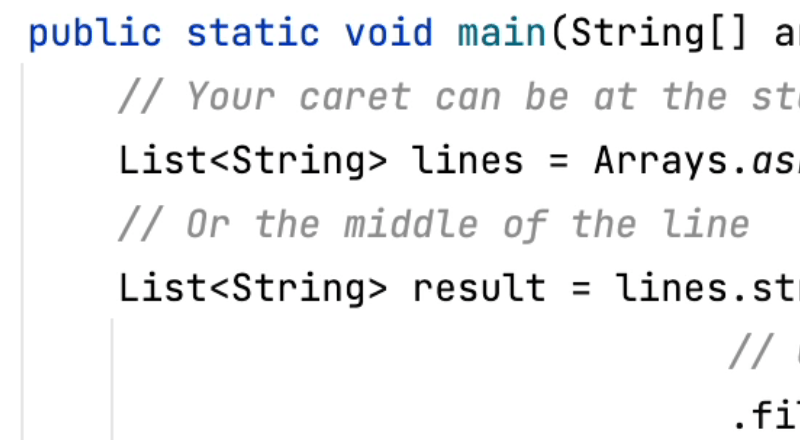
New Line
Start a new line below or above your current line with the correct indentation.
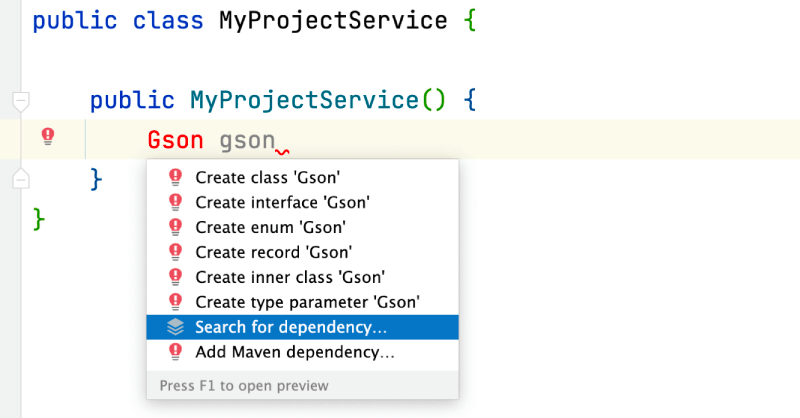
Quick-Fix to Add Missing Dependencies in the Editor
Save time when adding missing dependencies by using a quick fix.