
Auto Install and Import Packages on the Fly
Start typing a name in the editor. If the name references a class that has not been imported you can import it and add the import in one step.
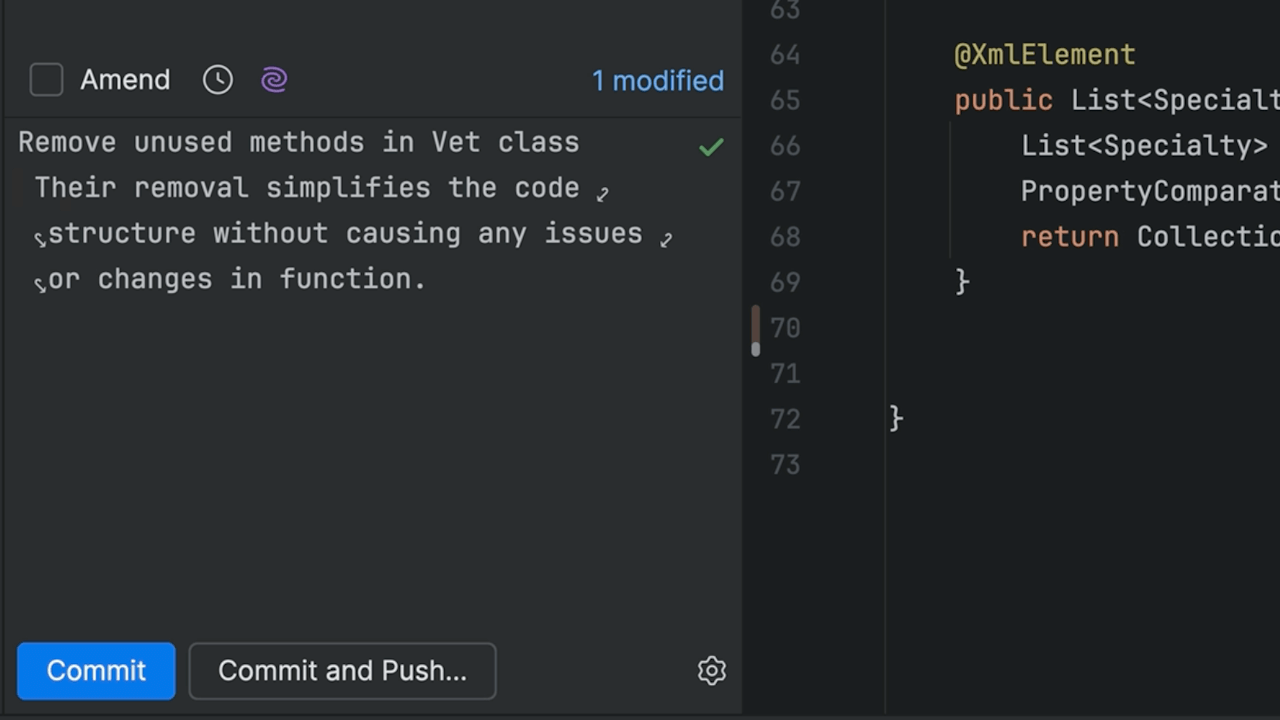
Create and Understand Commit Messages with AI Assistant
How AI Assistant can both generate a commit message and help you understand prior commit messages.
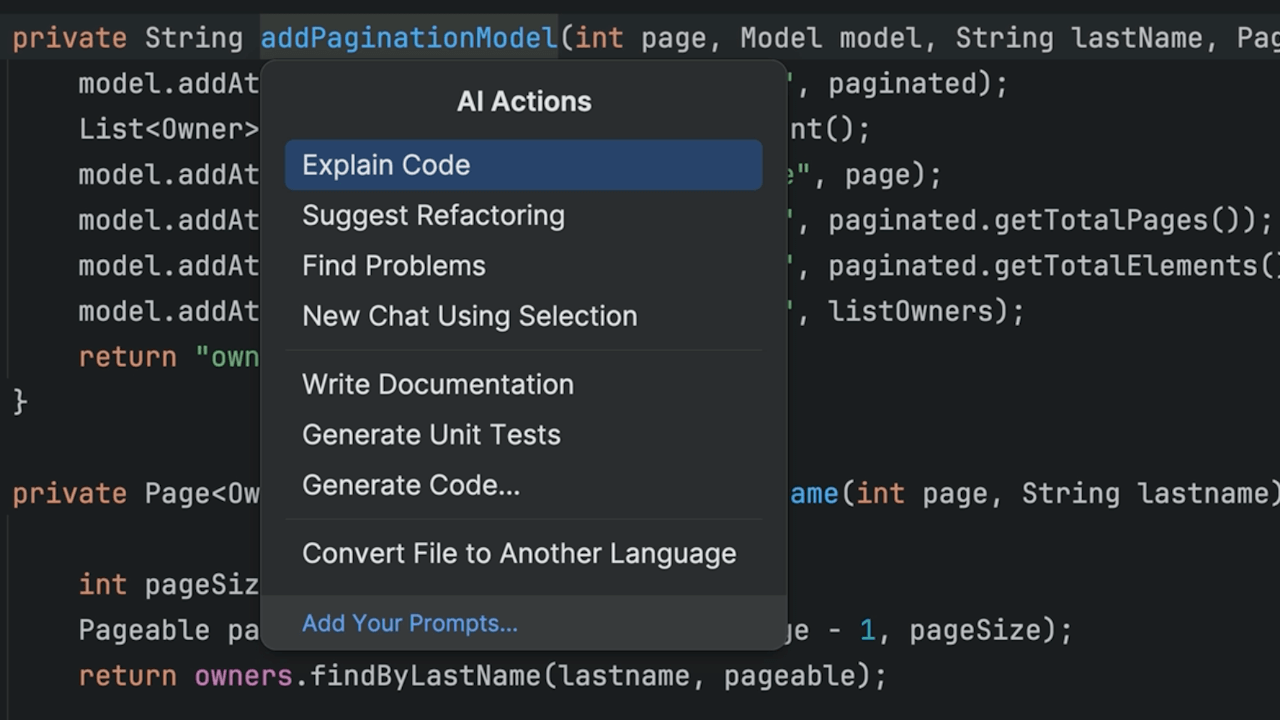
Explain Code with AI Assistant
Using AI Assistant to help you understand code.

C# Top-level statements
Use top-level statements in C# to reduce boilerplate code.
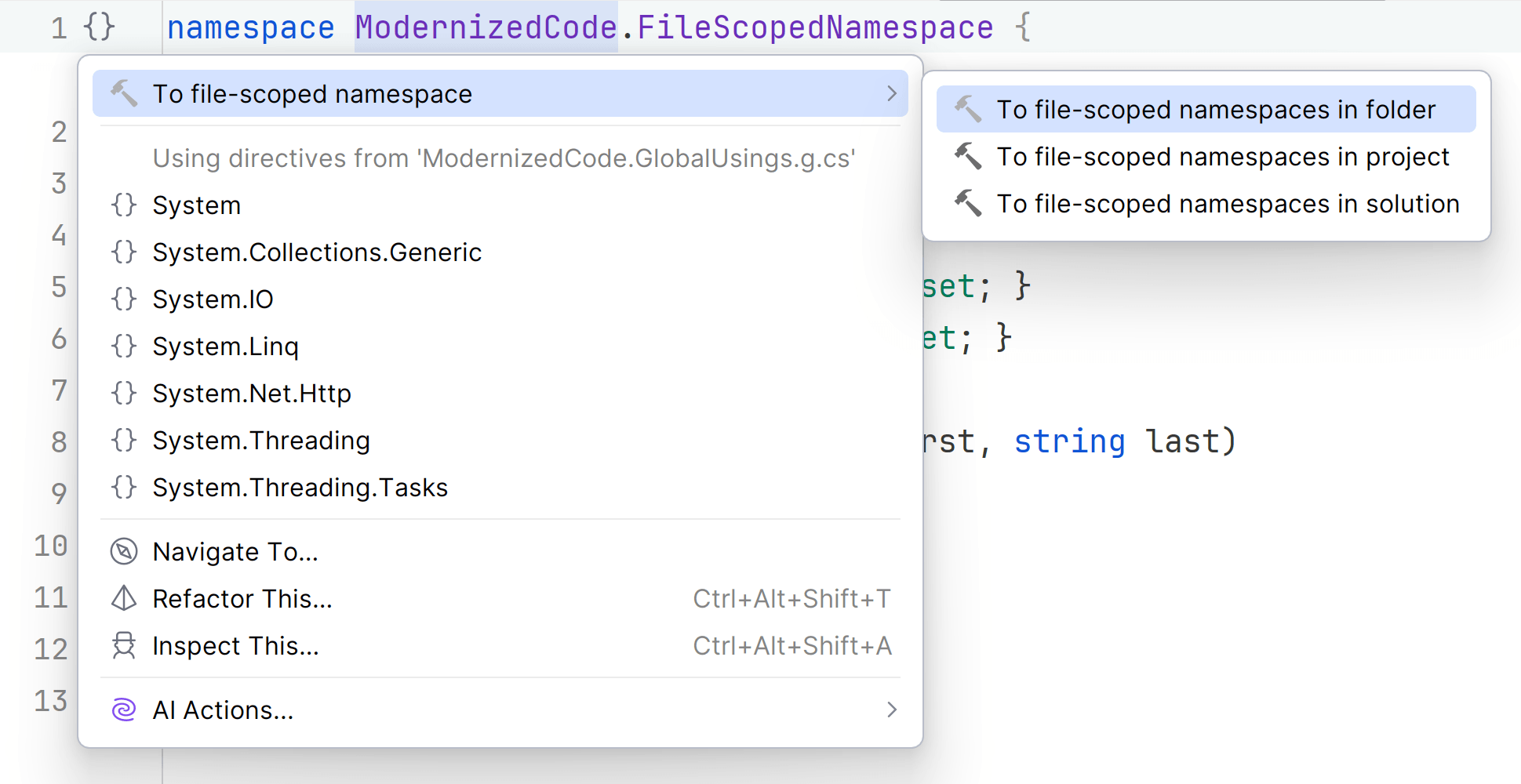
File-scoped namespaces and types
Organize code better and reduce bugs by using file-scoped namespaces and objects.
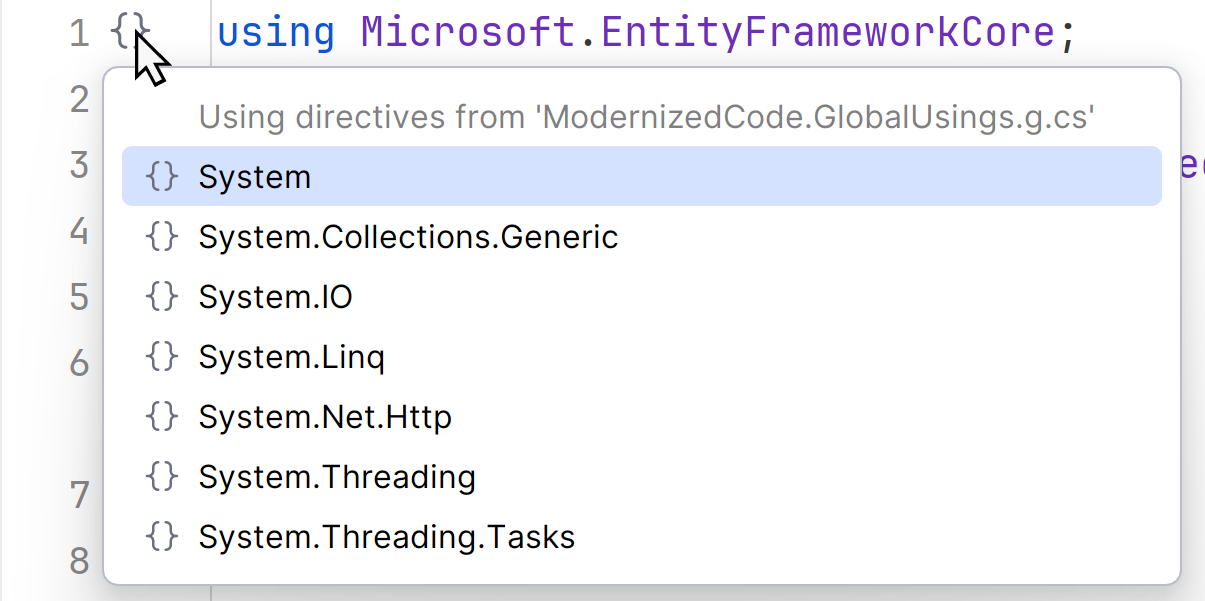
Global usings
Organize `using` statements so they're out of your way.
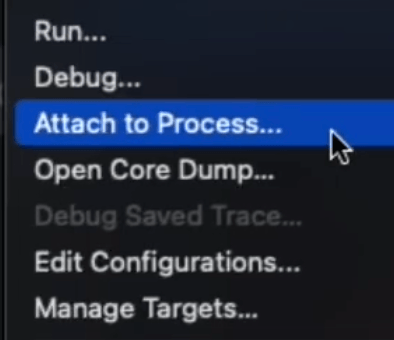
Attach the Debugger to a Running Go Processes
Attach a debugger to a running process in your IDE, whether local, remote, or in Docker.

Surround with Emmet
Quickly surround a selection with rich markup using the Emmet toolkit.

Create Reusable Code Snippets
Save time by reusing blocks of code with custom code snippets.

Transform Existing Expression into Another One
Quickly transform an existing expression into another one using Tab.
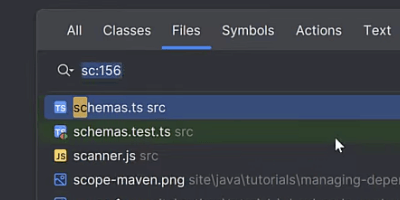
Quickly Jump to Line
Go to a specific line in a file using the Go to file popup.
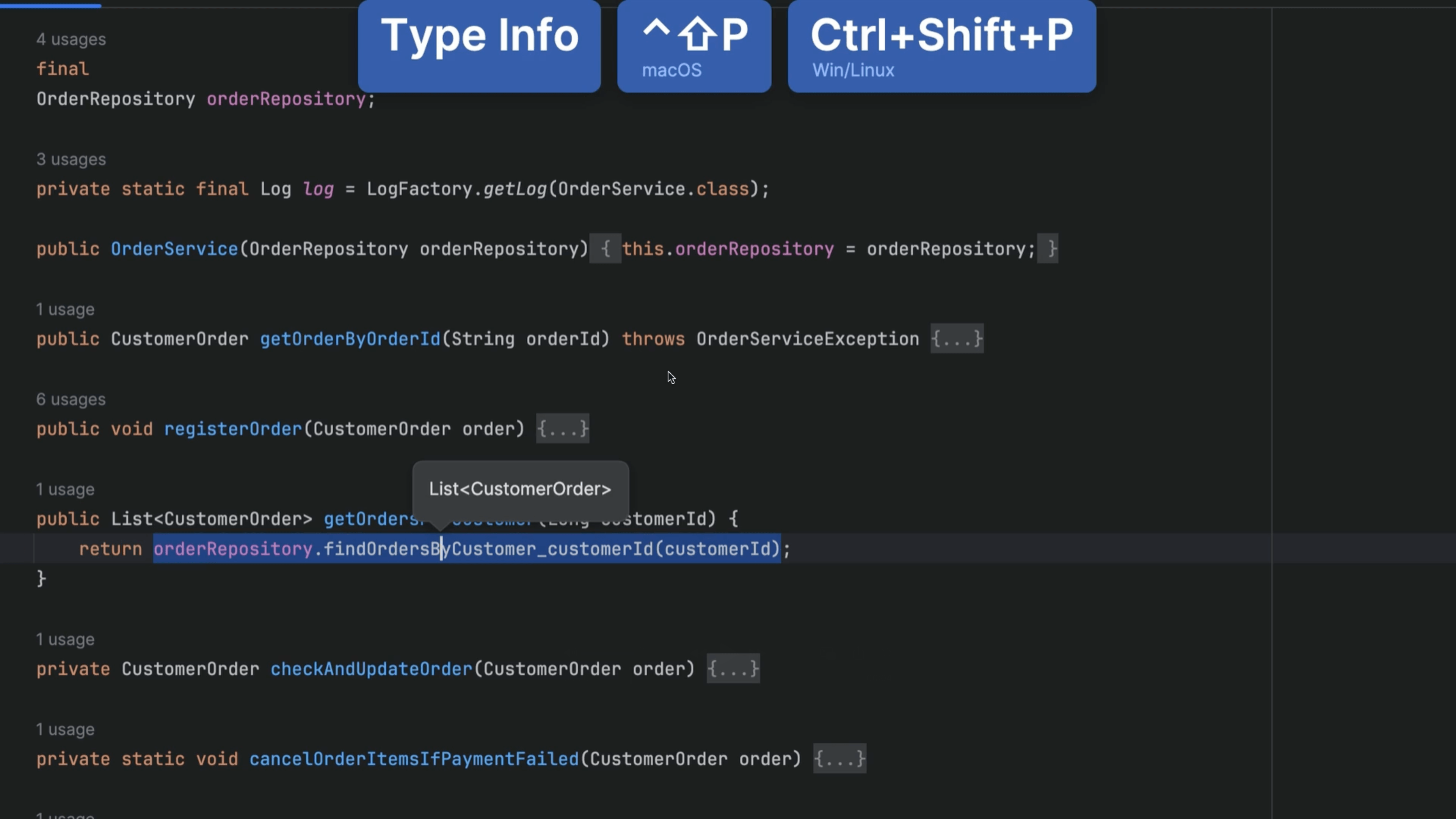
Type Information
Pull up Type Information for an expression