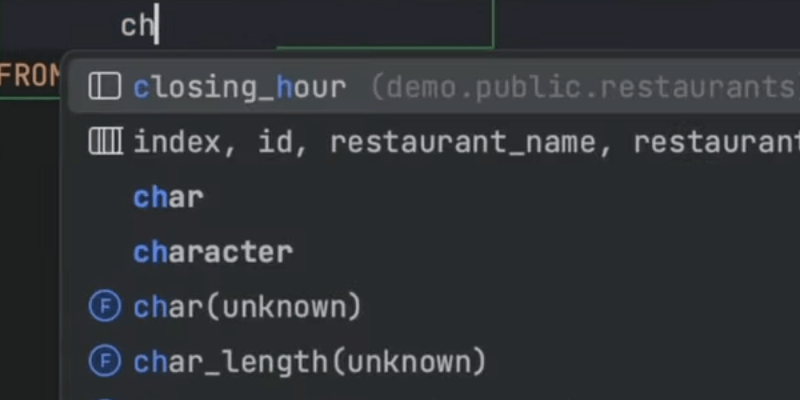
Turbocharging SQL Queries
Speed up your SQL queries with your JetBrains IDE.
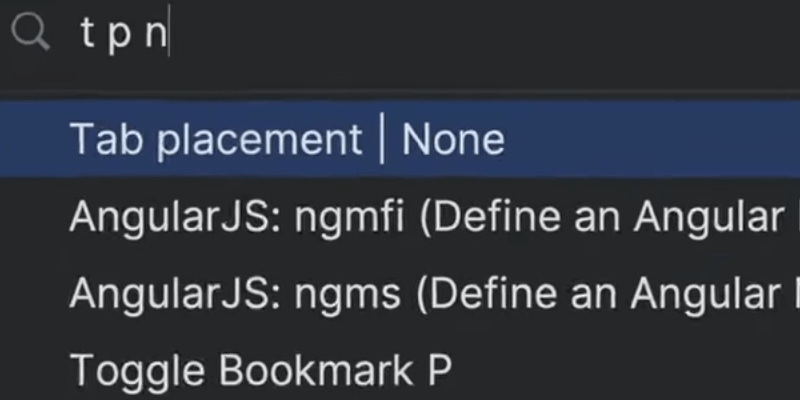
Tabless UI in any JetBrains IDE
Configure your editor tabs to optimize your coding environment.
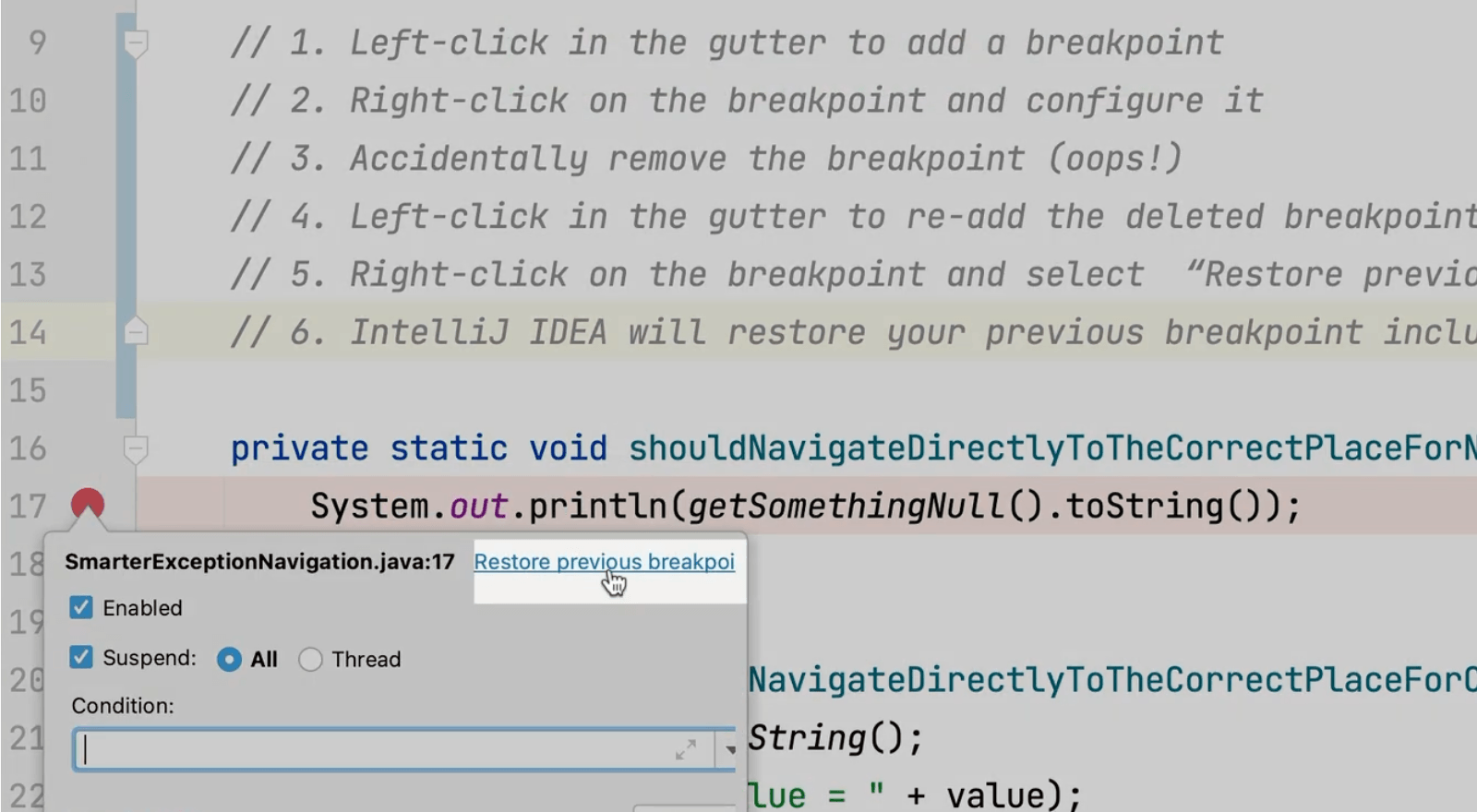
Restore a Deleted Breakpoint
You can restore previously configured breakpoints if you accidentally delete them.
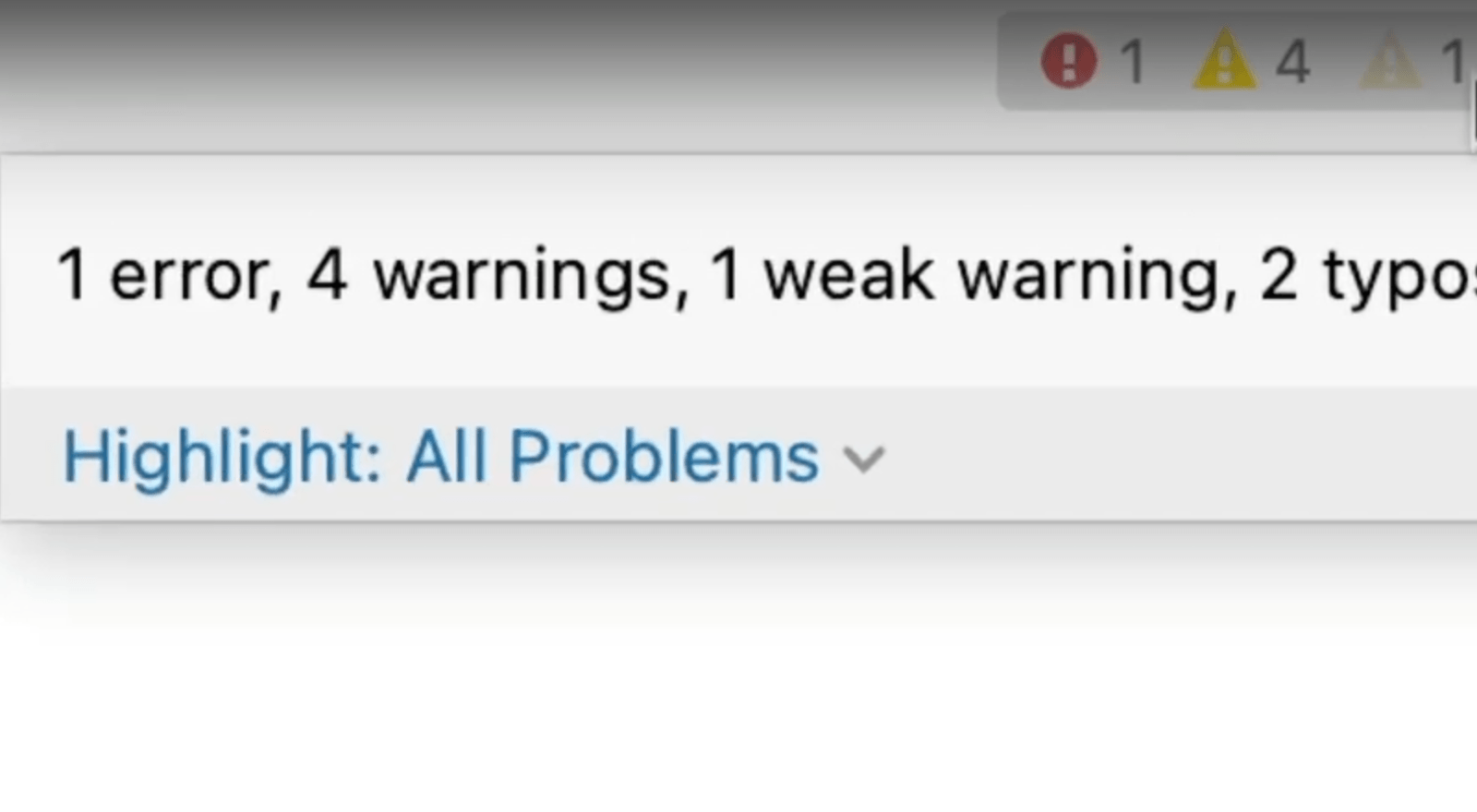
Inspections Widget
The top-right corner of your editor shows you information about the state of your class at a glance.
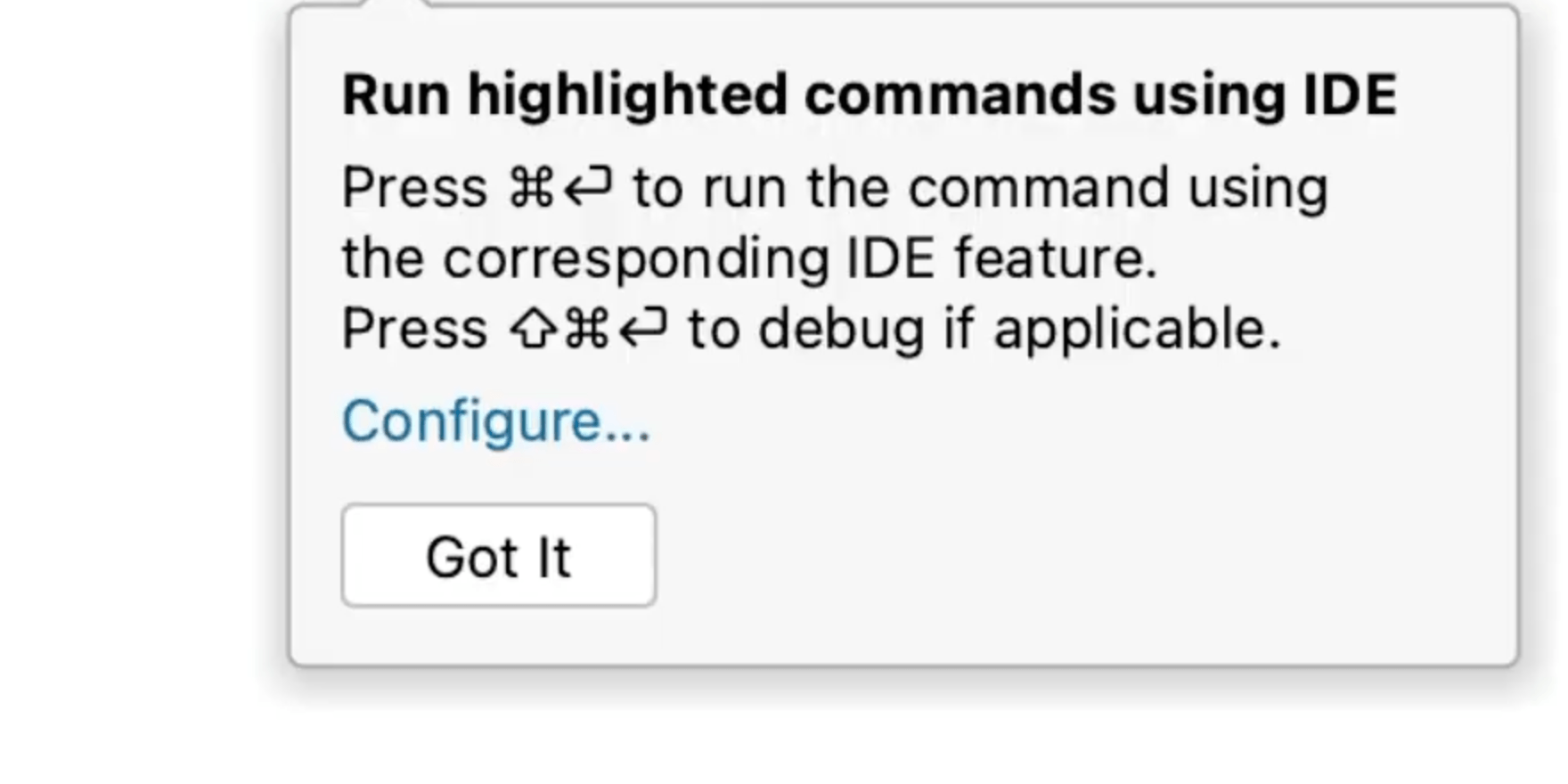
Highlighted Commands in the Terminal
Have you ever wondered which IntelliJ IDEA terminal commands you can run in IntelliJ IDEA?
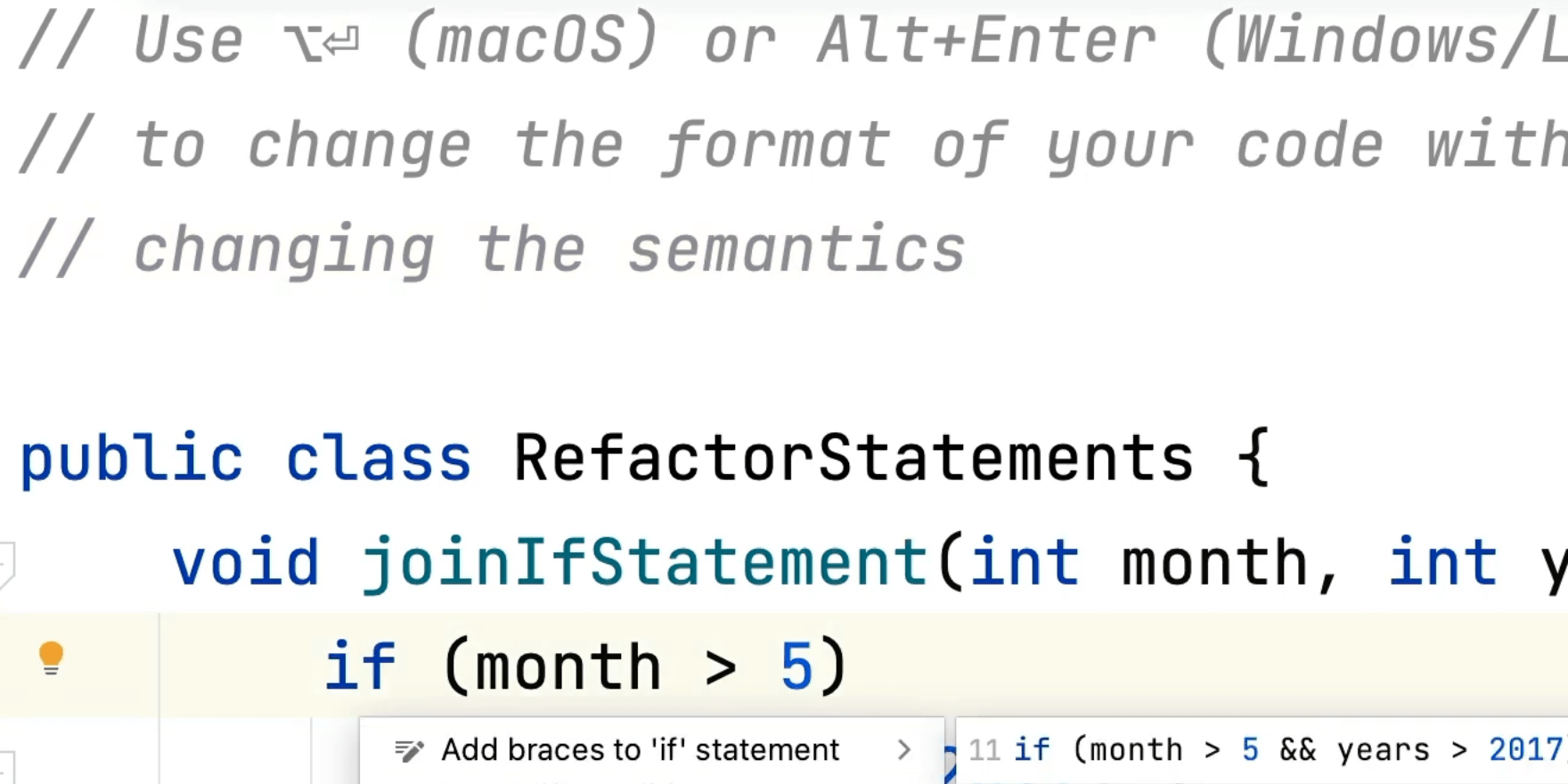
Merge/Unmerge If Statements
Experiment with your code without changing the semantics.
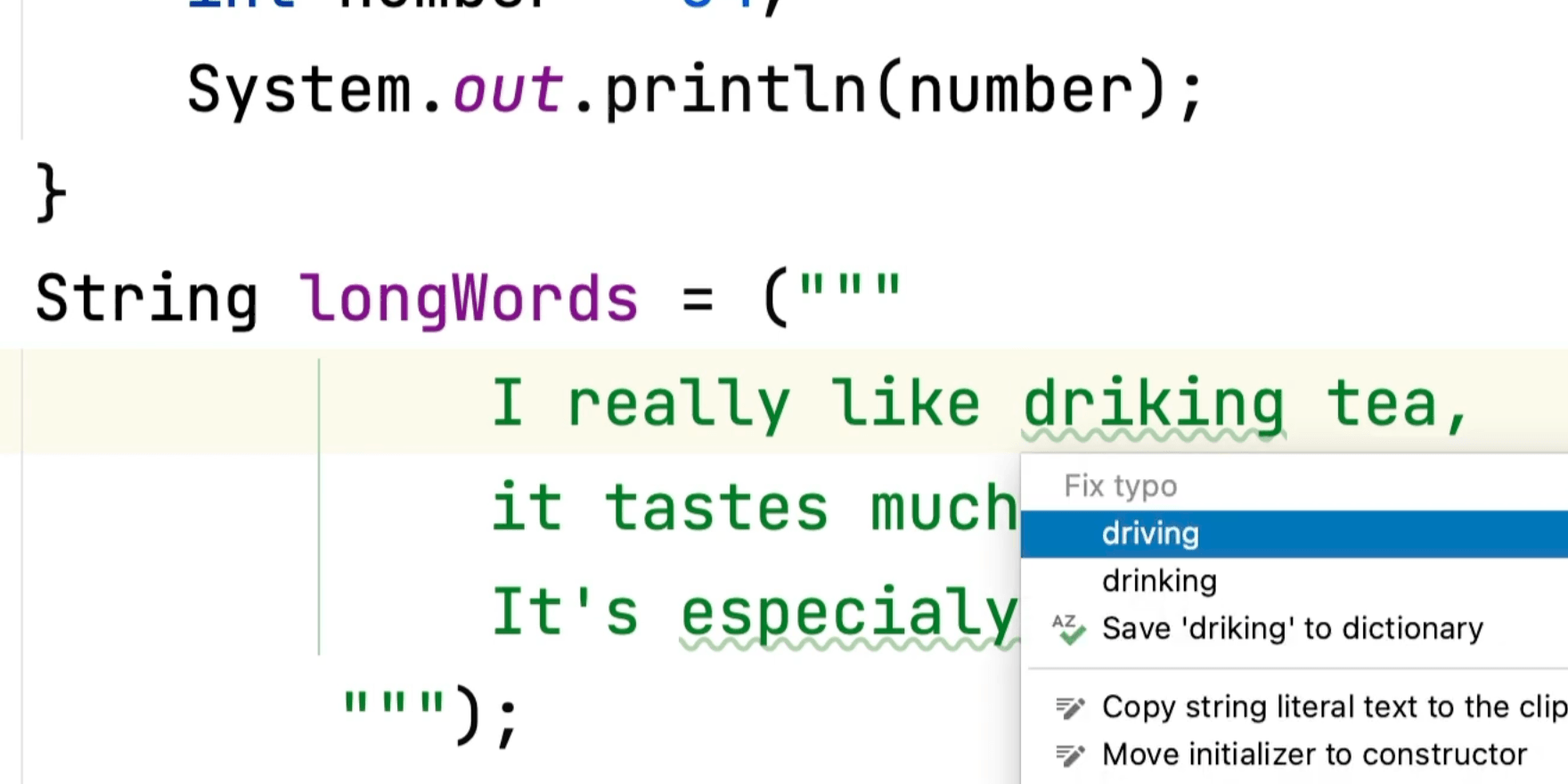
Built in Spell Checking
IntelliJ IDEA can spell check and fix errors for you allowing you to focus on problem solving.
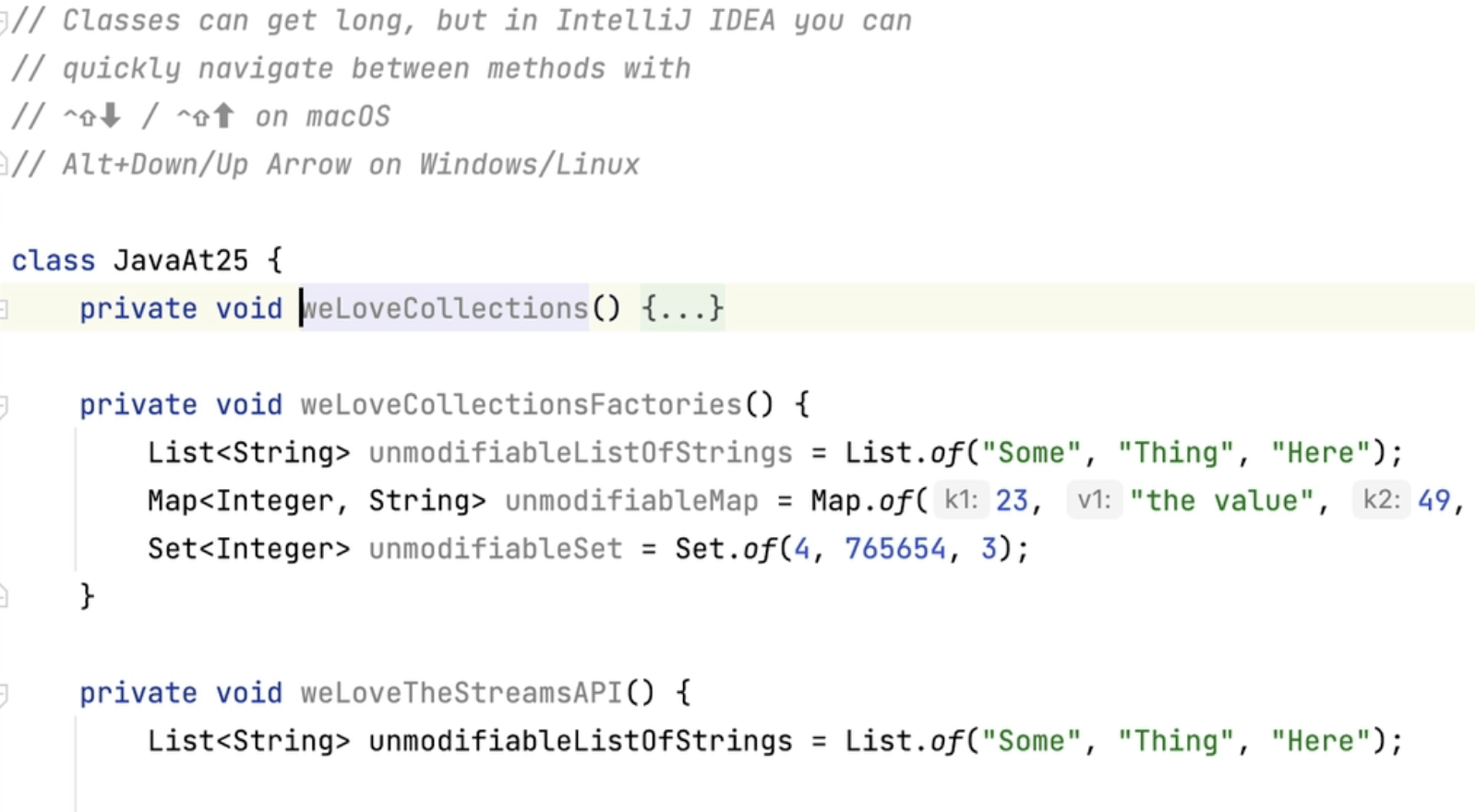
Navigating a Long Class
There are various tips and tricks you can use to navigate a long class in IntelliJ IDEA.
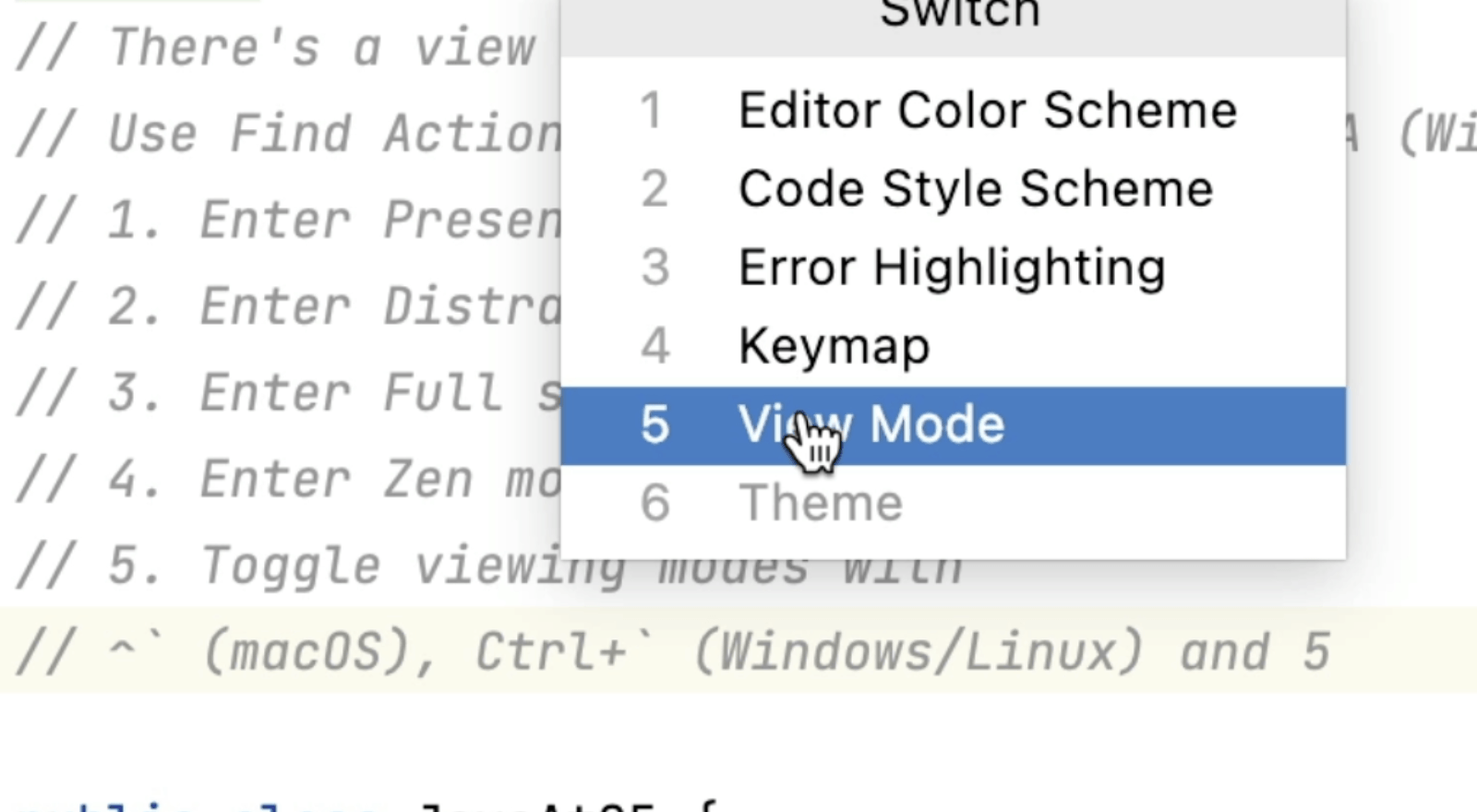
Different Viewing Modes for Your Code
IntelliJ IDEA has lots of different ways for you to view your code depending on your requirements.
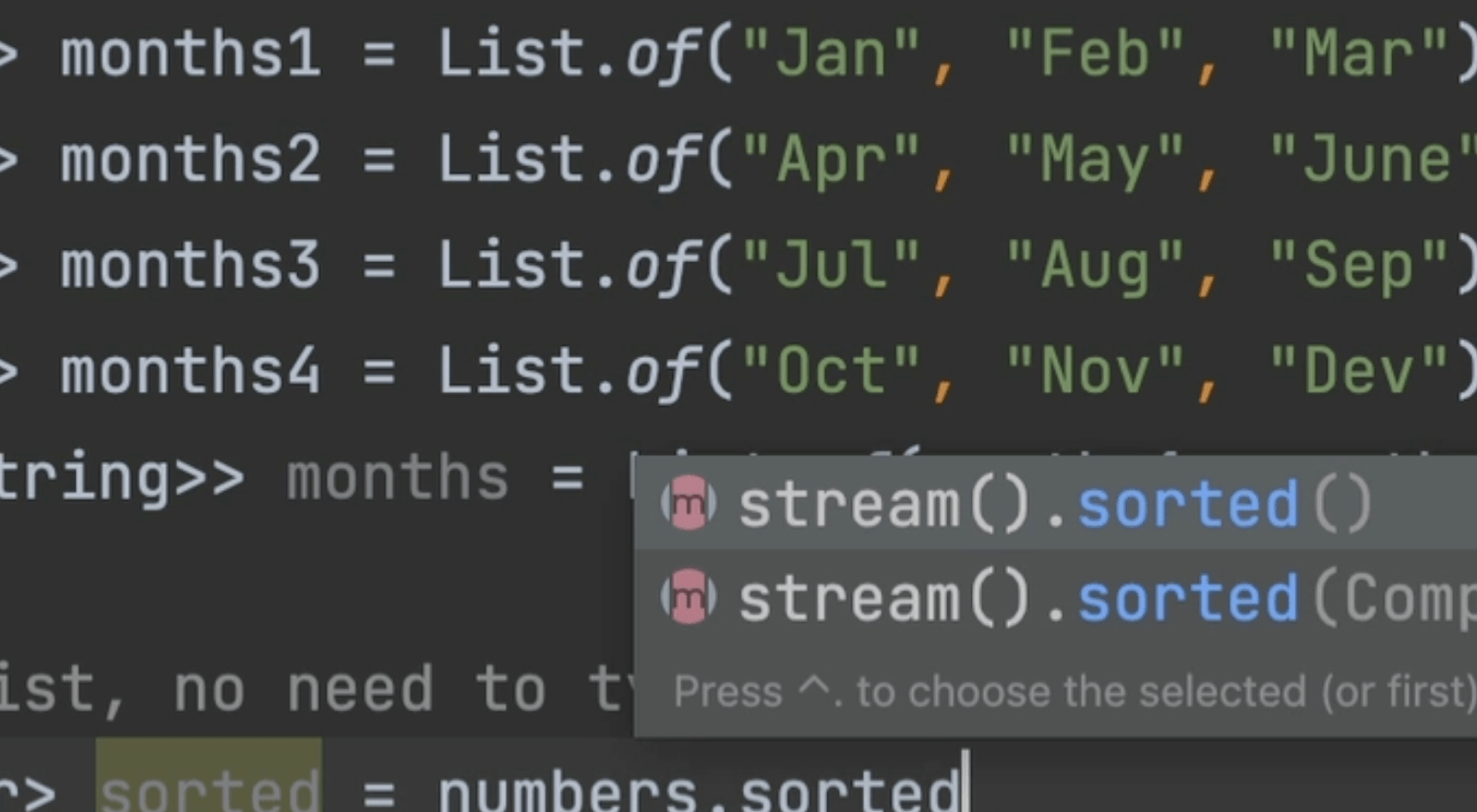
Code Completion for the Stream API
IntelliJ IDEA can add the stream() call meaning less typing for you.
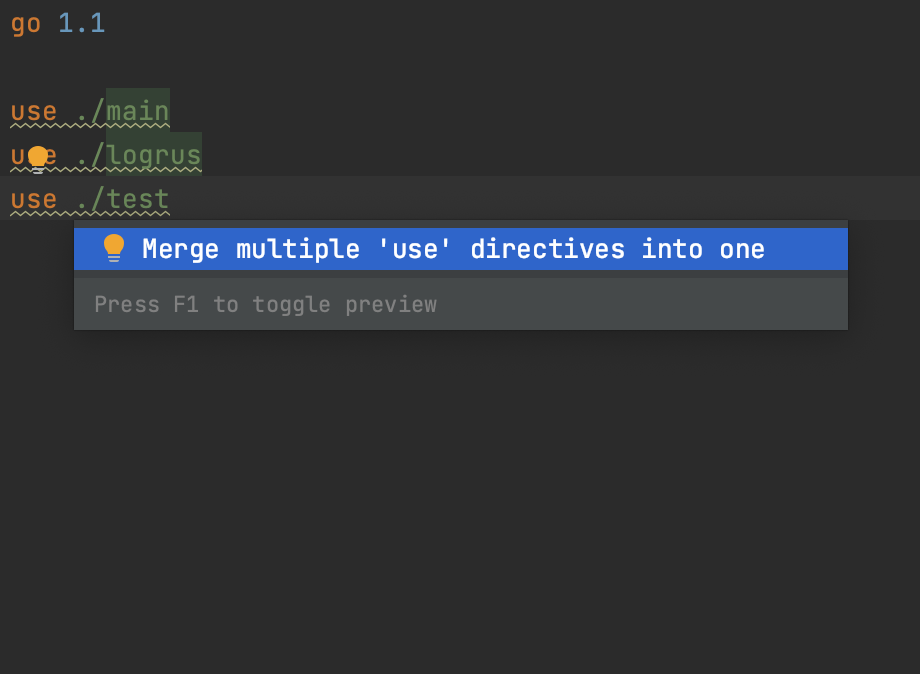
Group Multiple `use` Directives in `go.work`
Merge multiple `use` directives in `go.work` into one directive.
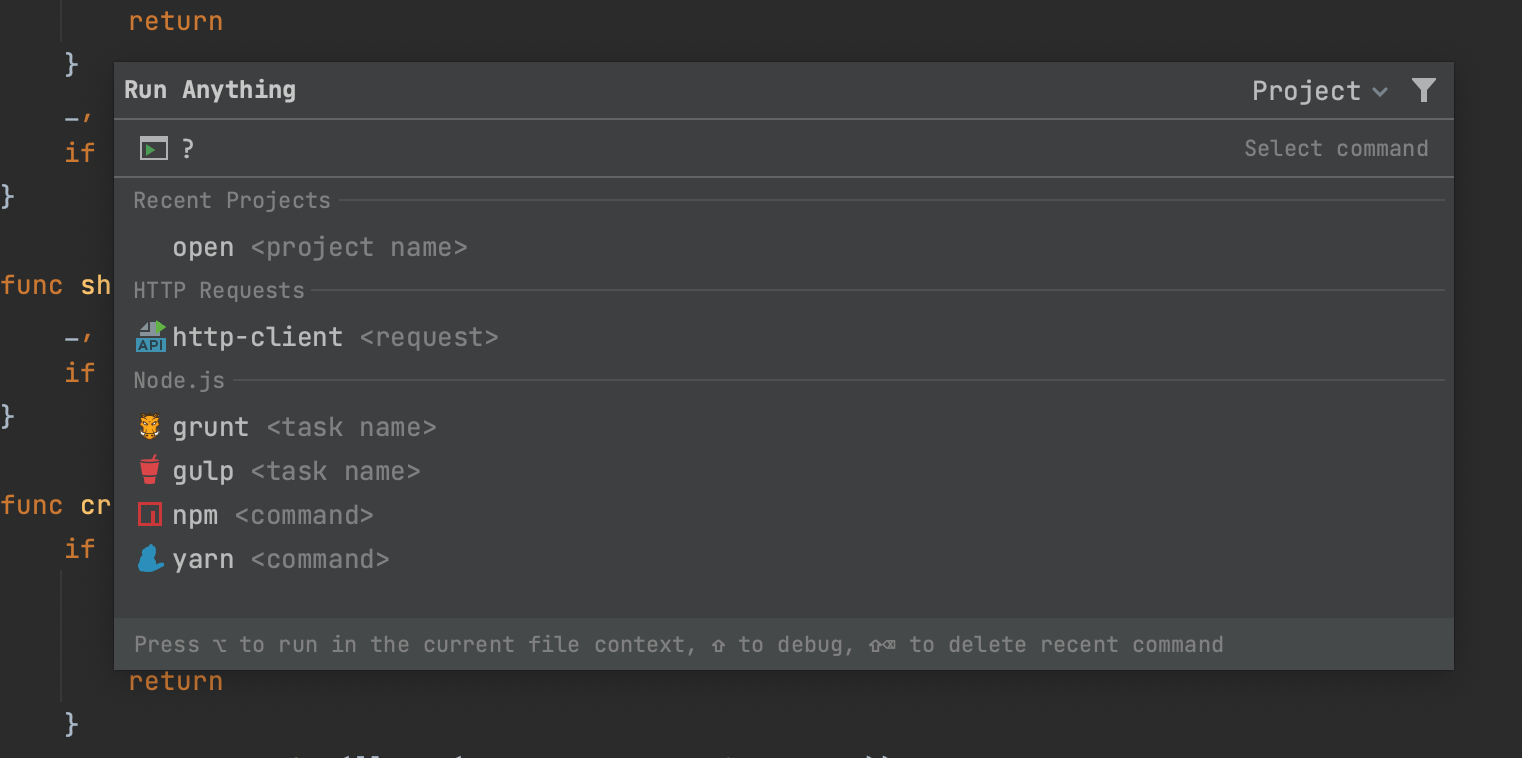
Run Anything
Launch run/debug configurations, applications, scripts, commands, tasks, and open recent projects.