
Change your Code Font Weight
We spend hours looking at our code so let's make it as pleasant as possible.

View supertype and subtype hierarchy
You can view supertypes and subtypes in the hierarchy quickly with your keyboard shortcuts.
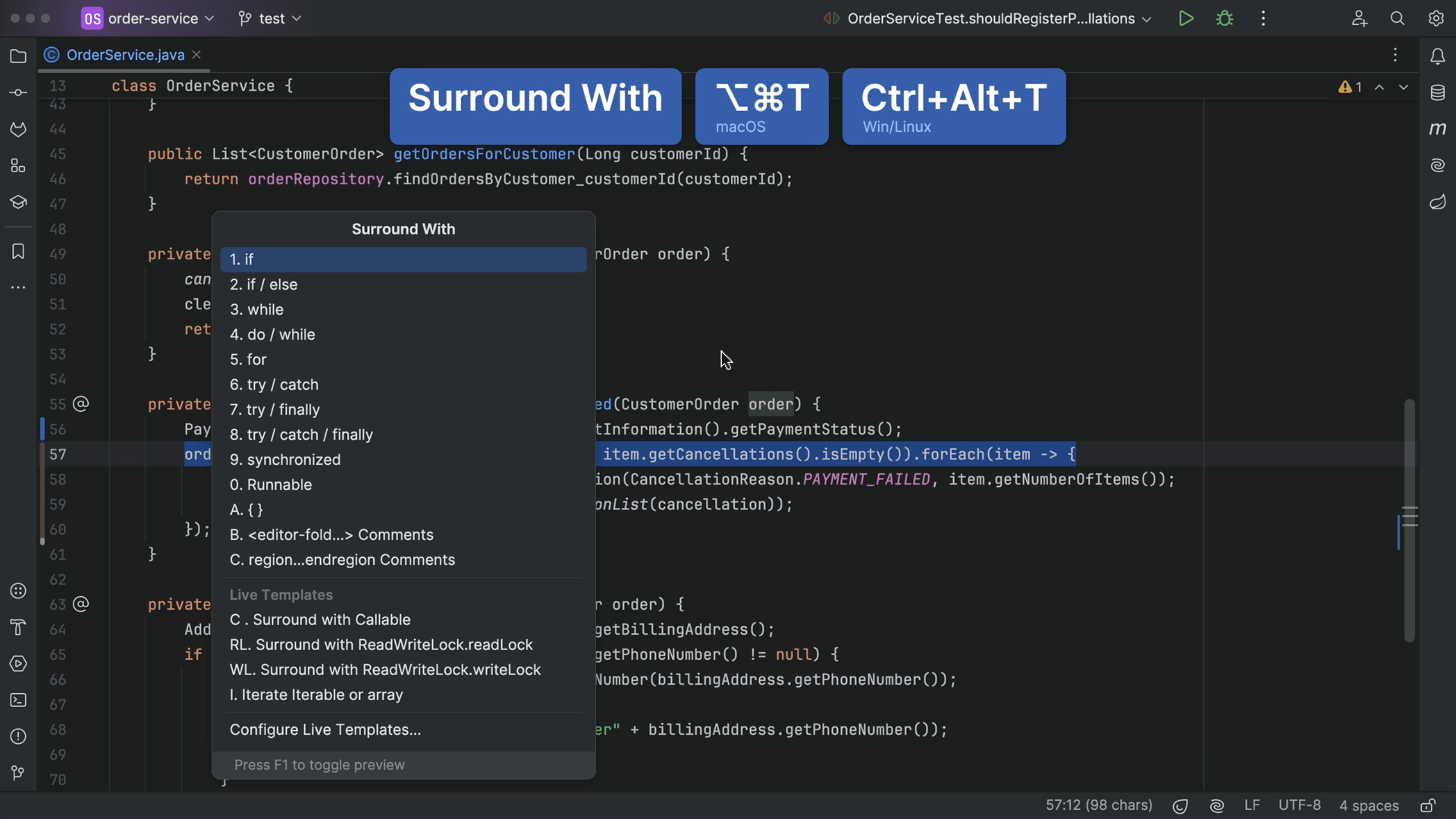
Surround With
Surround your code with common programming constructs.

Shortcuts and Abbreviations
Using shortcuts and abbreviations to speed up your navigation in your IDE.

Delete file on rollback
Delete unwanted files when doing a rollback.

Generate Overrides for equals(), hashCode() and toString()
We can generate the code to override the equals and hashCode methods.

Create an Editor Fold
Create an editor fold to hide parts of your class which can make it more readable.

Inline code completion
Let AI Assistant write code for you, using inline code completion.
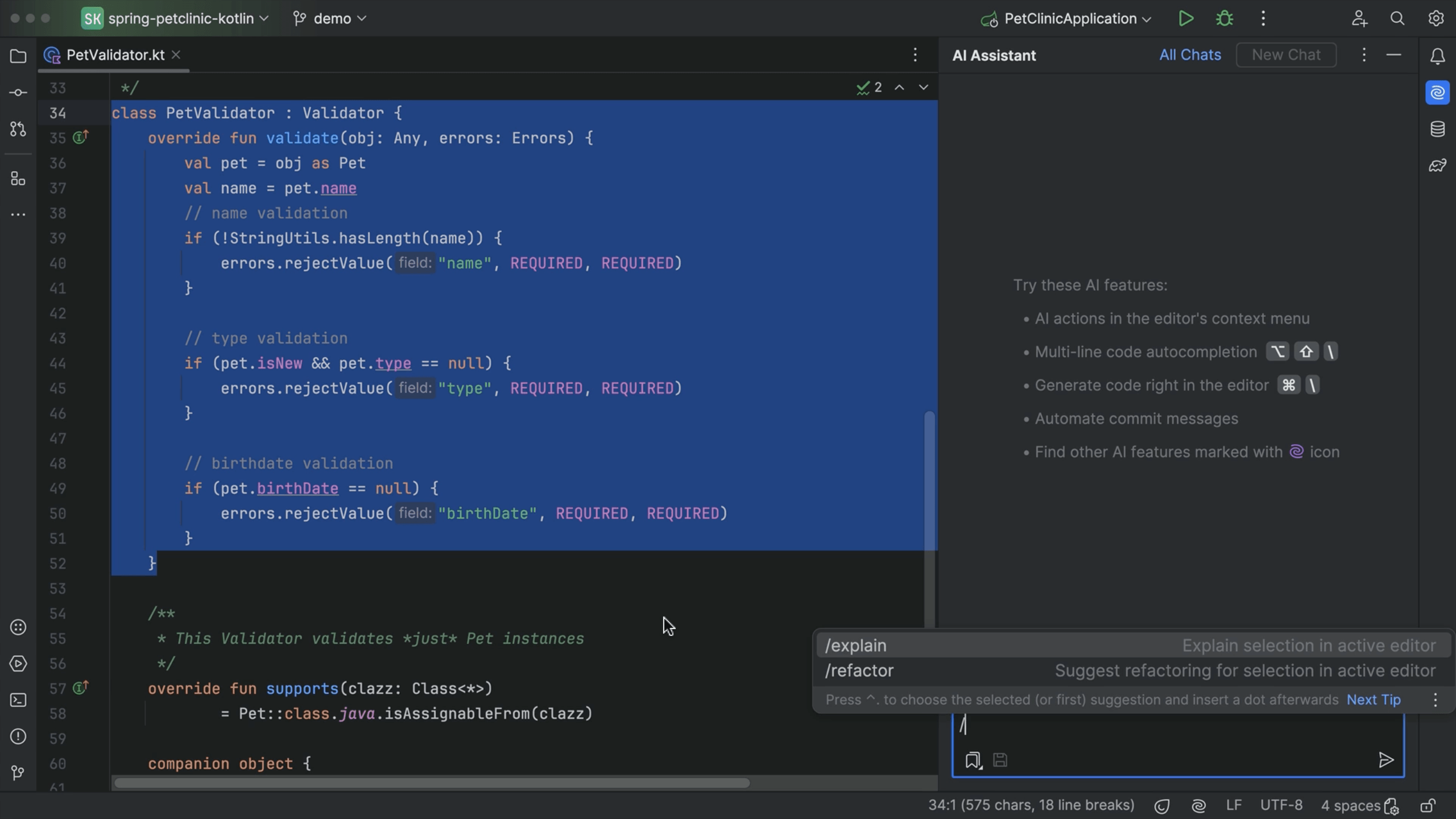
Command in chat
Use predefined command in chat.

Generate terminal commands using AI Assistant
Ask AI Assistant to write PowerShell or shell commands.

Search in Selection Only
Limit the search to the selected part of code.

Make Your Work Environment Distraction Free
Need to focus on just your code? You can switch to the distraction-free or zen mode.