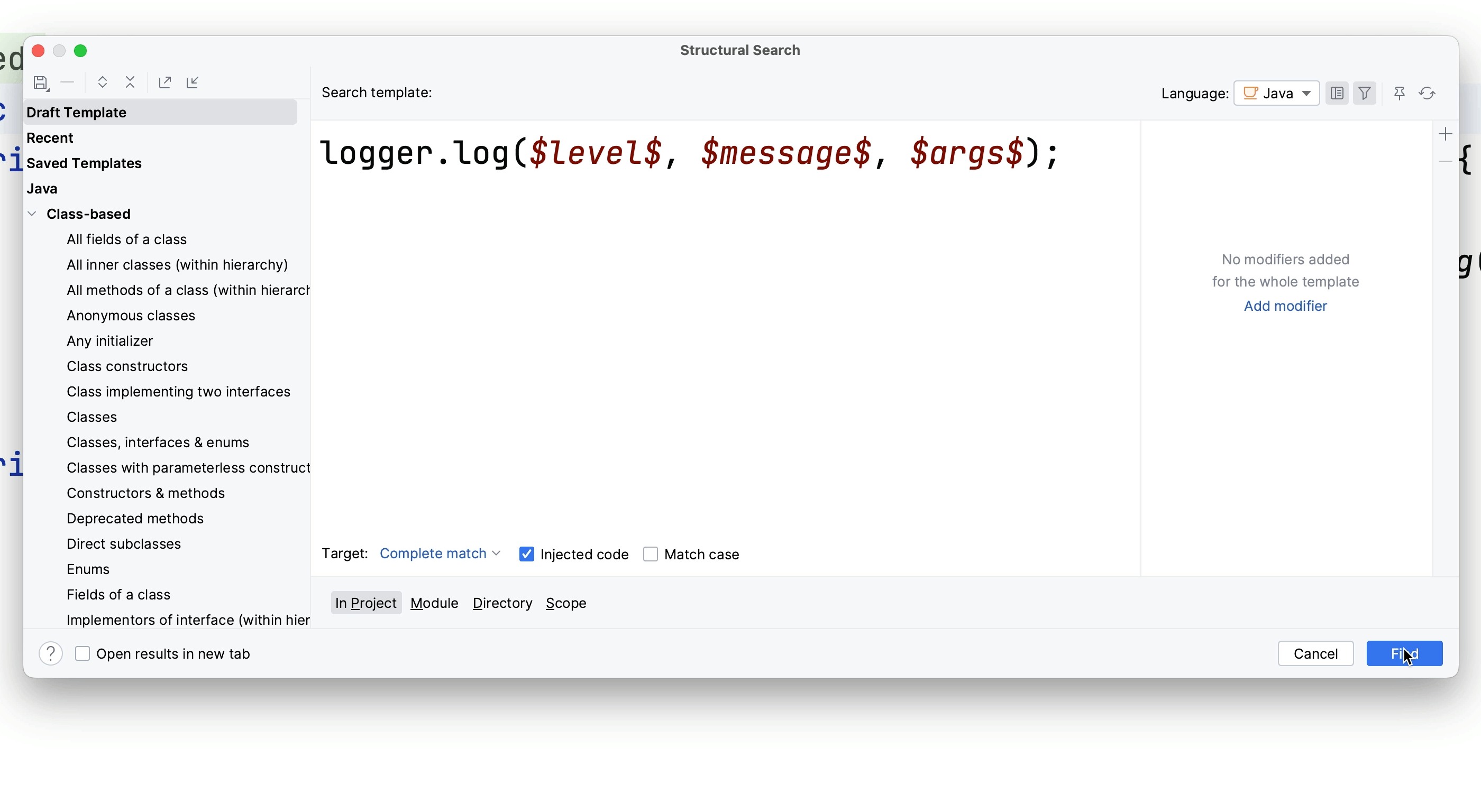
Structural Search
Structural Search and Replace is very helpful for finding exactly what you need in your project.
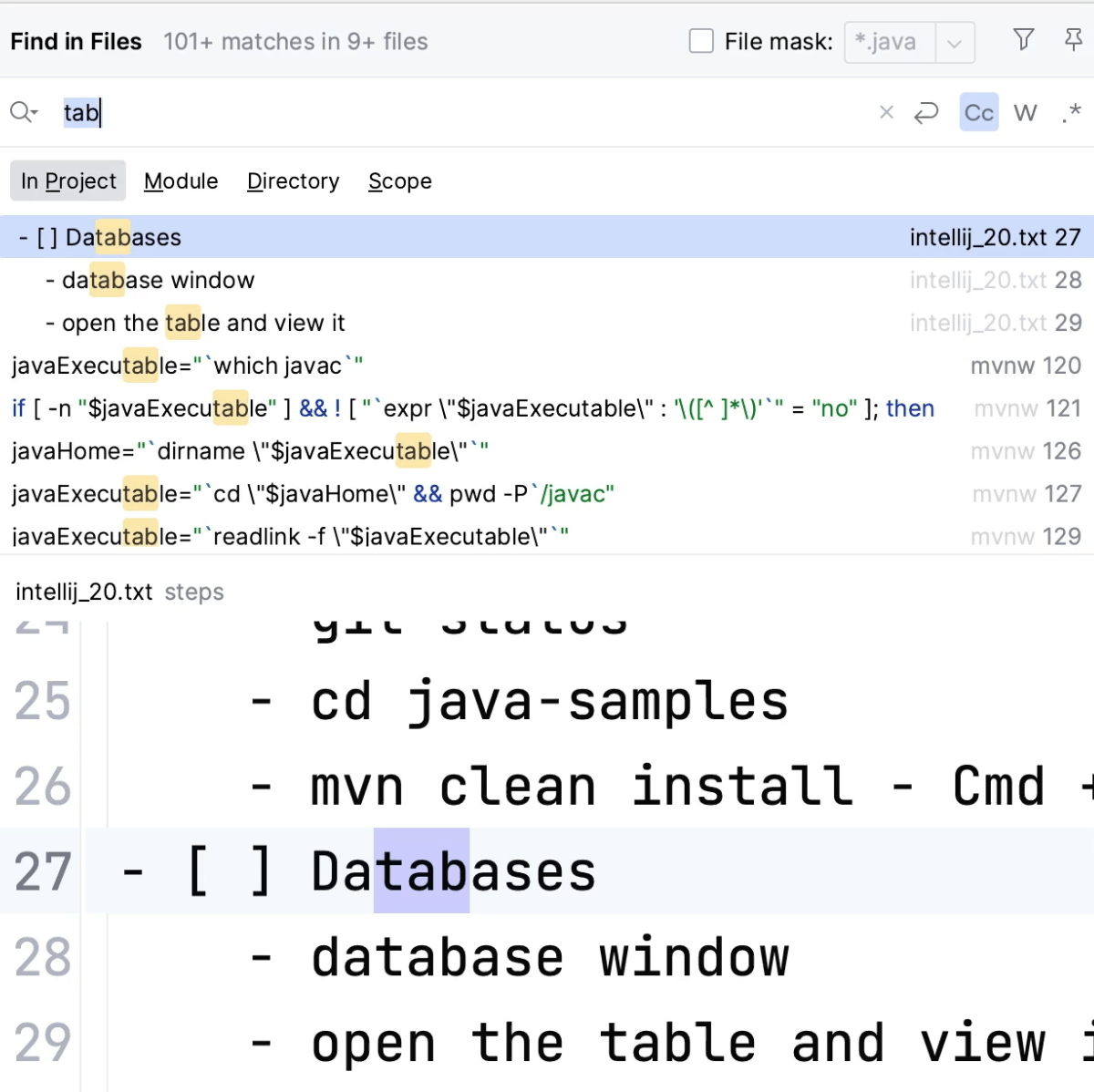
Find in Files
Find a specific string in (a subset of files in) your code.
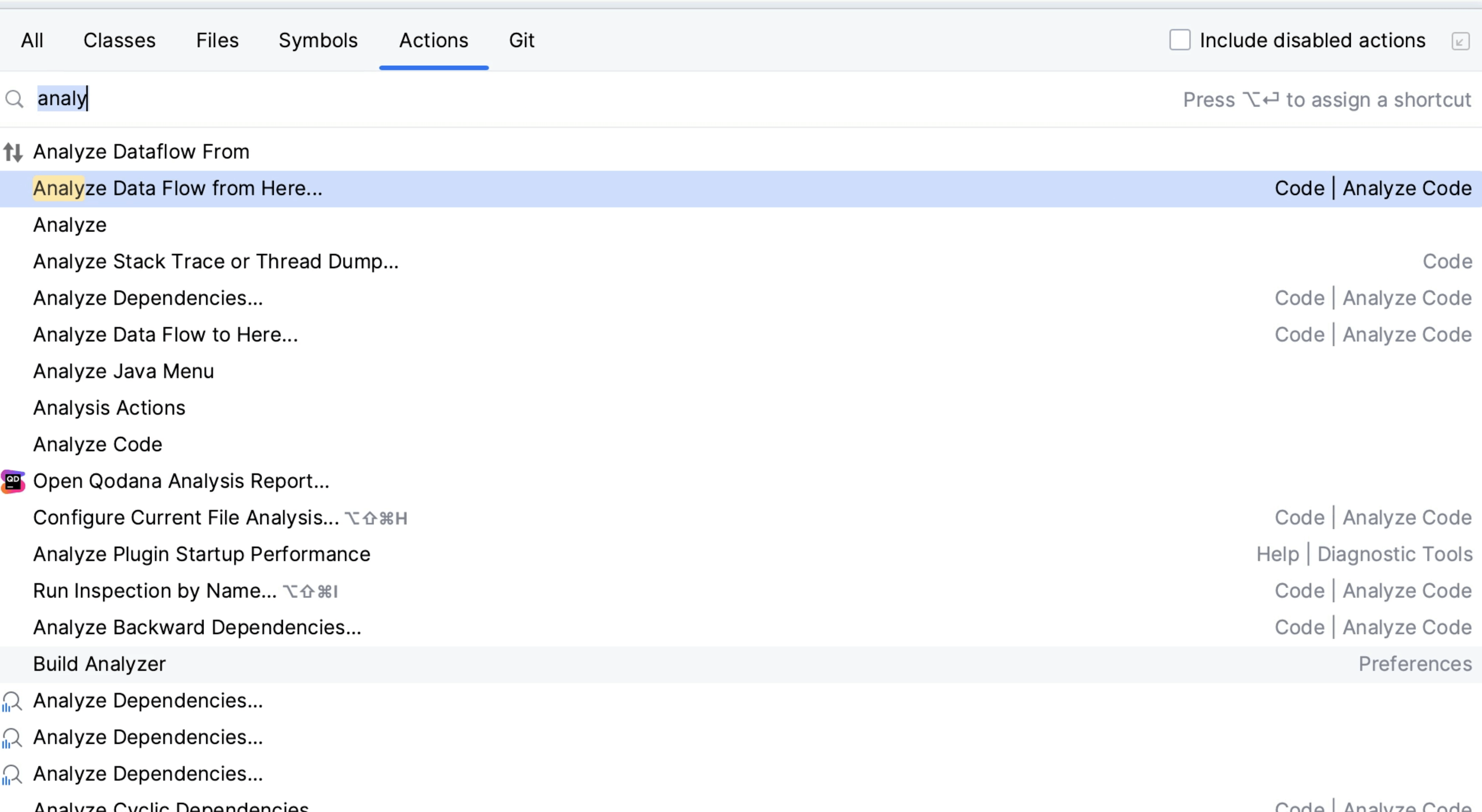
Data Flow Analysis
Data flow analysis can show us potential errors in our code logic.
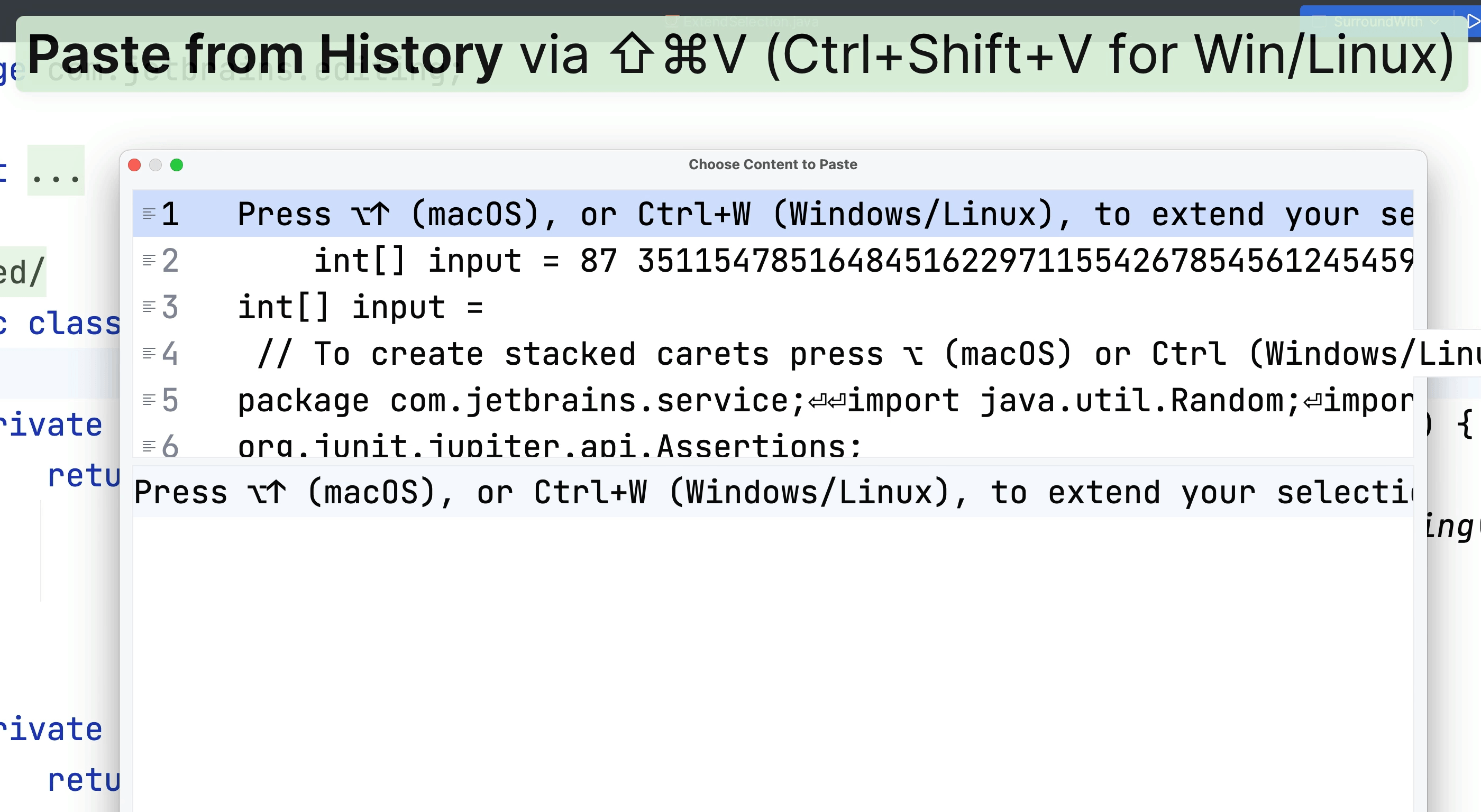
Clipboard History
Paste a subset or multiple entries such as a list from your recent copy history.
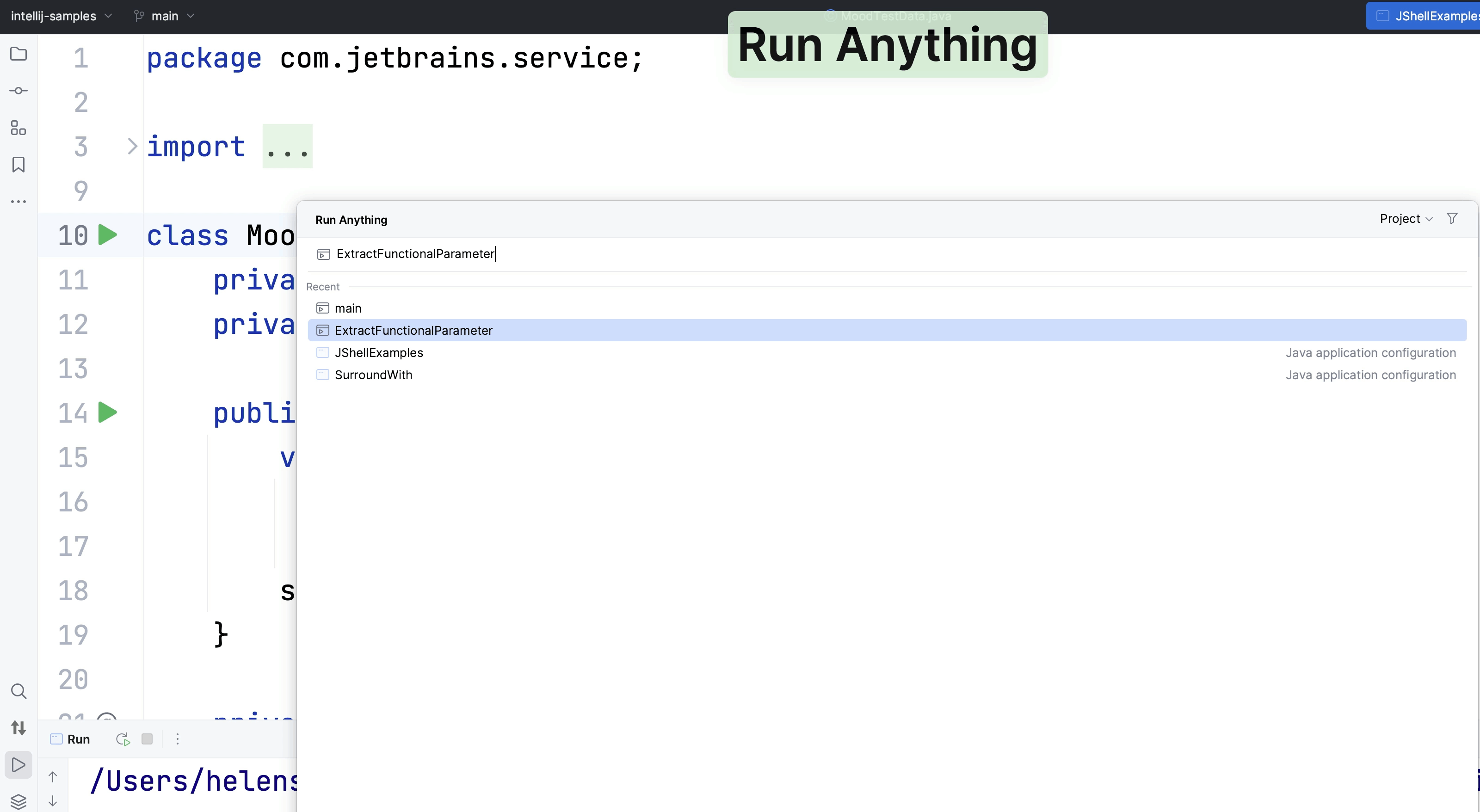
Run Anything
How to use the Run Anything dialog to run, well, anything!
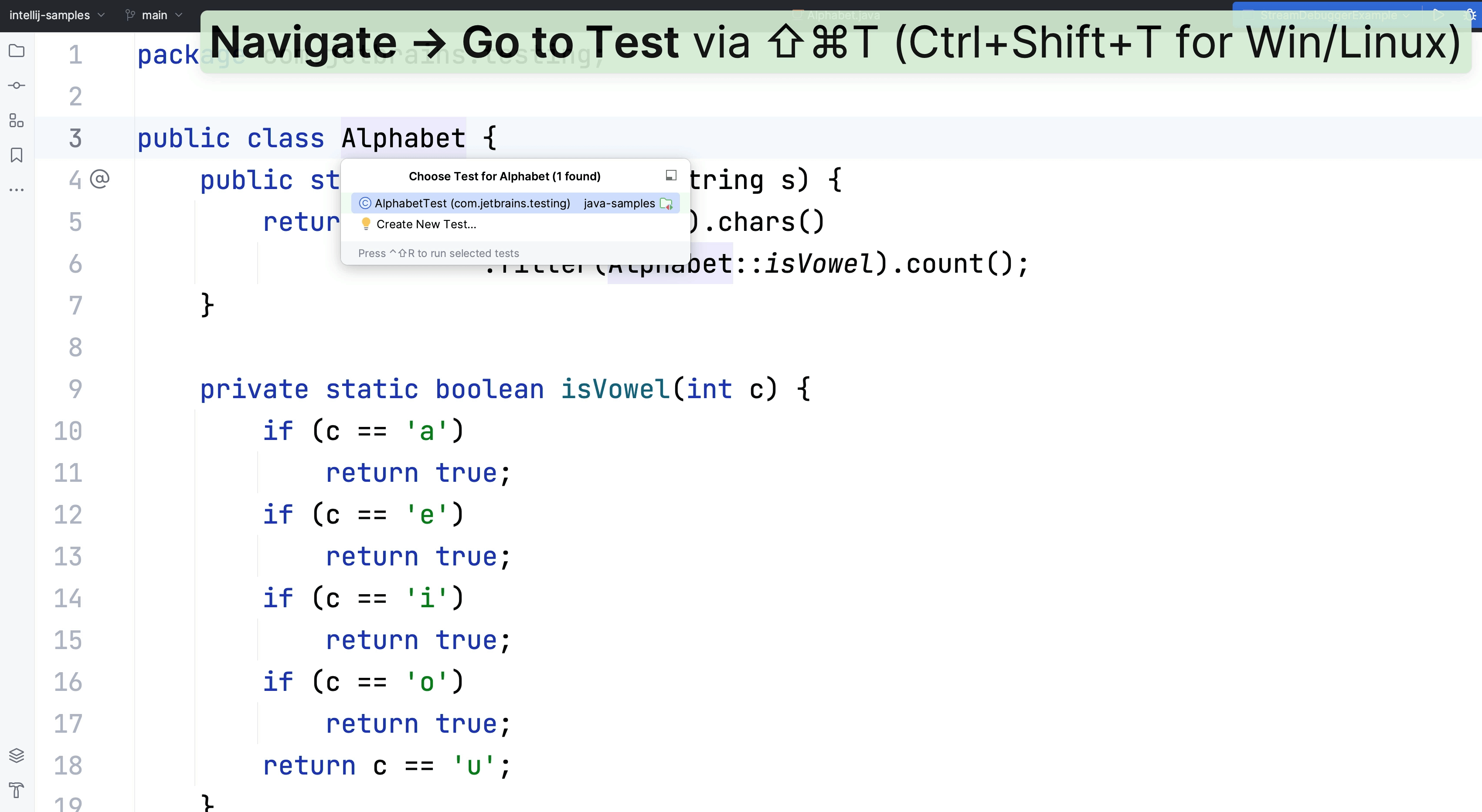
Navigate to Test
Go to your matching test class with one keyboard shortcut.
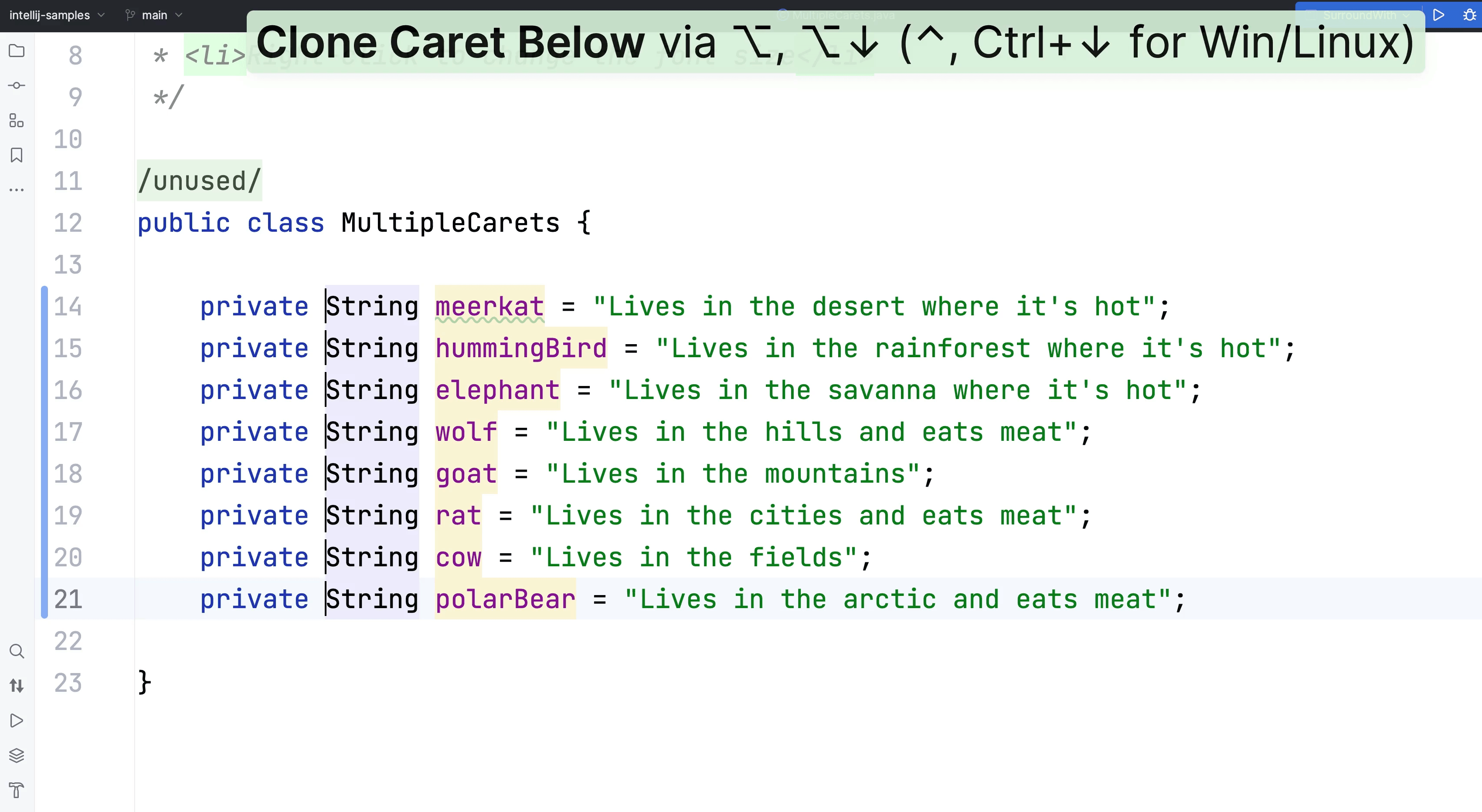
Multiple carets
Use multiple carets in your code to make the same change in multiple places or work with lists.
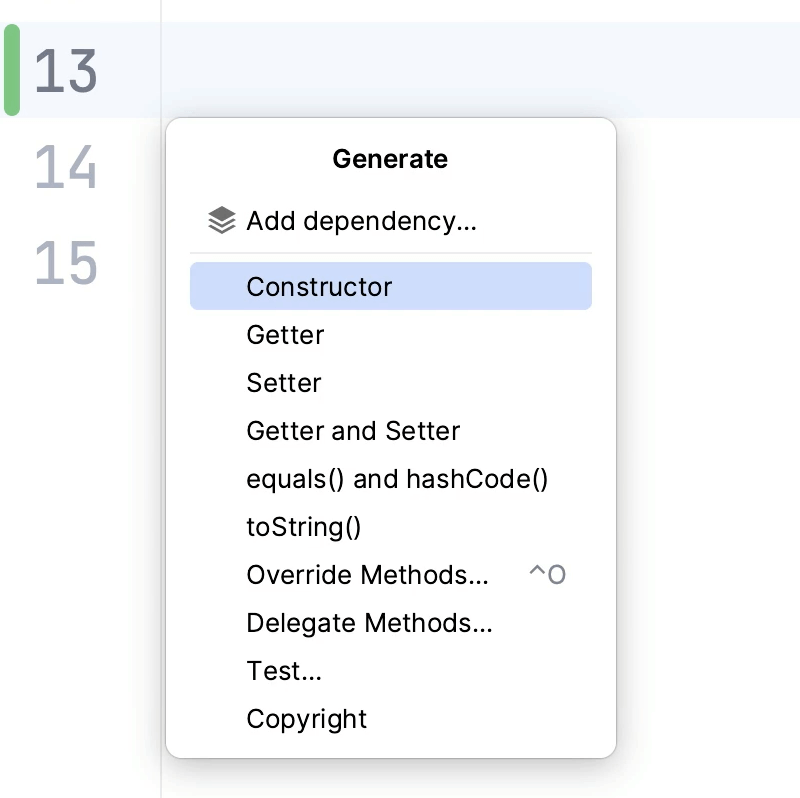
Generate Code
Helps you to generate commonly used code constructs.
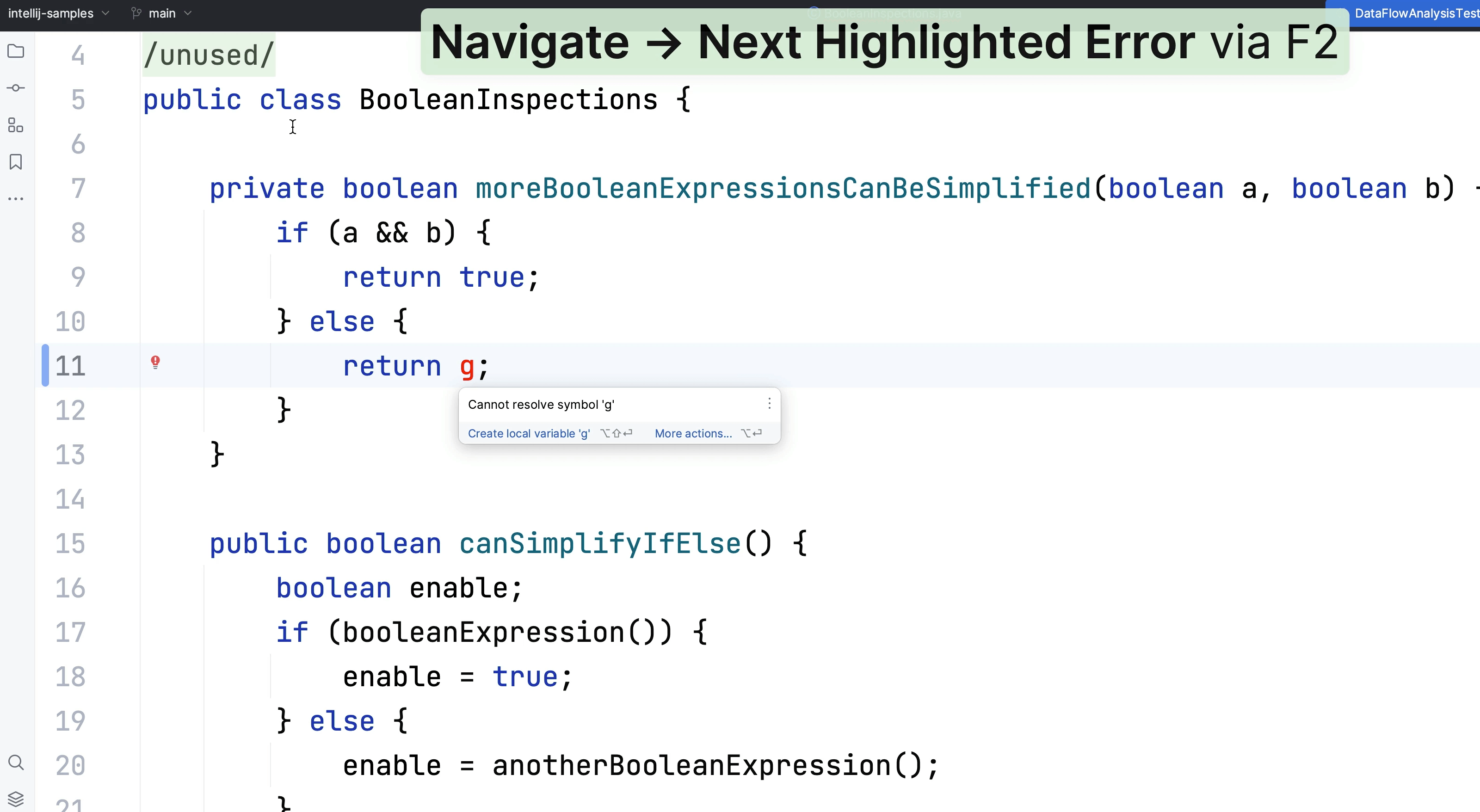
Context Actions
There are numerous ways to use Context Actions, let's explore some of them.
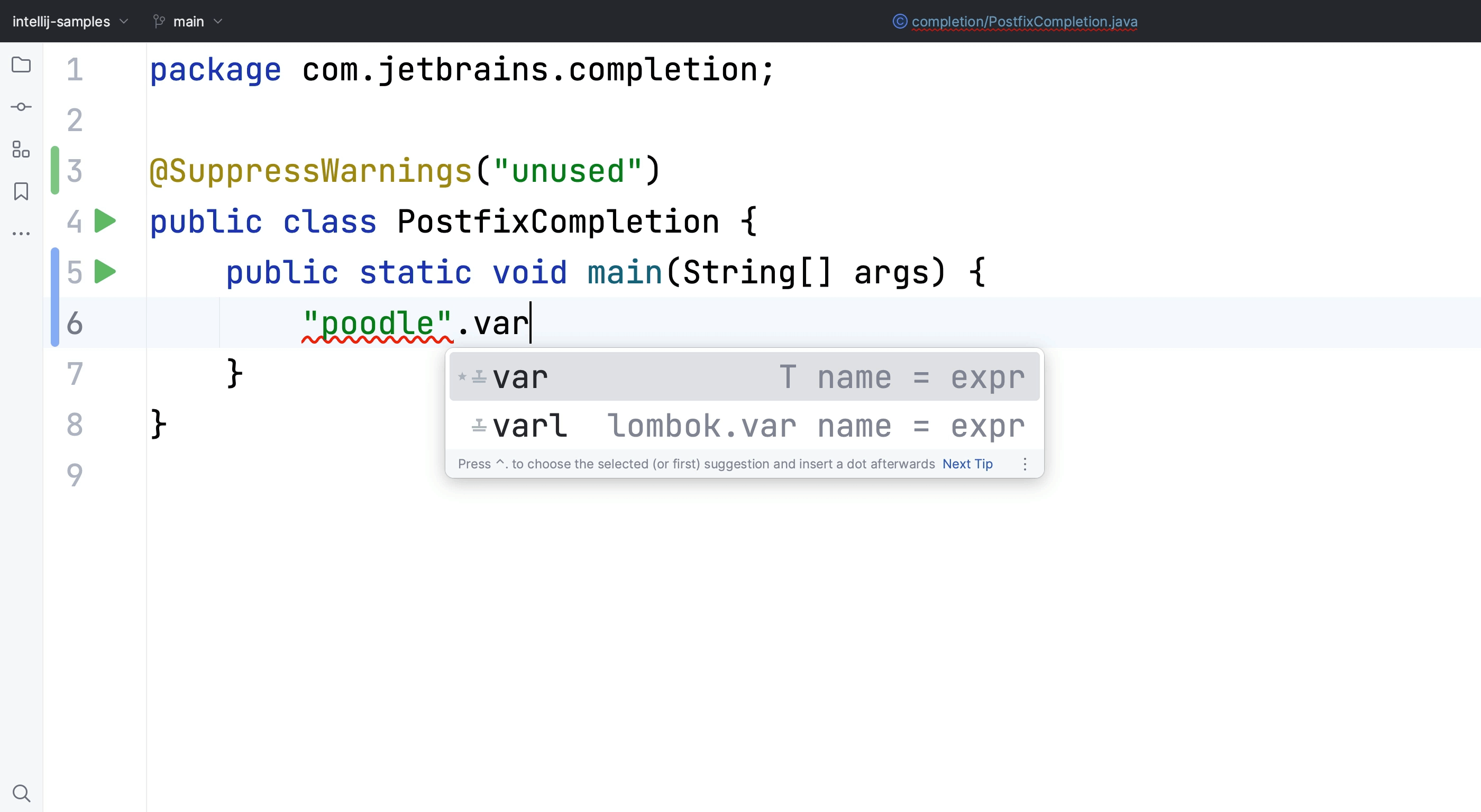
Code Completion
Code completion in your IDE means you can focus on solving the problem at hand.
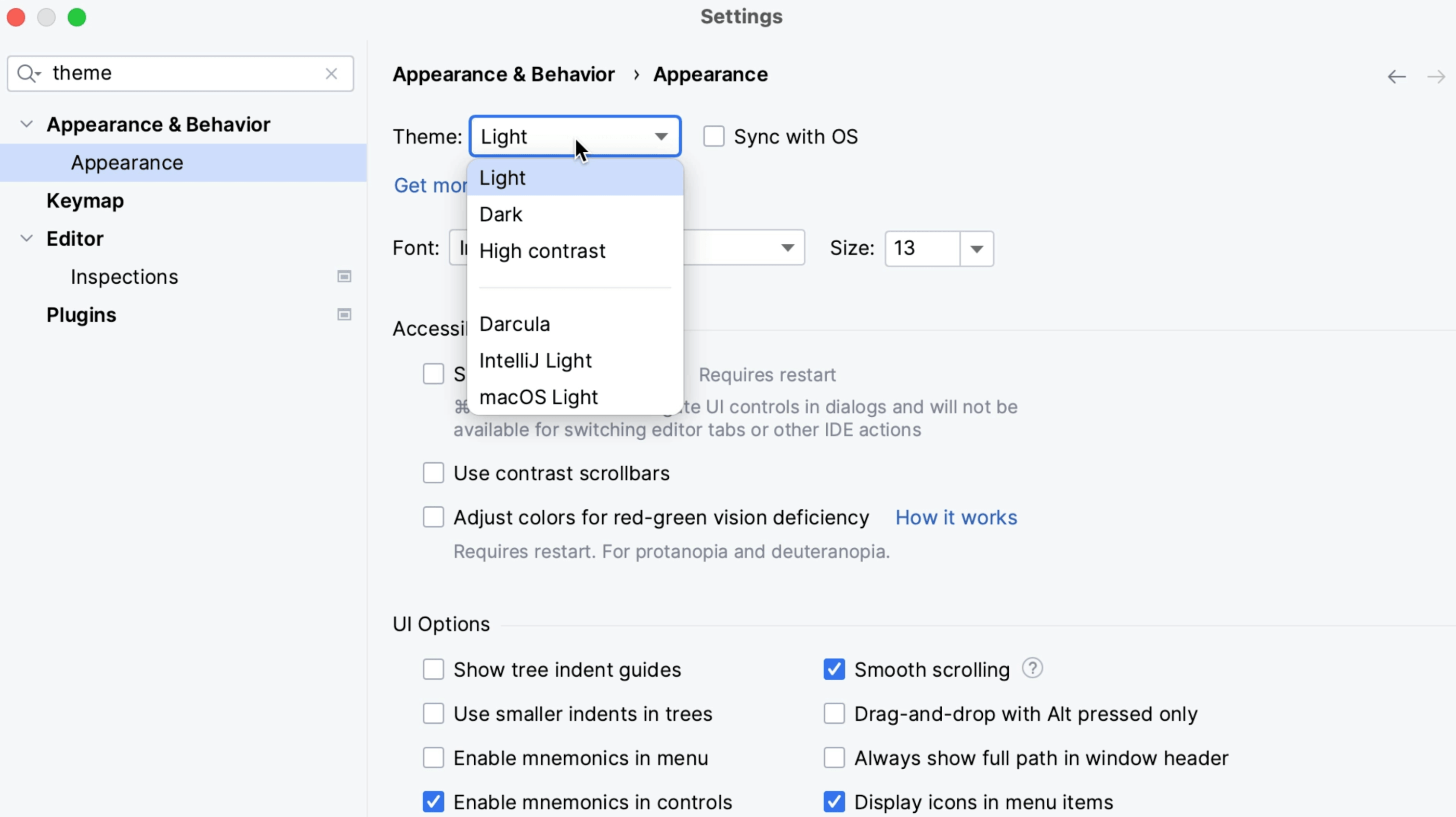
Themes and Plugins
How to find themes and install plugins.
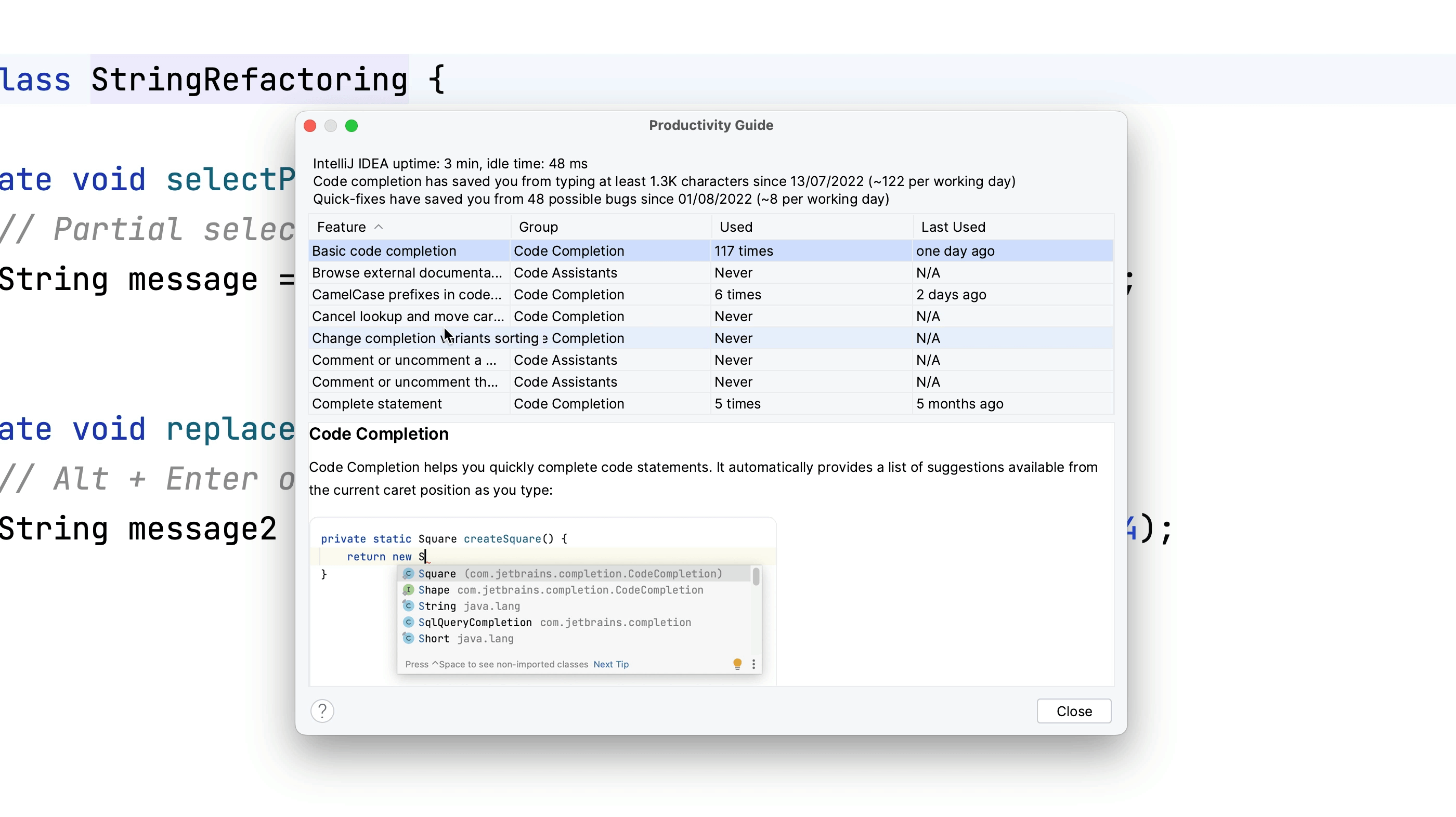
Productivity Guide
Ever wandered which features of IntelliJ IDEA you use the most?