Multitasking
Multitasking in the Air app means running several tasks at the same time, in one project or across all the projects you have open. You can run tasks in parallel, keep several agent sessions under one task, switch between tasks when input is required, and group tasks to keep work organized.
Each project you open gets its own workspace, and they all share one window: the Tasks tool lists your workspaces with their tasks. For how to open a project and switch between workspaces, see Open projects.
Run tasks in parallel
You can run multiple tasks at the same time. Each task has its own state and progress in the Tasks tool.
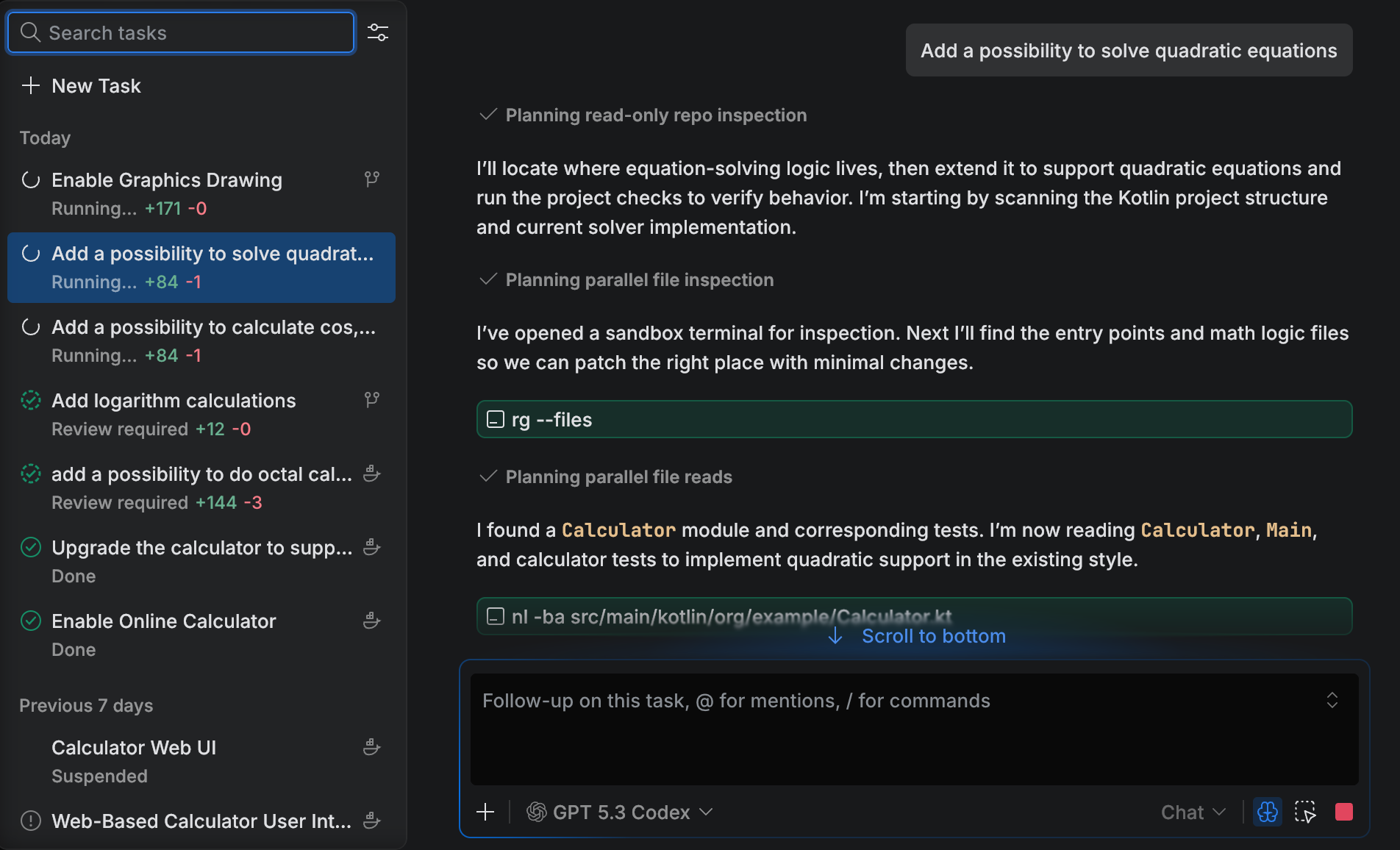
Create another task
Select in the main menu and click New Task.
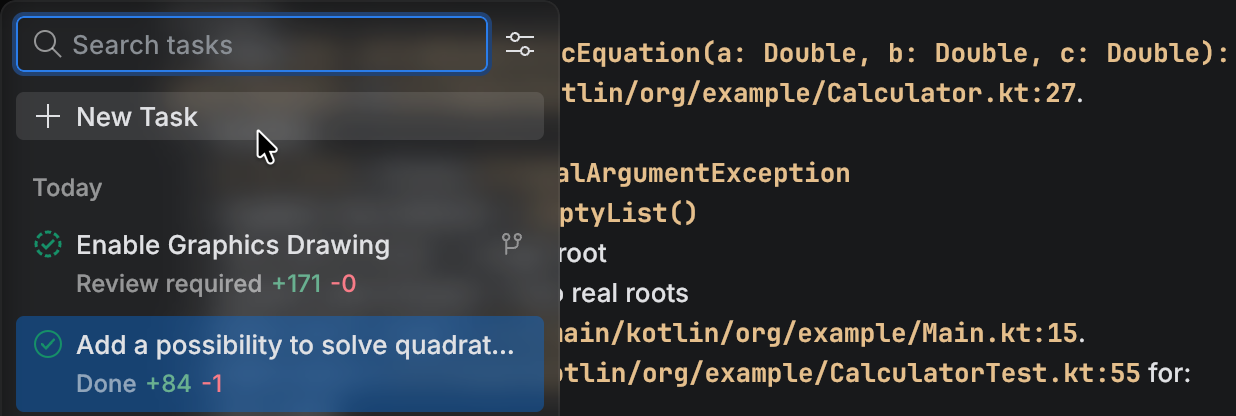
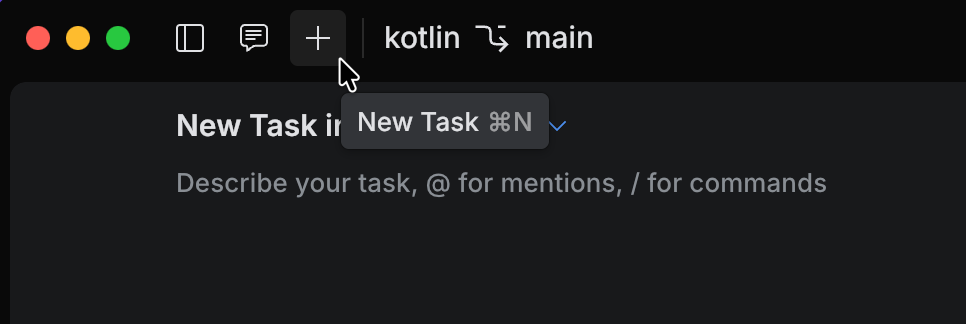
Click the New Task icon or press Ctrl+N.
Run several sessions in one task
A task can hold more than one agent session. Use this when the work takes more than one conversation to finish – a plan in one session and the implementation in the next, or a feature split into a few pieces – and you want it to stay in one place in the task list.
Every session in a task runs in the same run environment as the task itself, so the sessions share one working copy and can overwrite each other's changes. Each session keeps its own chat, context window, and status, and you stop or resume sessions one at a time. You can add sessions to tasks that run locally or in a Git worktree.
Add a session to a task
Select in the main menu.
Right-click the task and select New Session.
Describe the work and send it, the same way you would for a new task.
The session appears under the task, which you can expand and collapse to keep the list short.
A task takes its name from the first prompt you sent it, so it can stop describing the work once the task grows. Right-click the task and select Rename to give it a name that covers all of its sessions.
Resume suspended tasks
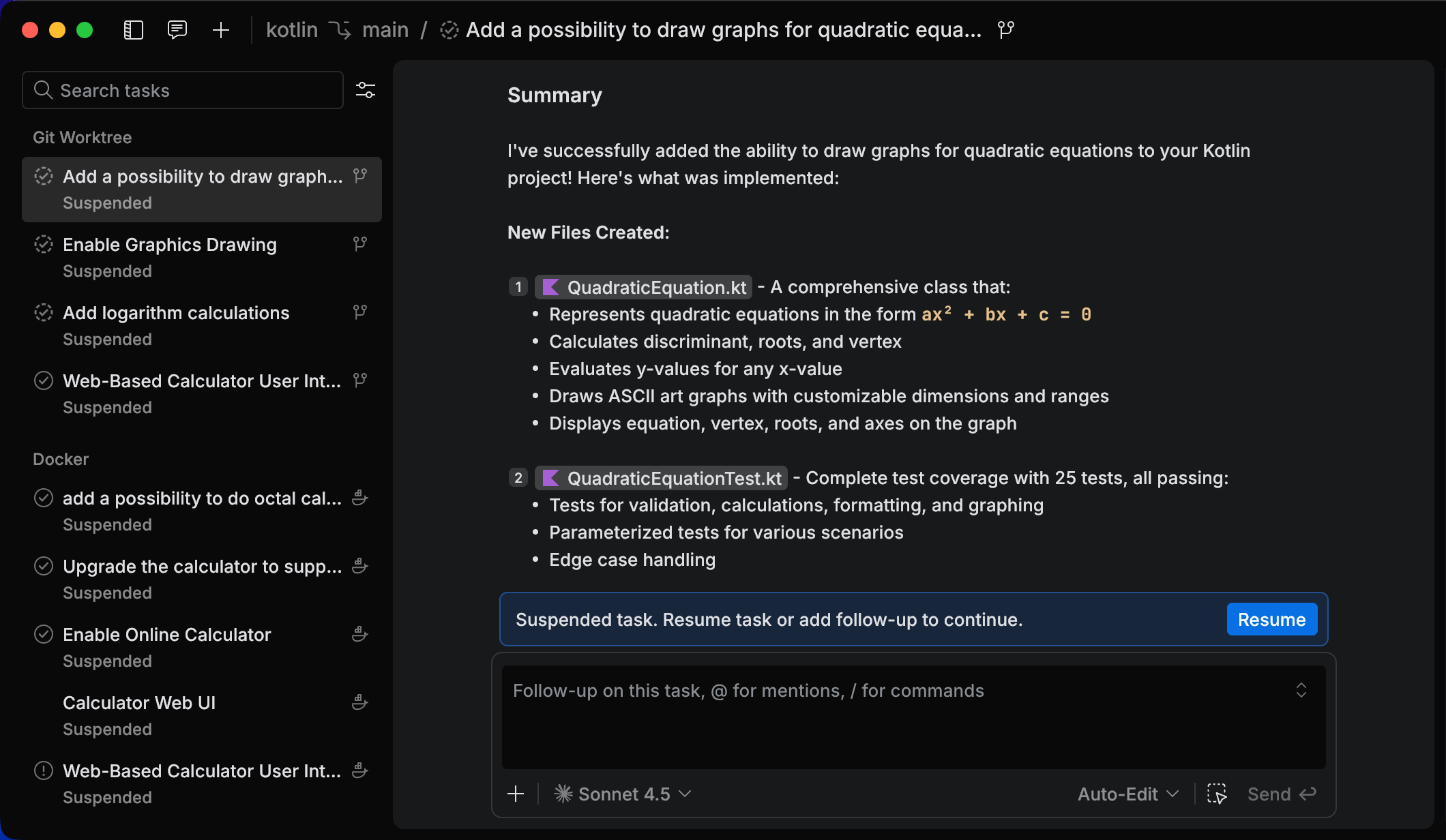
When a task runs in an isolated environment such as Docker or Git Worktree, it can become suspended when you close the Air app. You can resume the task and continue from where it stopped.
Resume a suspended task
Select in the main menu.
Select a task with the Suspended status.
Click Resume.
Send a follow-up message if you need to continue the work.
Use isolation to avoid interference
Use isolated execution environments when tasks can edit the same files or run conflicting commands.
Use Git Worktree to isolate file changes in a separate working copy.
Use Docker to isolate tools and dependencies in a container.
For more information, refer to Run environments.
Switch when input is required
A task can pause with the Input required state when it needs additional information. You can open the task, provide the input, or switch to a different task.
Open a task that requires input
Select from the main menu. Alternatively, press Alt+1
Select the task with the Input required label. Alternatively, if a notification appears, click Open Task.
Group tasks
You can group tasks in the task list to keep work organized. You can group by date, status, or target.
Change task grouping
Select from the main menu. Alternatively, press Alt+1
Click the settings icon next to the search field and select the grouping option: Date, Status, or Target.