
Latest

All the resources in the Guide, starting with most recent.

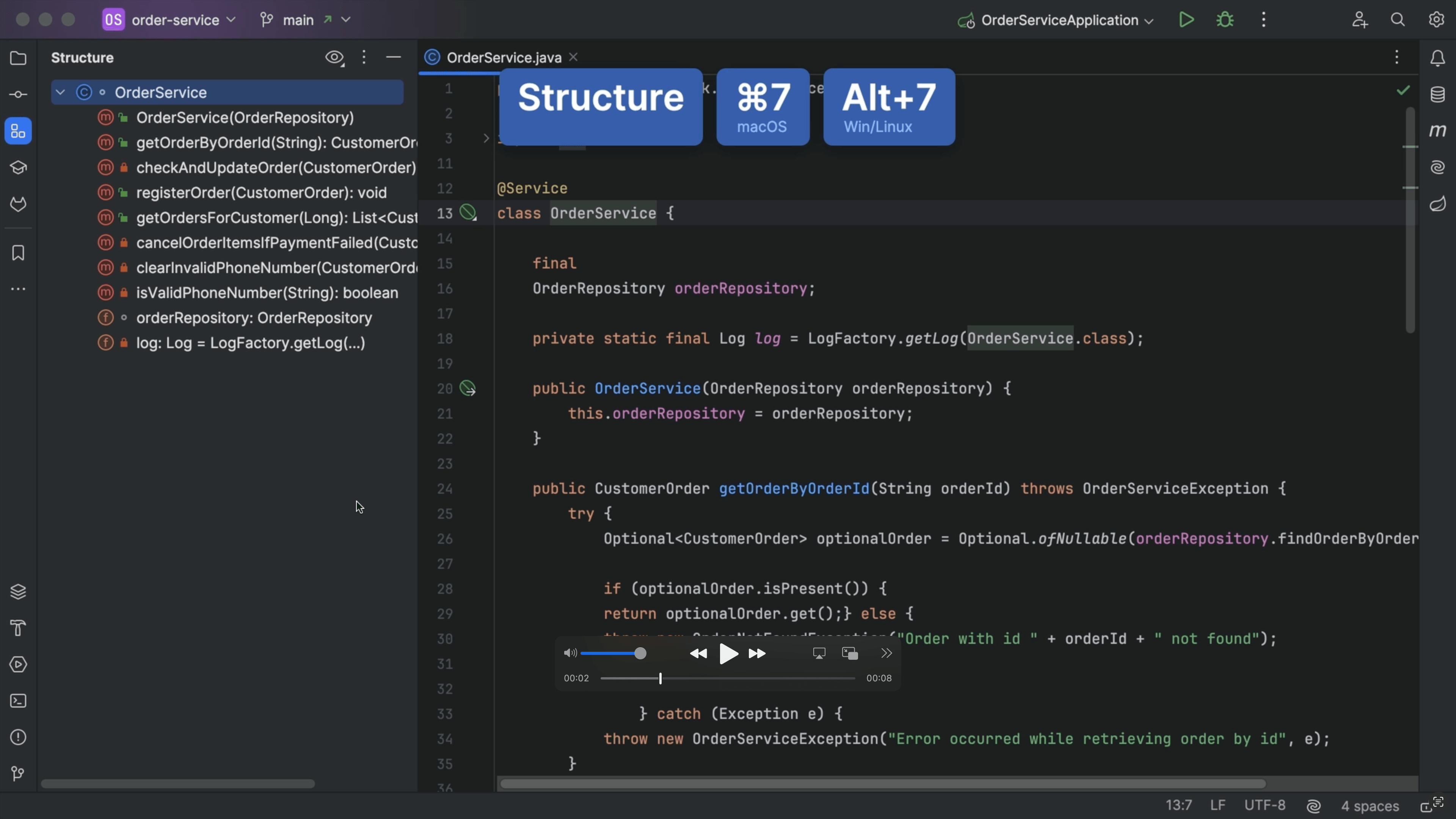
Structure Tool Window

Tip

Structure Tool Window
Quickly get an overview of your class and jump to the relevant code.
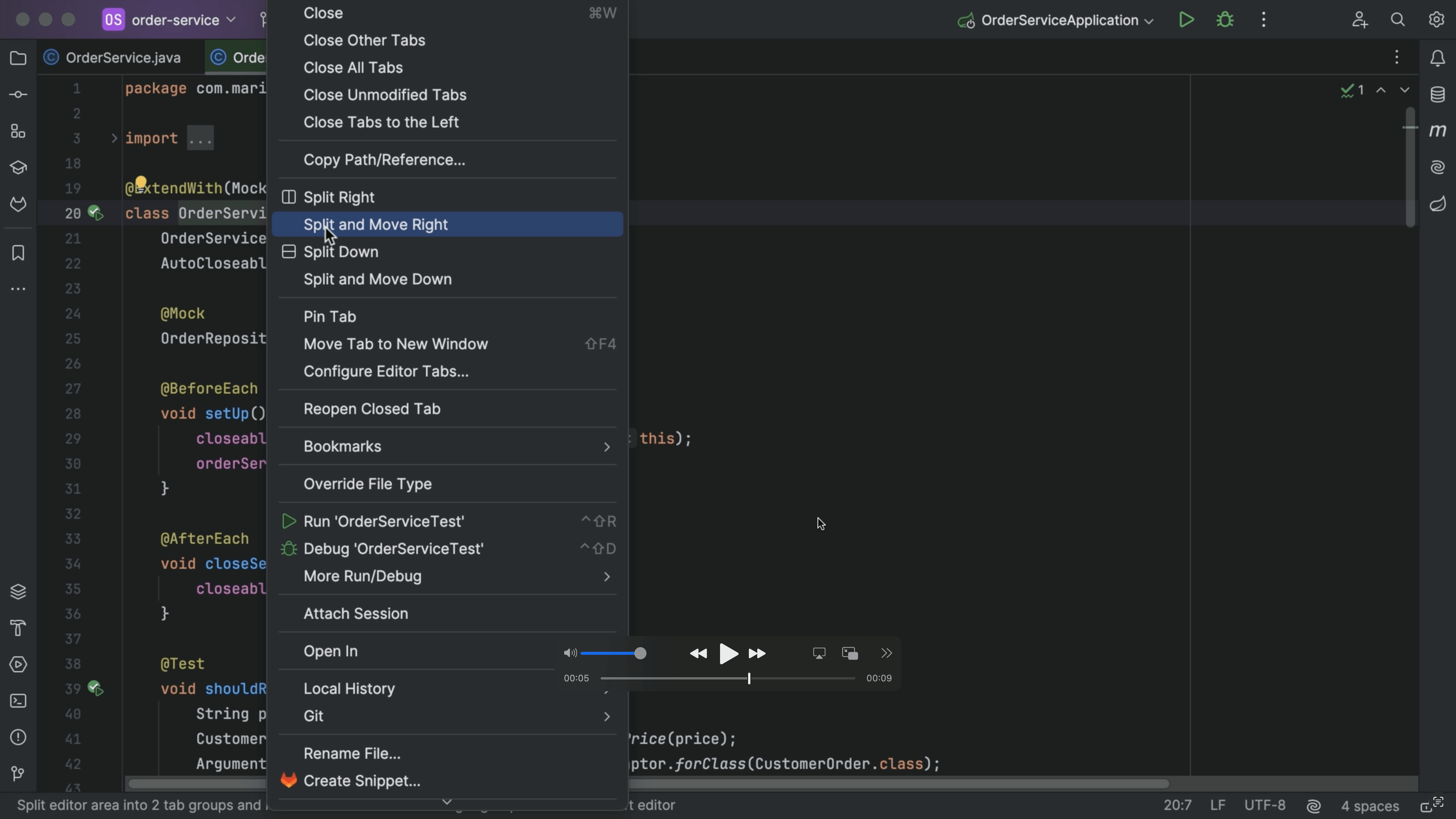
Split and move right

Tip

Split and move right
View two files side by side
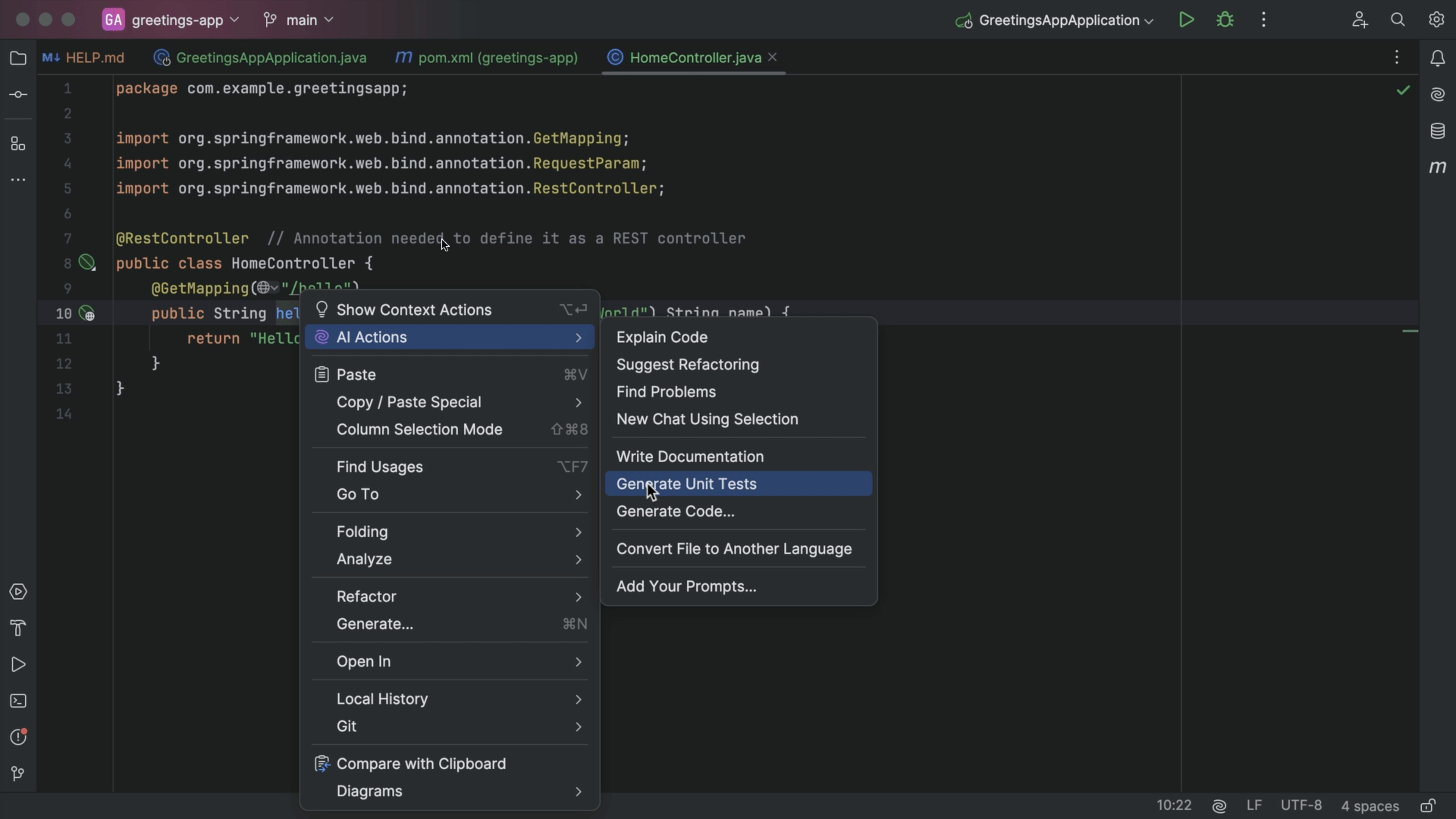
Generate Unit Tests

Tip

Generate Unit Tests
Generate unit tests with AI Assistant.
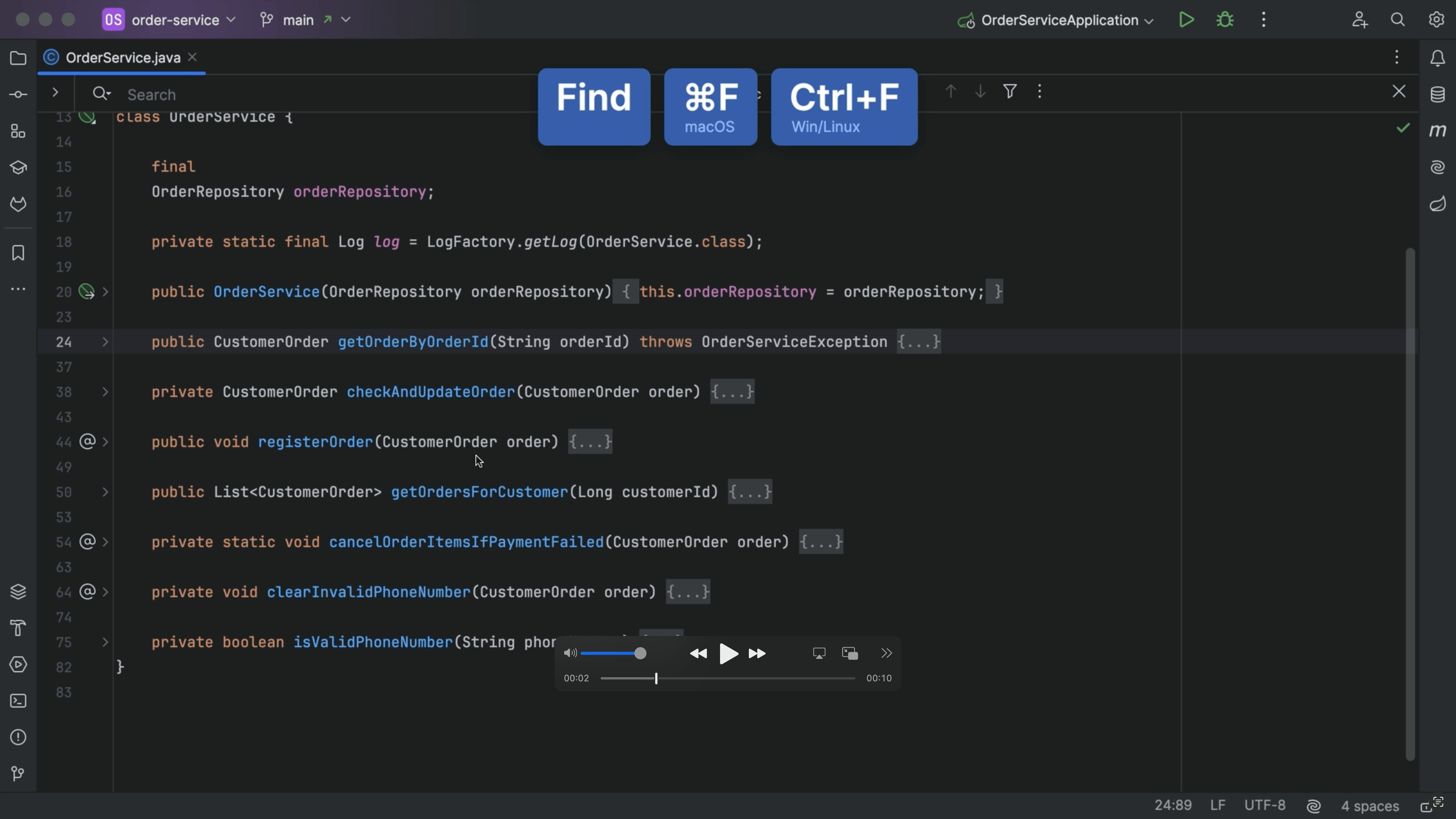
Find in File

Tip

Find in File
Find a specific name or string in your file.
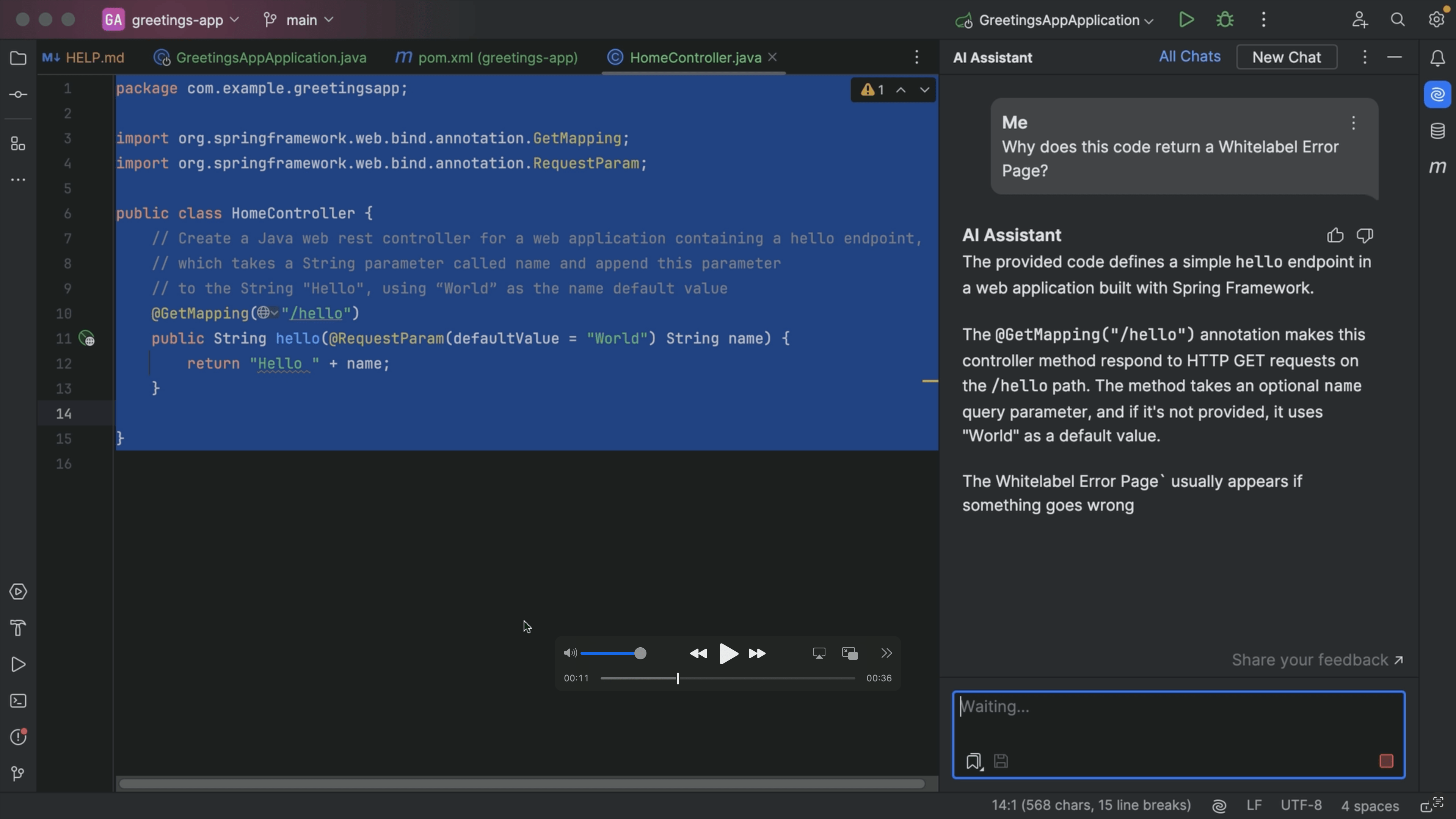
AI Assistant Chat

Tip

AI Assistant Chat
You can chat with JetBrains AI Assistant right inside the IDE.
JetBrains AI Guide: How to Use AI in Your IDE

Channel

JetBrains AI Guide: How to Use AI in Your IDE
Learn how to use JetBrains AI features – from smart coding assistance to autonomous agents.
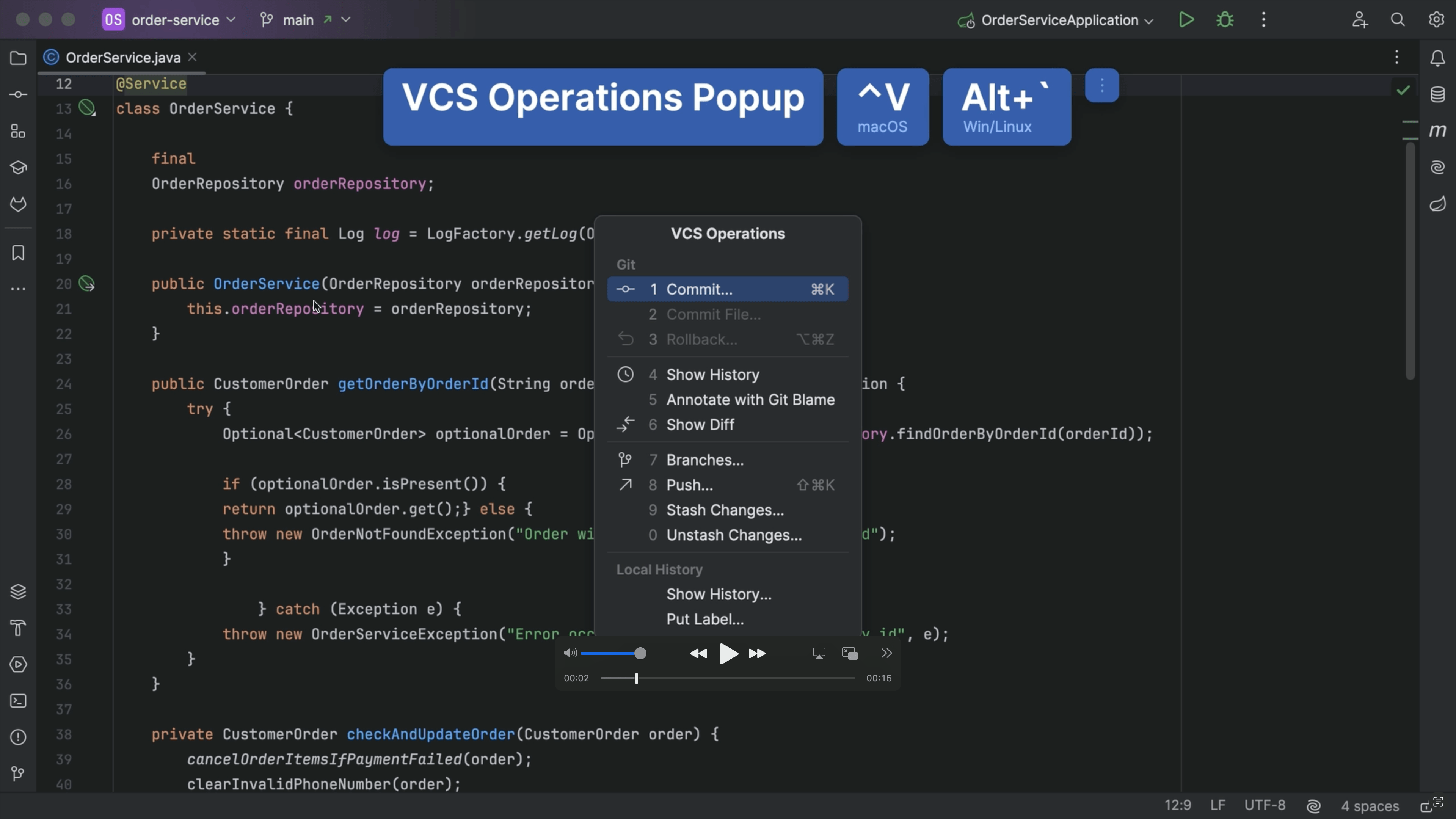
VCS Popup

Tip

VCS Popup
Open VCS actions using keyboard shortcuts to save time.
Search Collapsed Code

Tip

Search Collapsed Code
Search all your code, including collapsed code to find what you need.
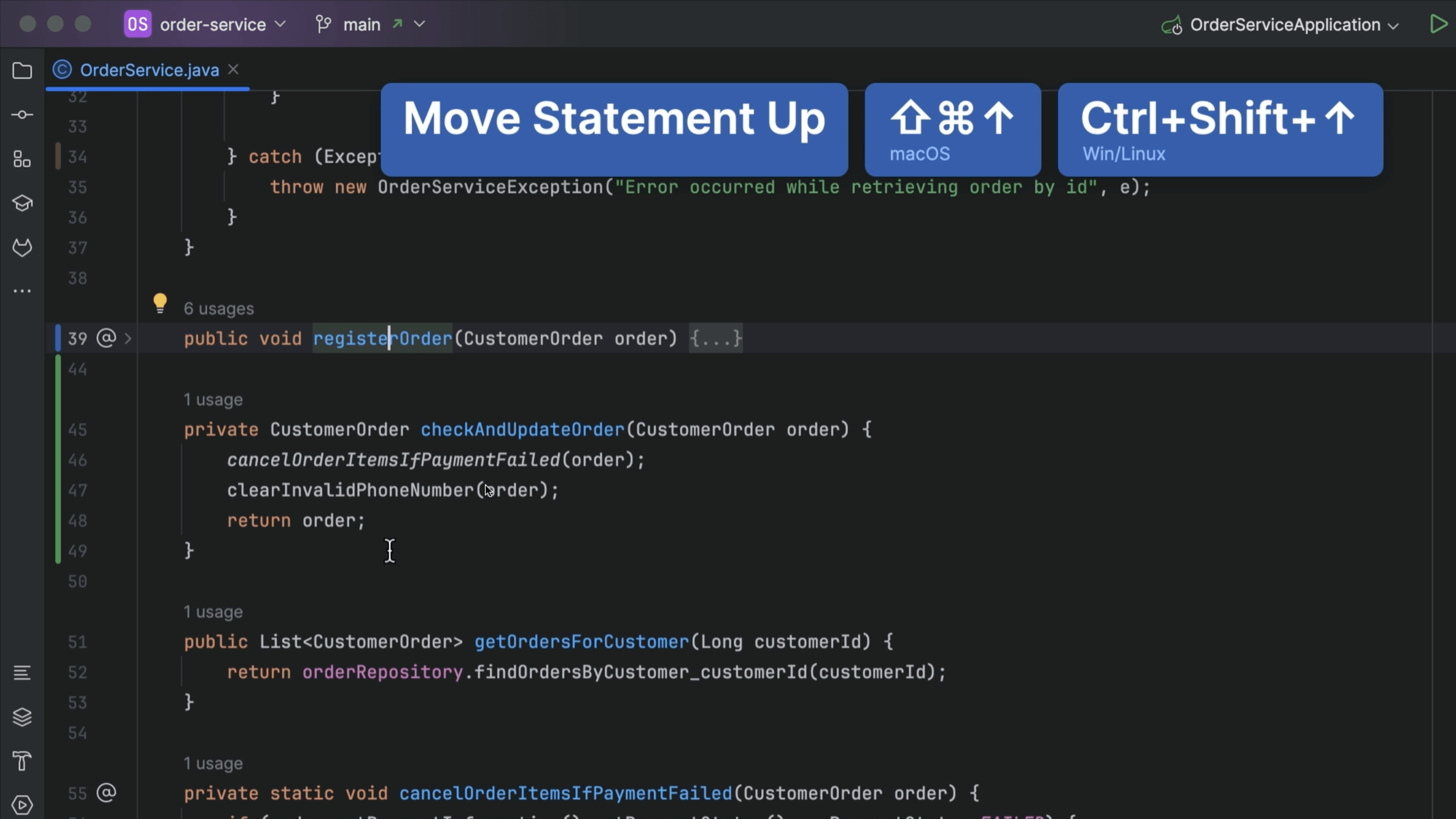
Move Statement

Tip

Move Statement
Move a statement up or down within the same scope.
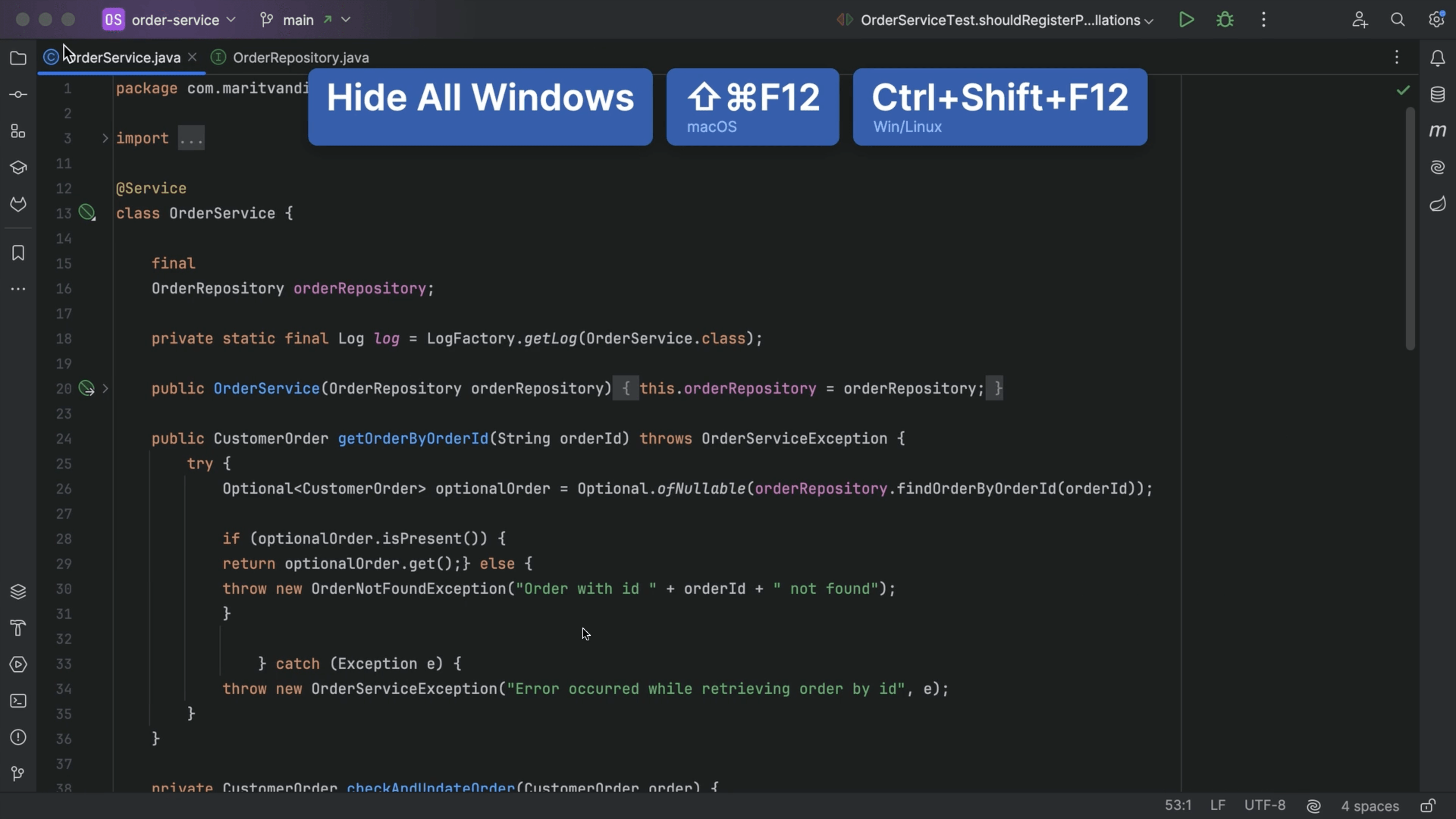
Hide Tool Windows

Tip

Hide Tool Windows
Hide or restore all tool windows so you can keep your IDE exactly how you like it.
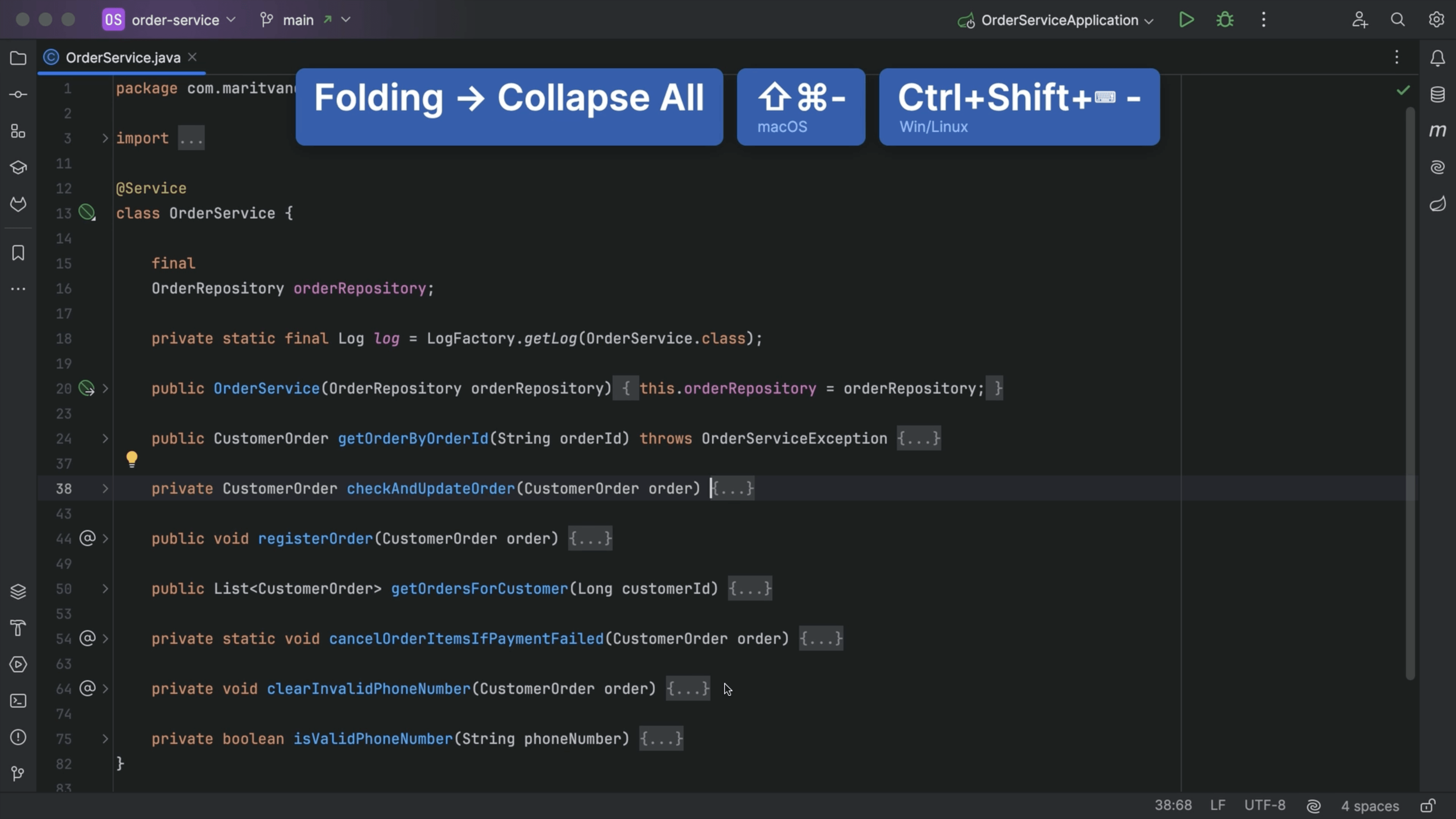
Expand and Collapse Code

Tip

Expand and Collapse Code
Quickly view specific parts of a class by expanding or collapsing code blocks.
Close Tabs

Tip

Close Tabs
Close inactive tabs so you an focus on your current working context.